Secure and dependable 3D printers.
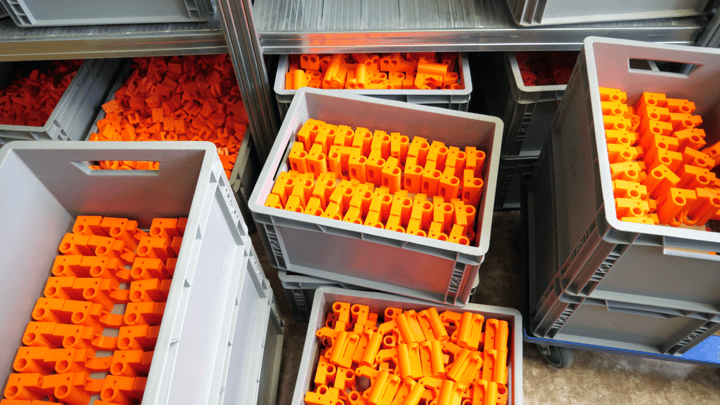
We print 1 million production parts. Every month!
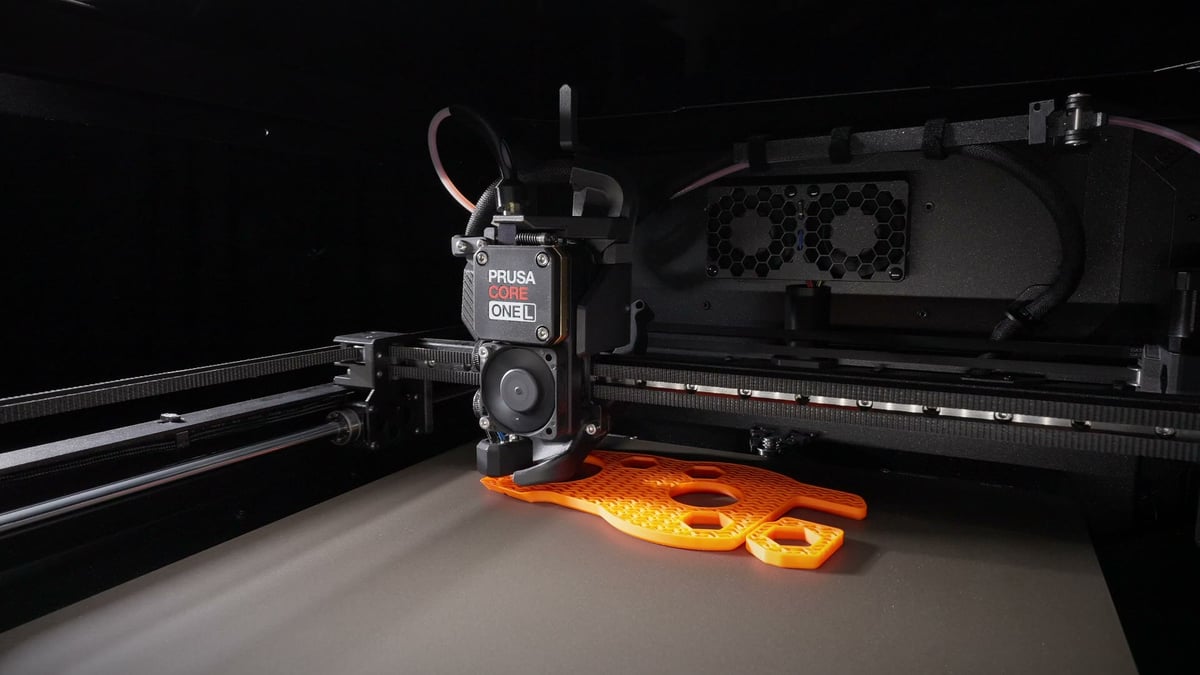
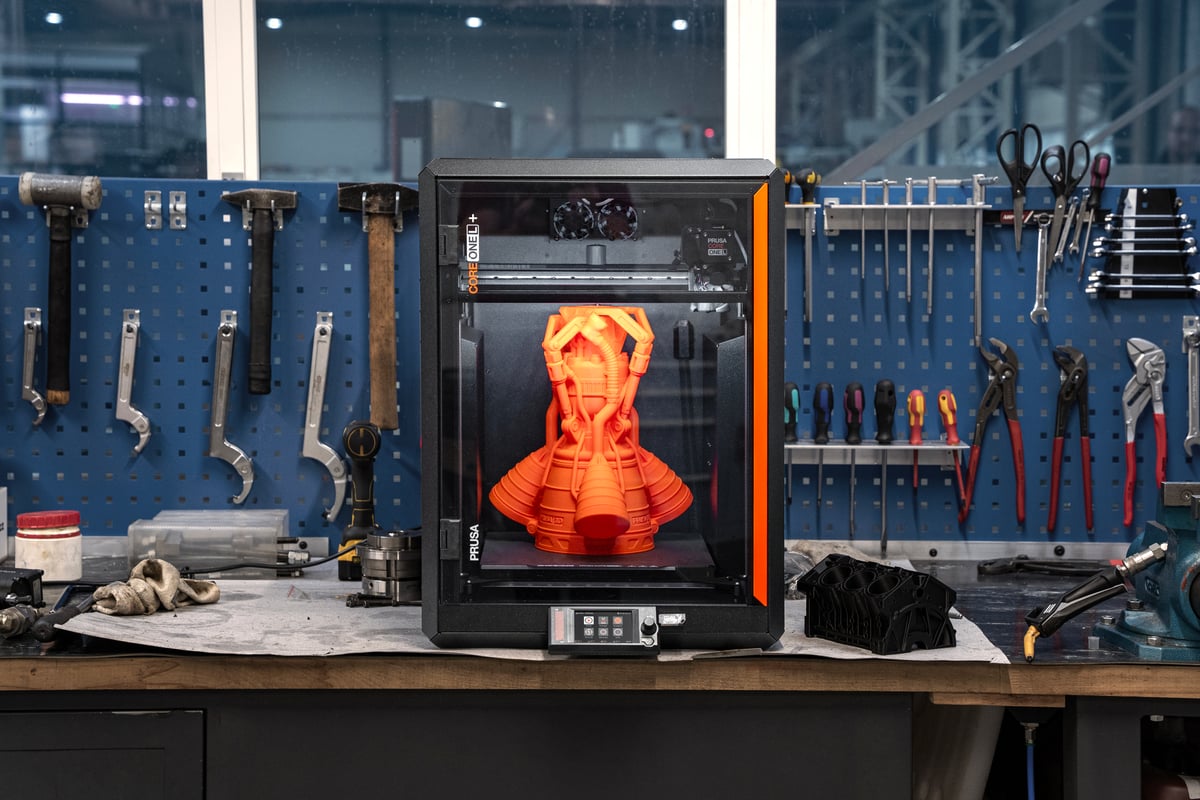
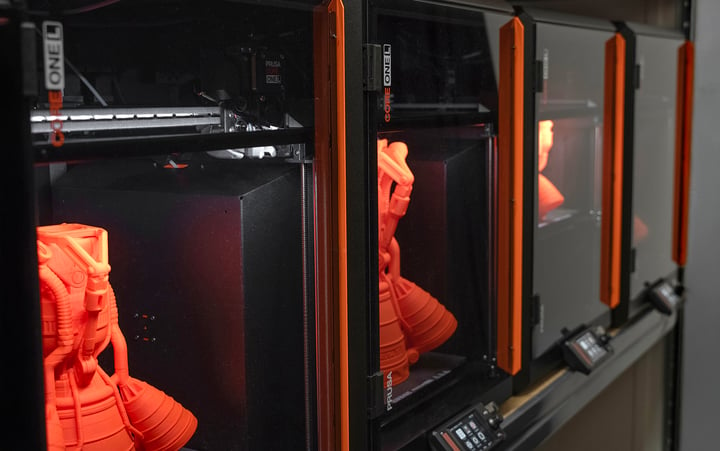
Close-up footage inside a Prusa CORE One L: the print head tracking back and forth over the steel sheet, laying down an orange part layer by layer.
PRUSA is a European-American company making 3D printers since 2012.
Headquartered in Prague, CZ and Wilmington, USA.

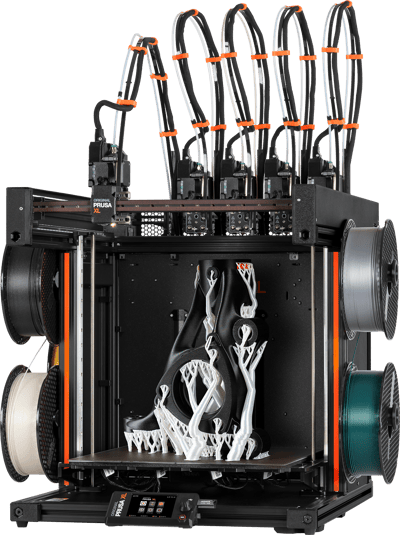
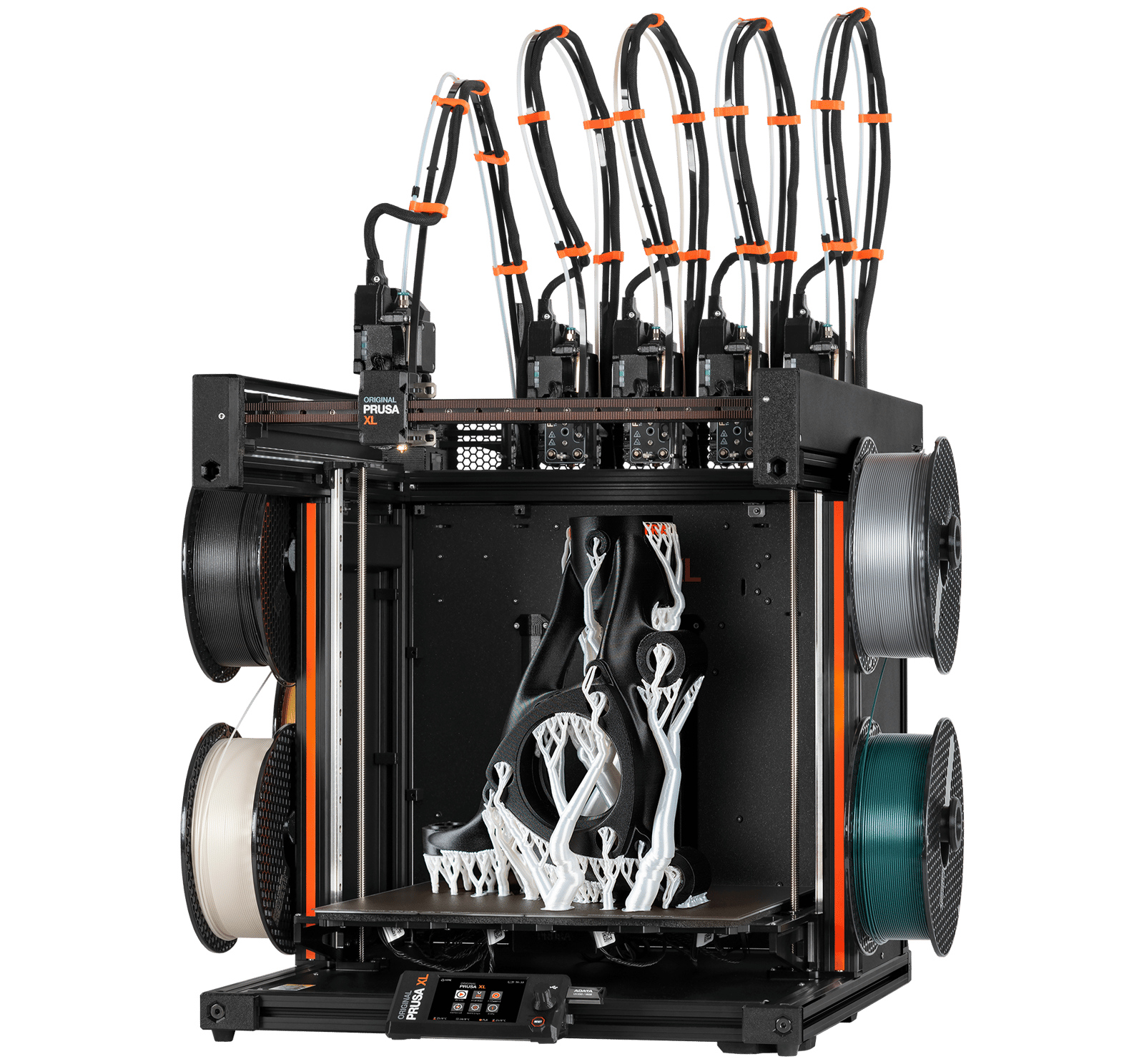
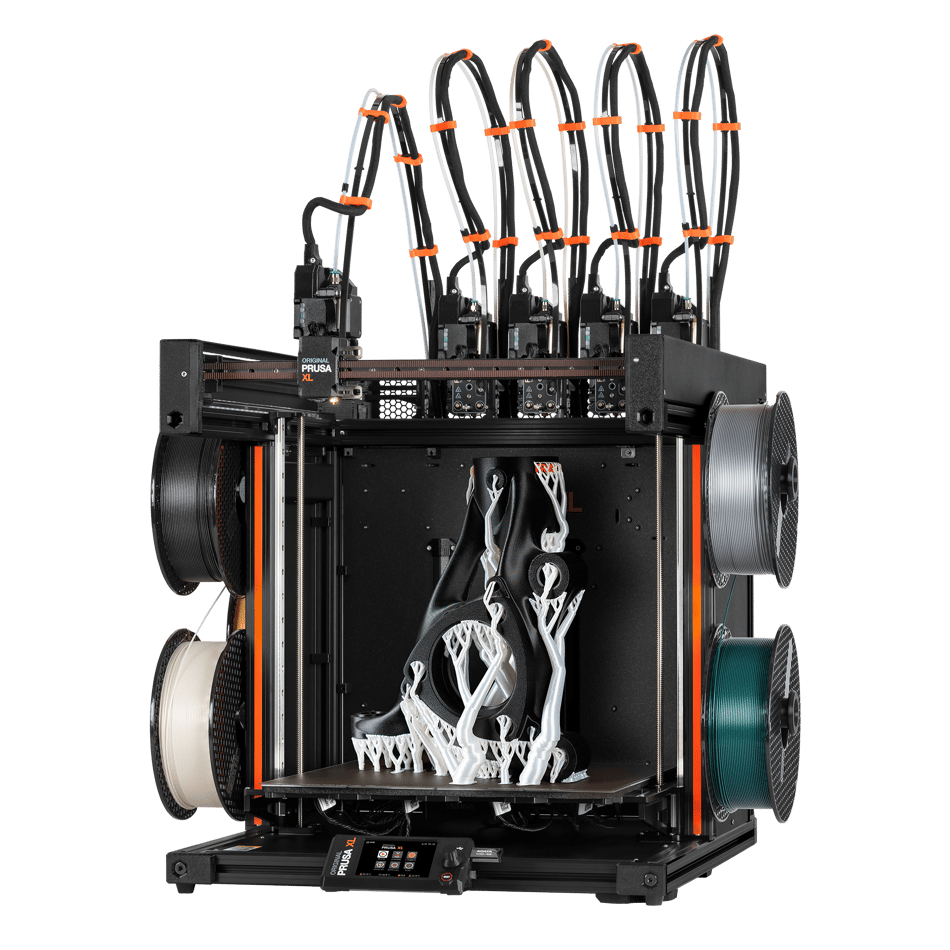
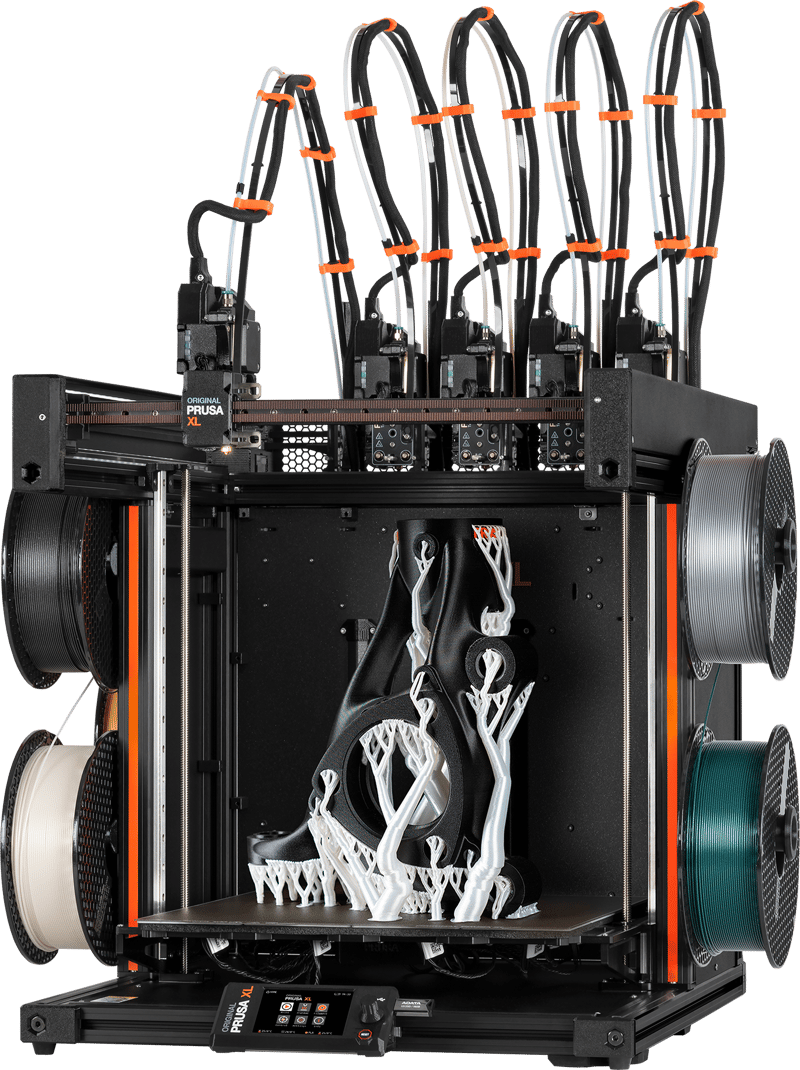
Prusa XL+ 3D Printer
Largest toolchanger on the market.
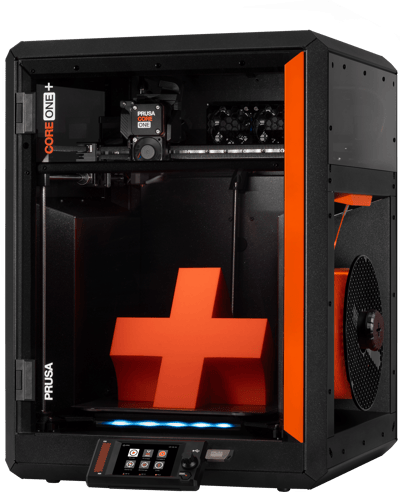
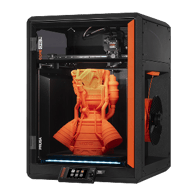
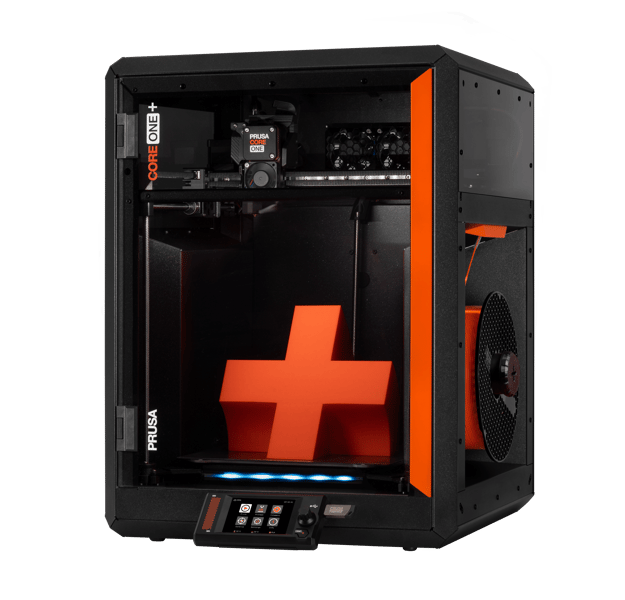
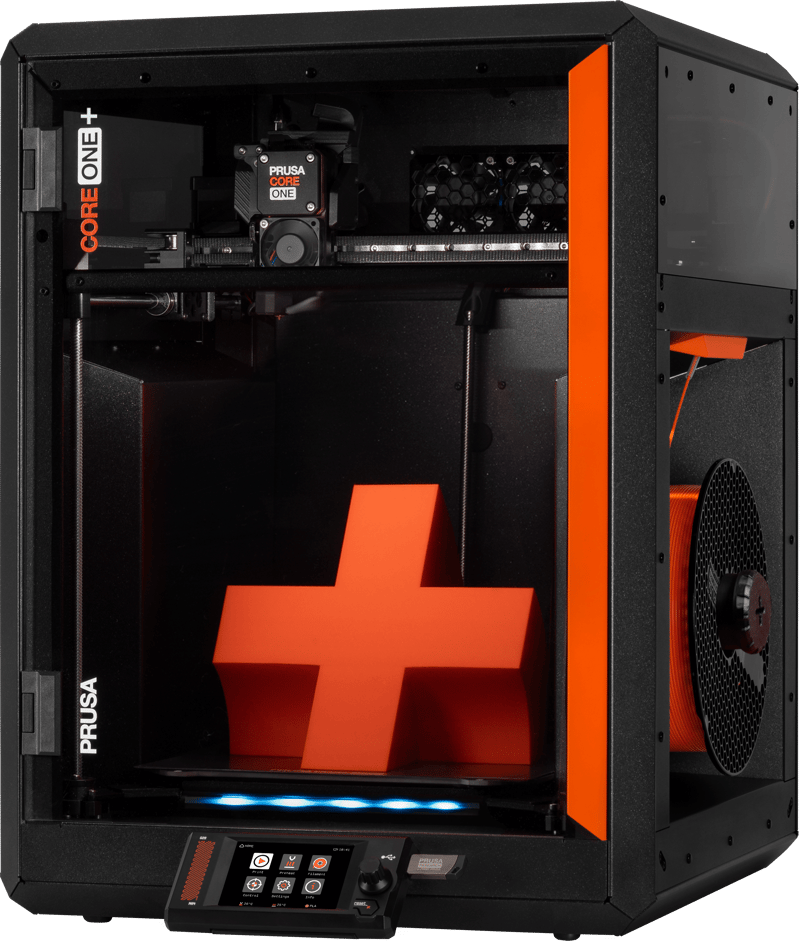
CORE One+ (Gen 2)
Enclosed CoreXY, ready to print or as a kit.
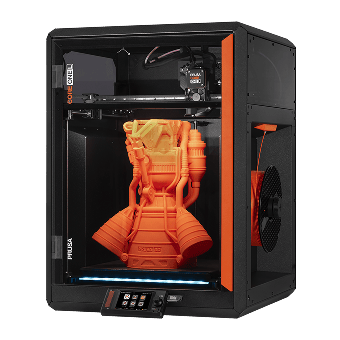
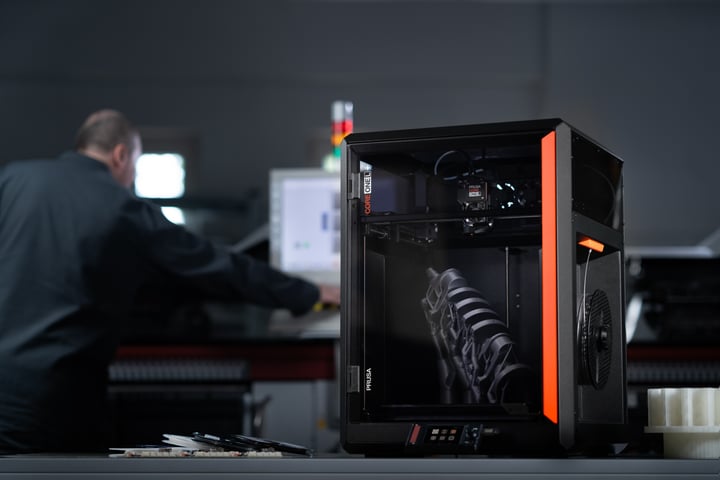
CORE One L+
The larger enclosed CoreXY, for bigger parts.
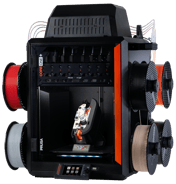
CORE One+ (Gen 2) INDX 8‑Tool
The CORE One+ with the eight-tool INDX changer.
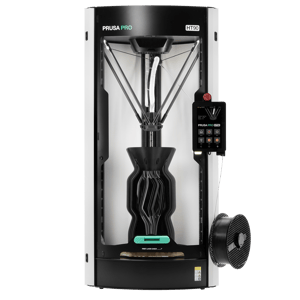
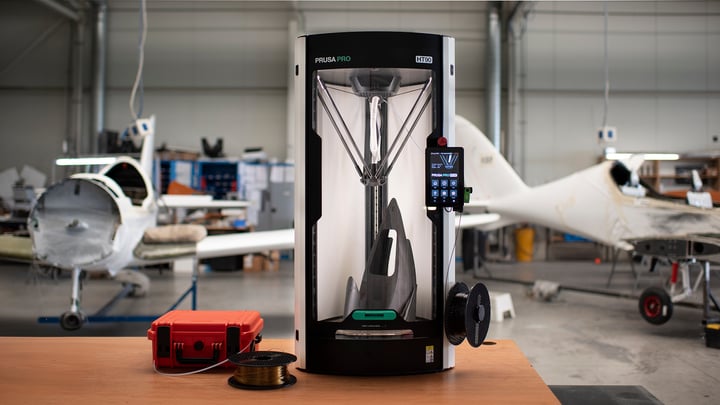
Pro HT90
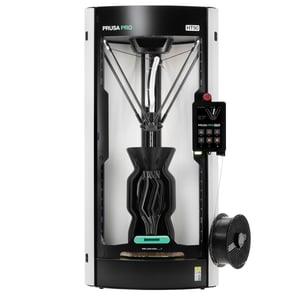
Large industrial printer, with a heated chamber that can reach up to 90 °C.
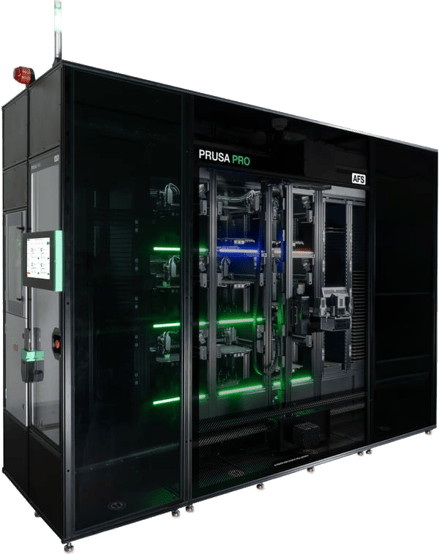
Pro AFS
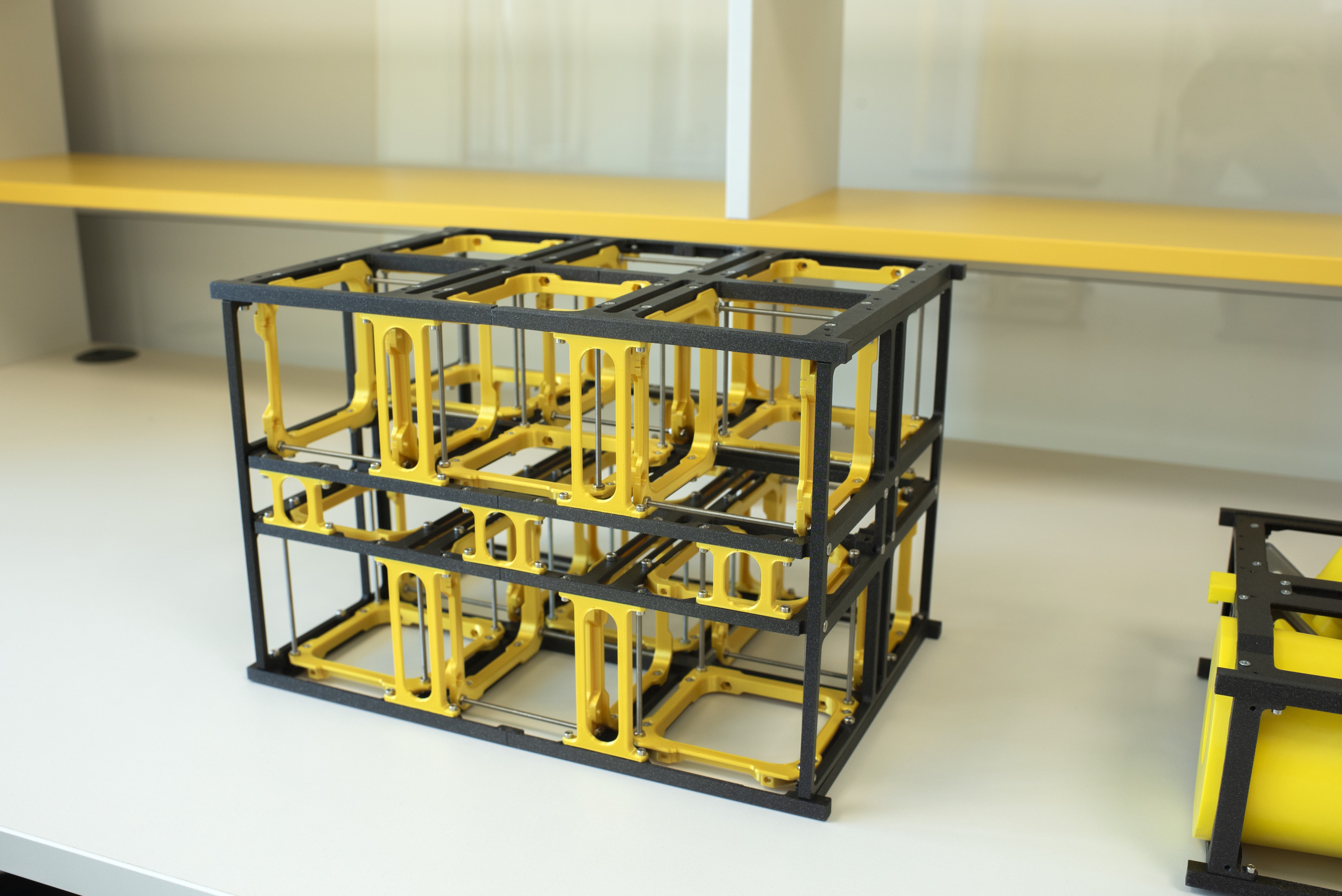
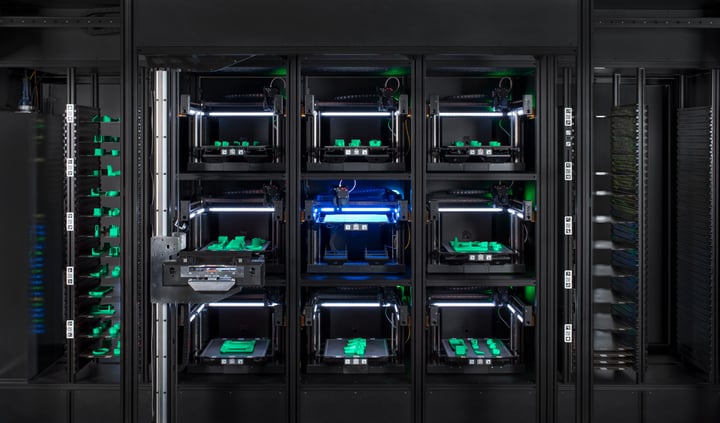
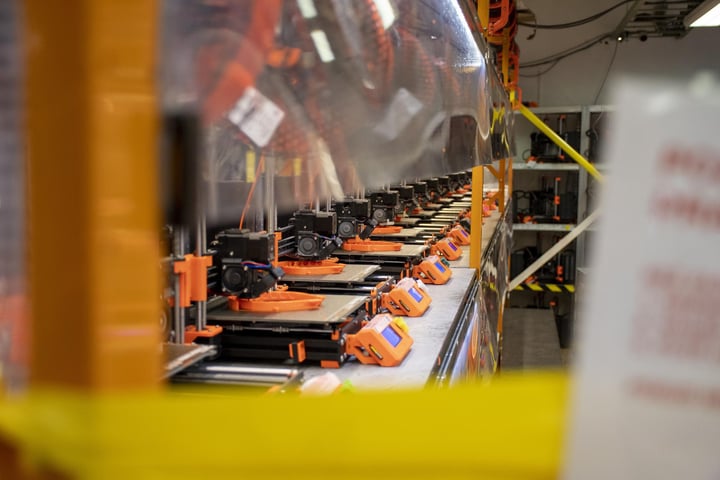
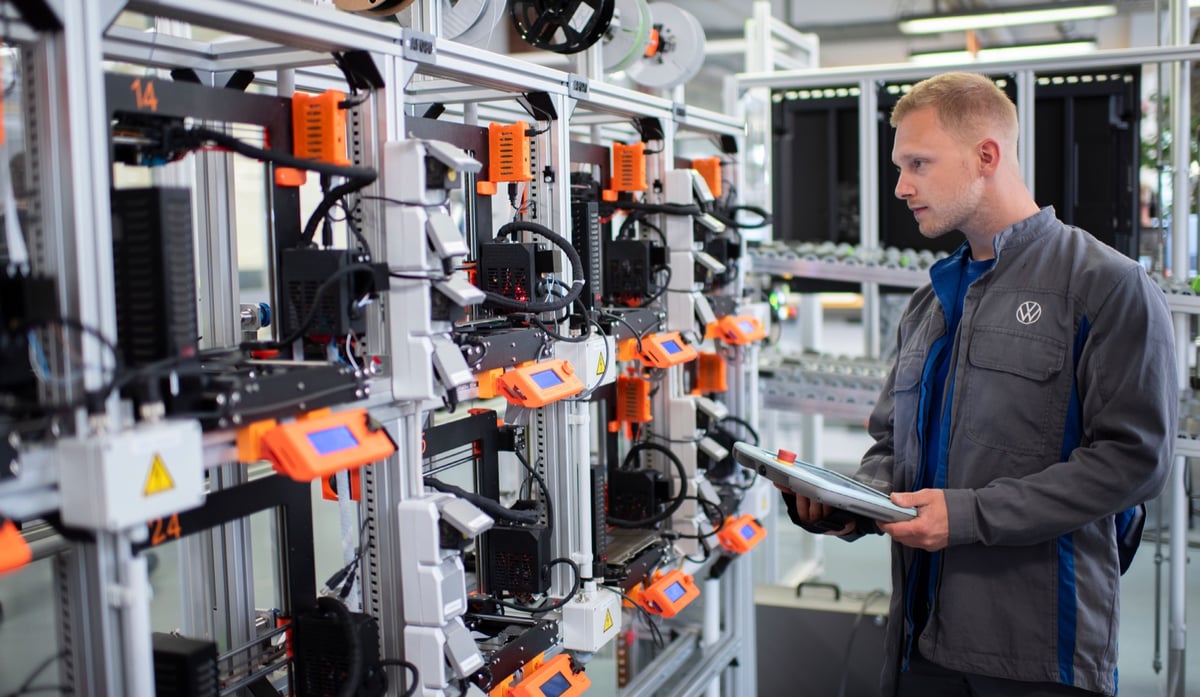
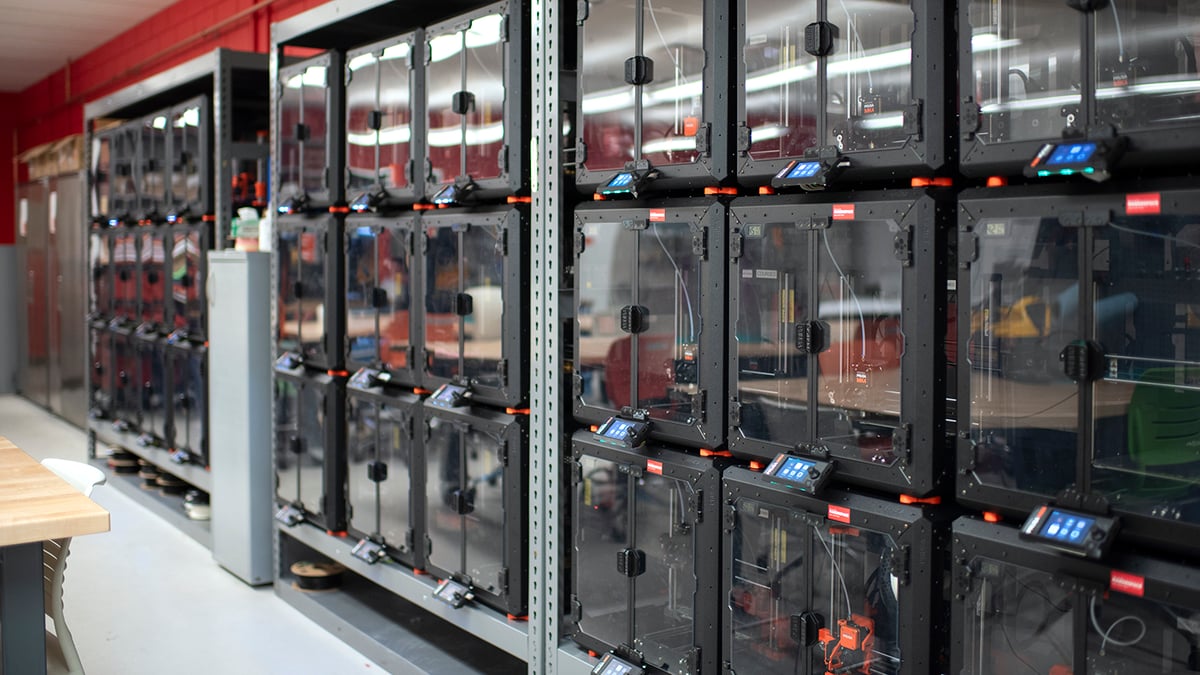
Automated Farm System: 9 CoreXY printers on shelves, and a robot arm that collects the prints.
All printers
3D printers for every kind of work, up to a print farm.




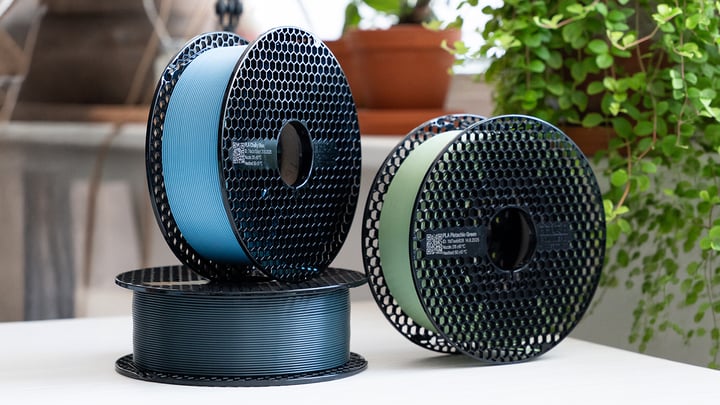
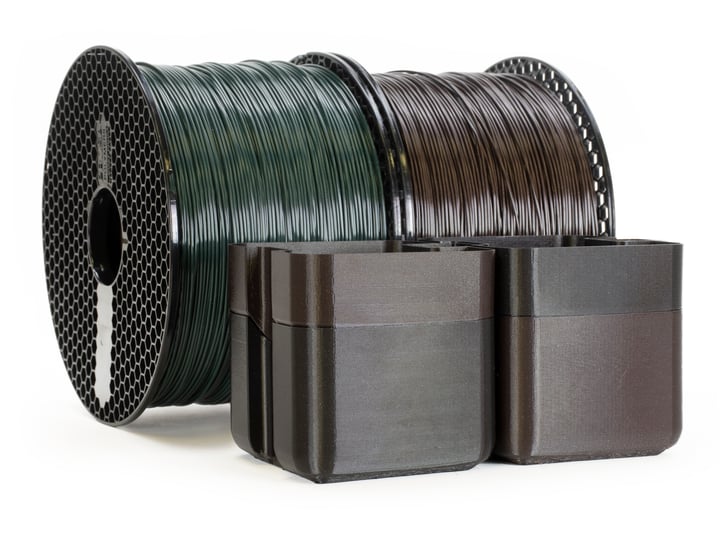
Prusament
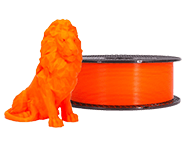
Premium-grade filament made in-house. Guaranteed color consistency and highest precision on the market.
Browse materials — Made and wound in-house.How Prusament is made — Made and wound in-house. (opens in a new tab)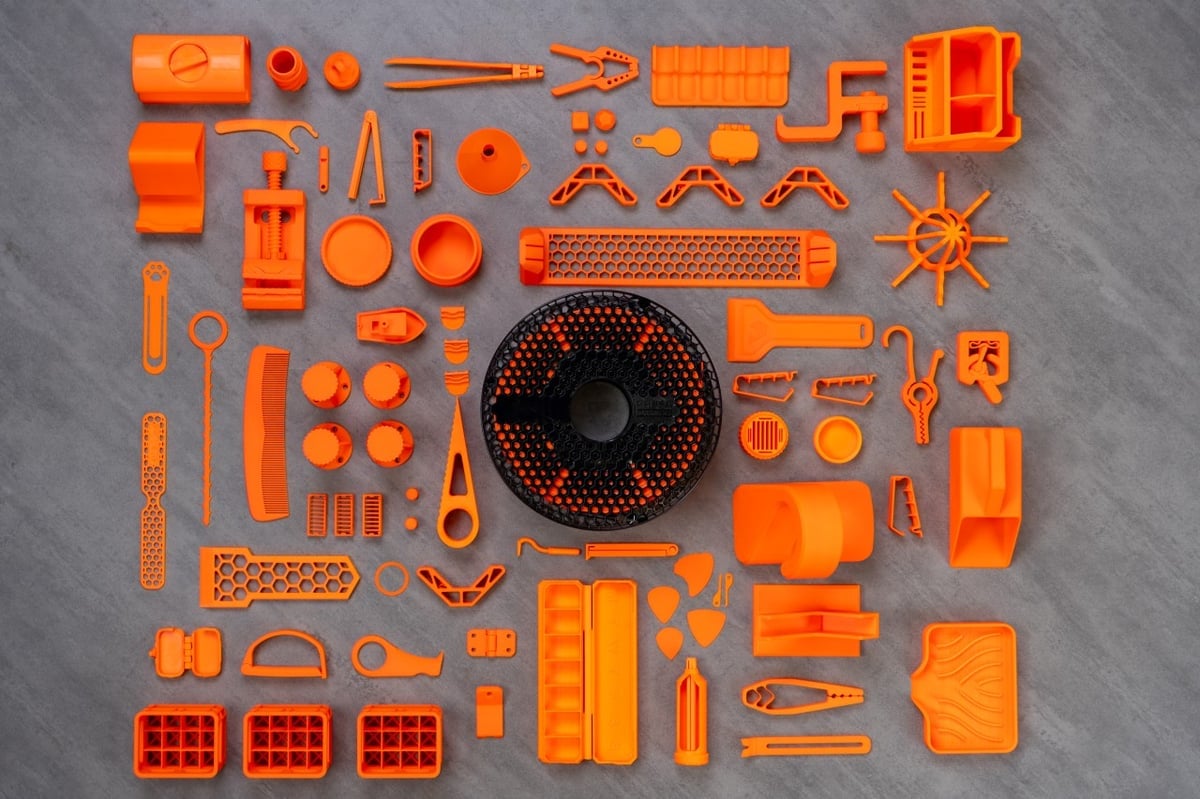
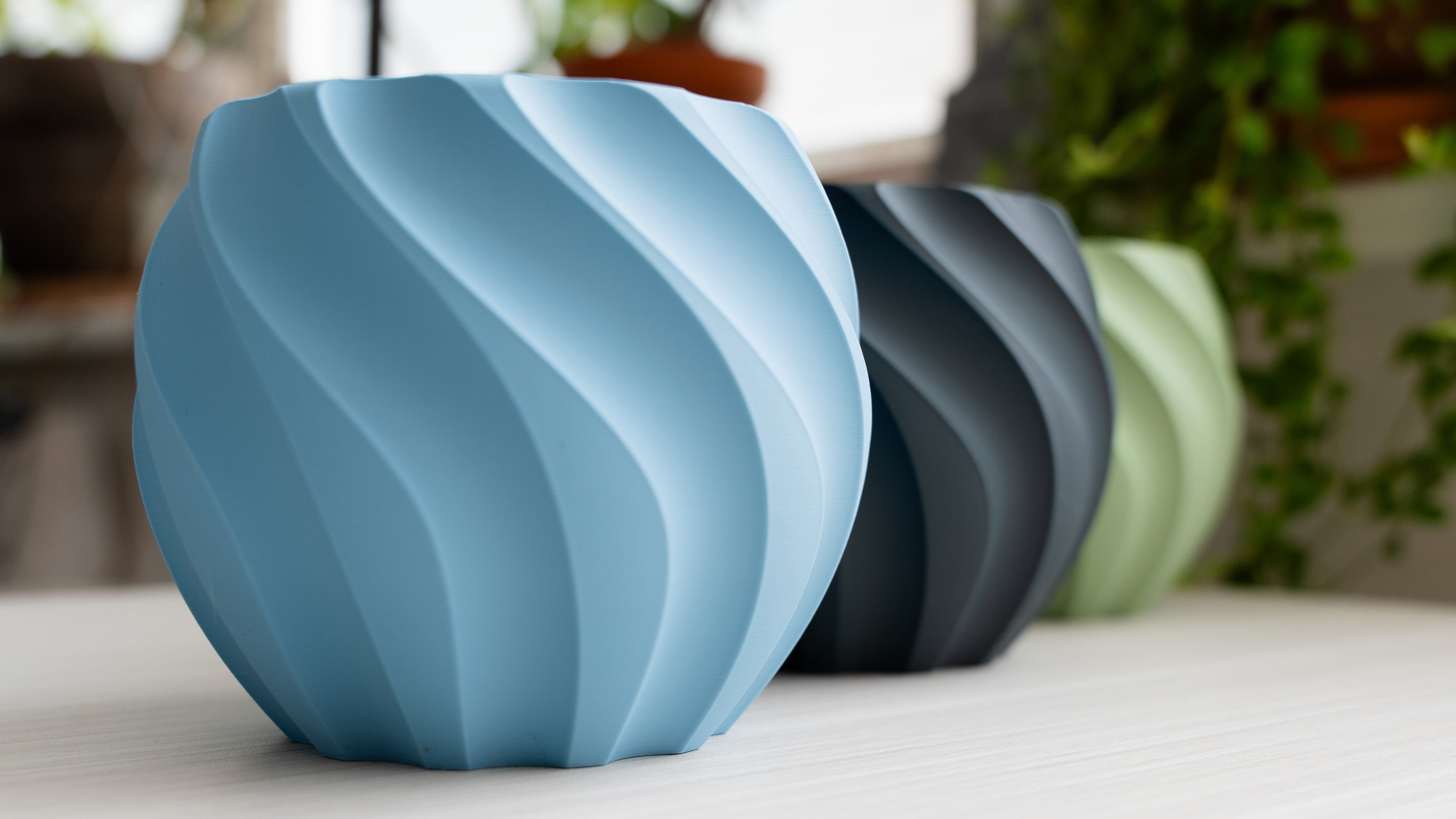
PLA - Most popular
Best looking prints
PETG - Everyday functional
For durable models
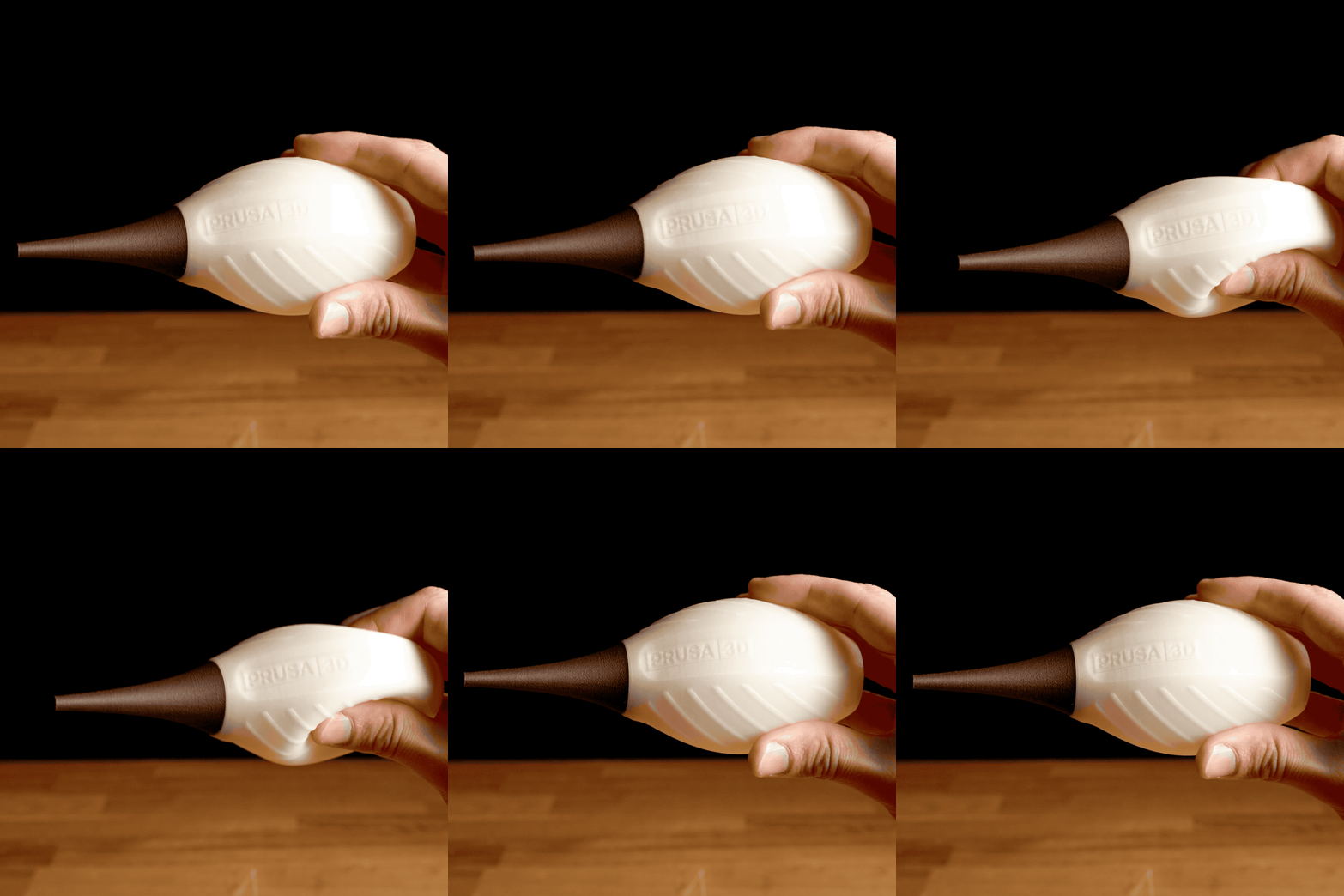
TPU - Flexible
Rubber like materials
ASA - Outdoor prints
UV stable, successor to ABS
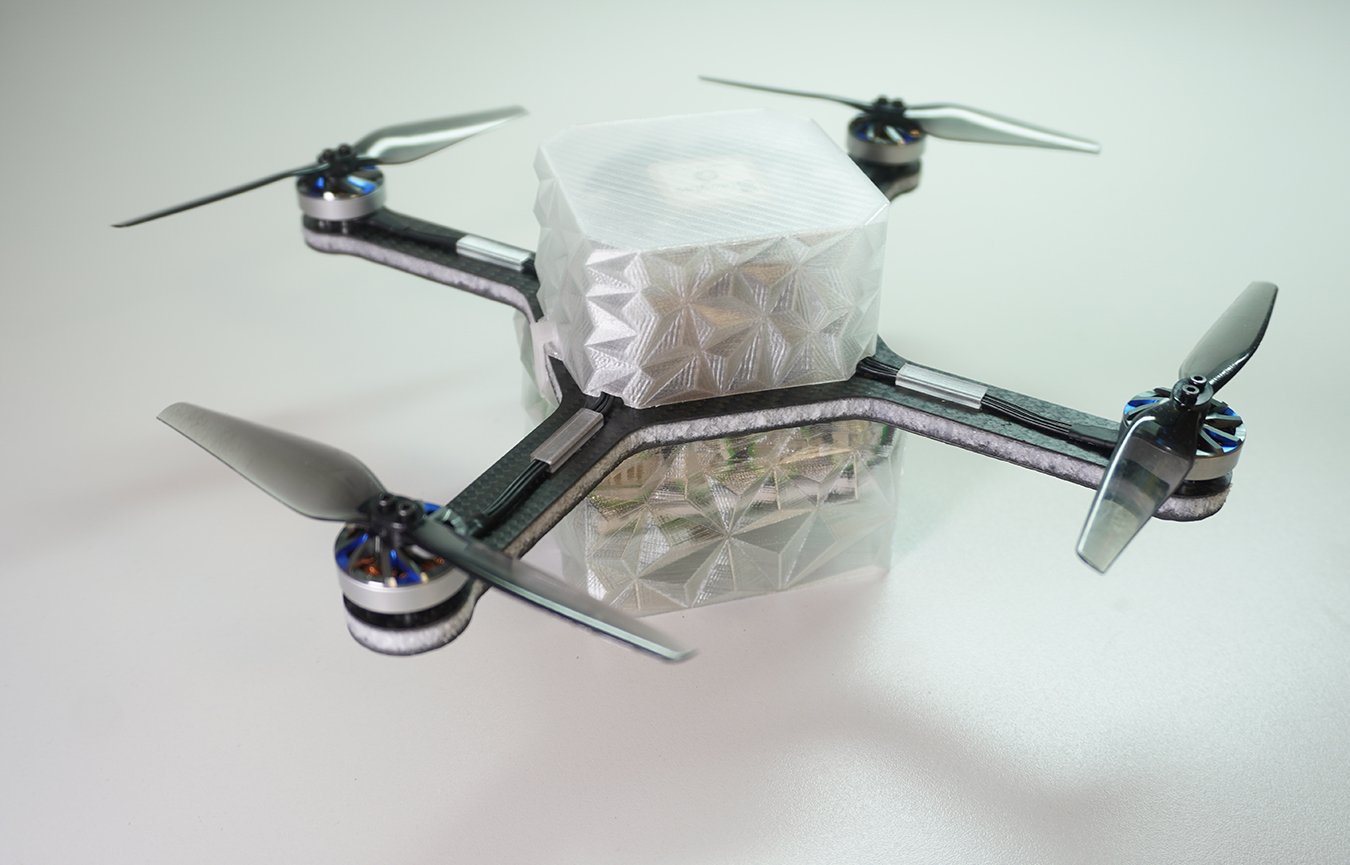
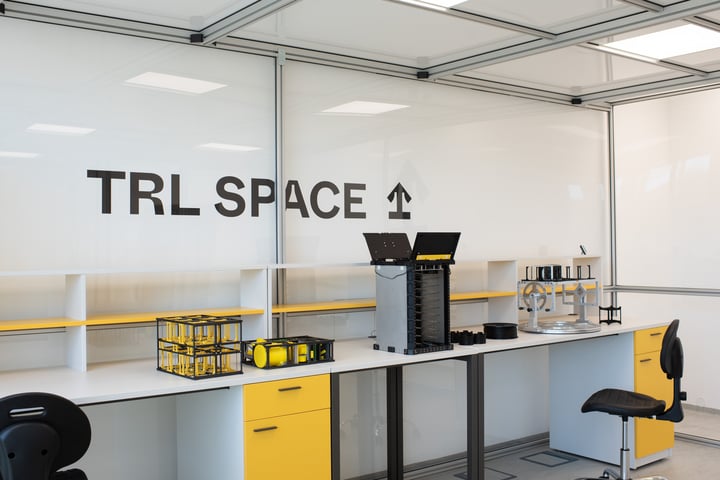
PC Space Grade - ESD‑safe
Ready for space
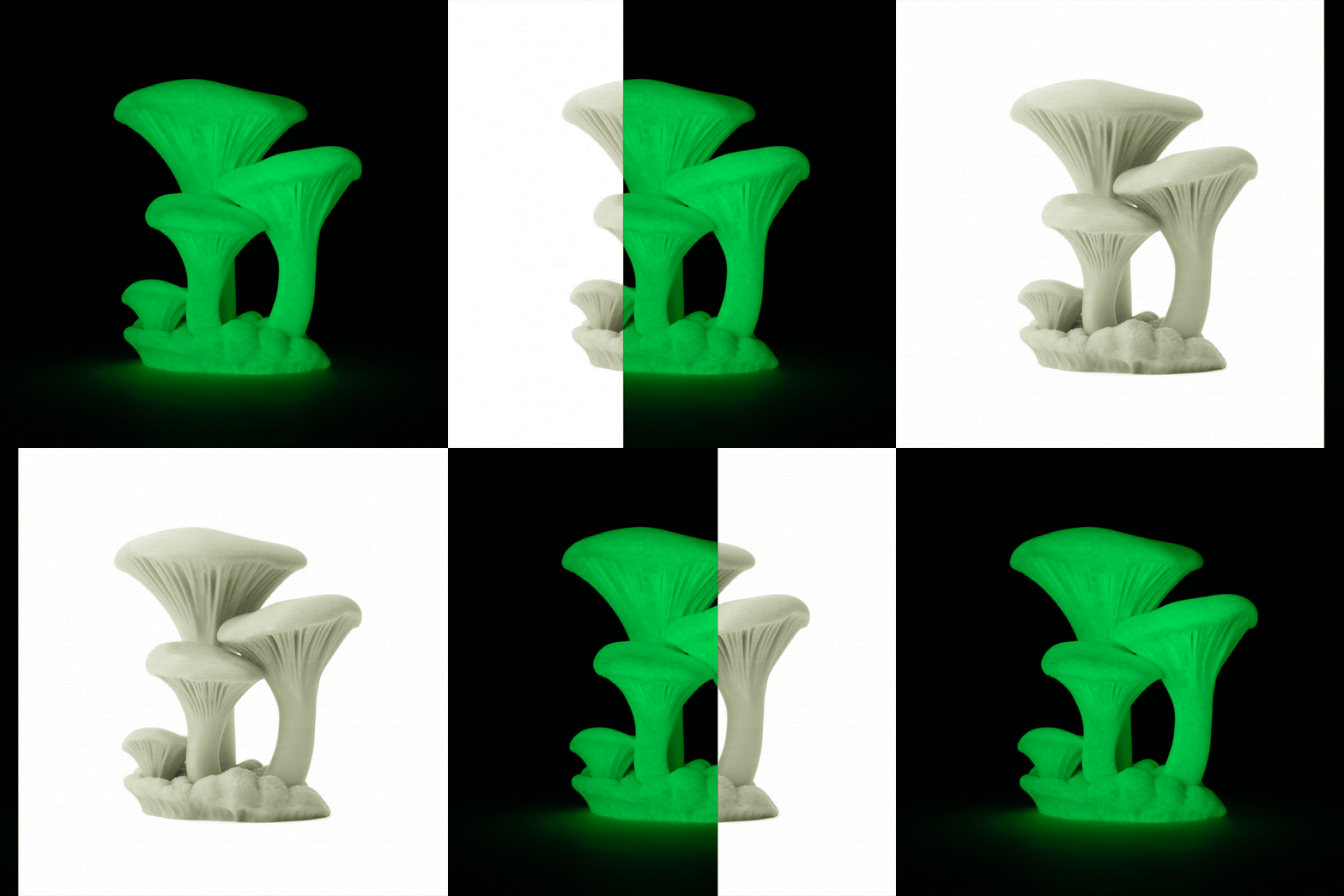
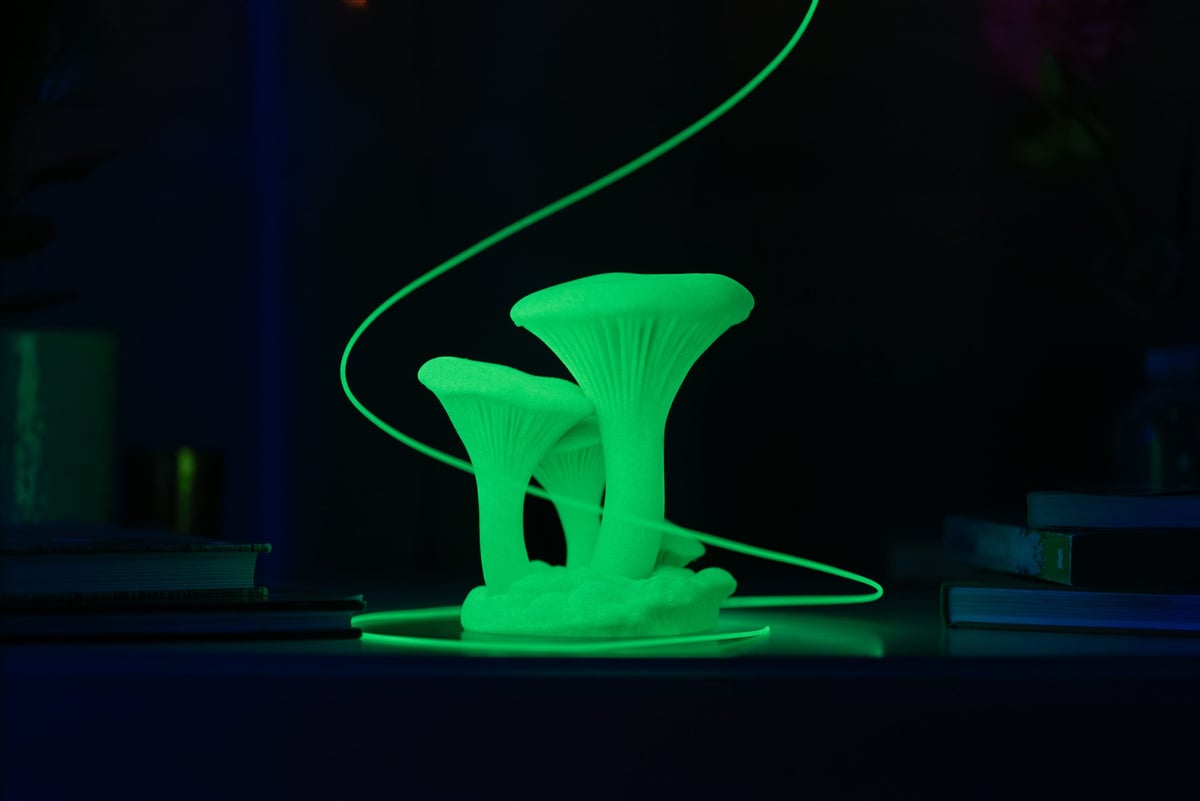
PETG Ultraglow
Brightest glow in the dark
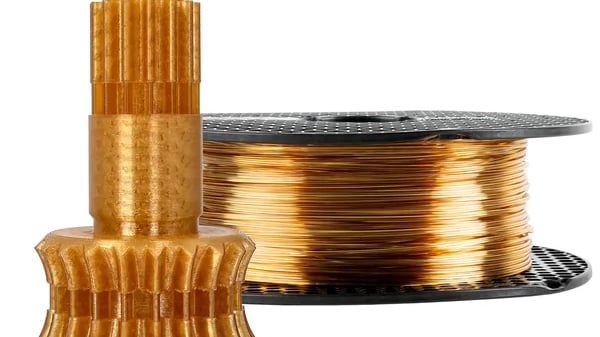
Woodfill - Invisible layers
Looks, smells and feels like wood

PEI 1010 - Industrial grade
PA11 Nylon, PEI and more
All materials









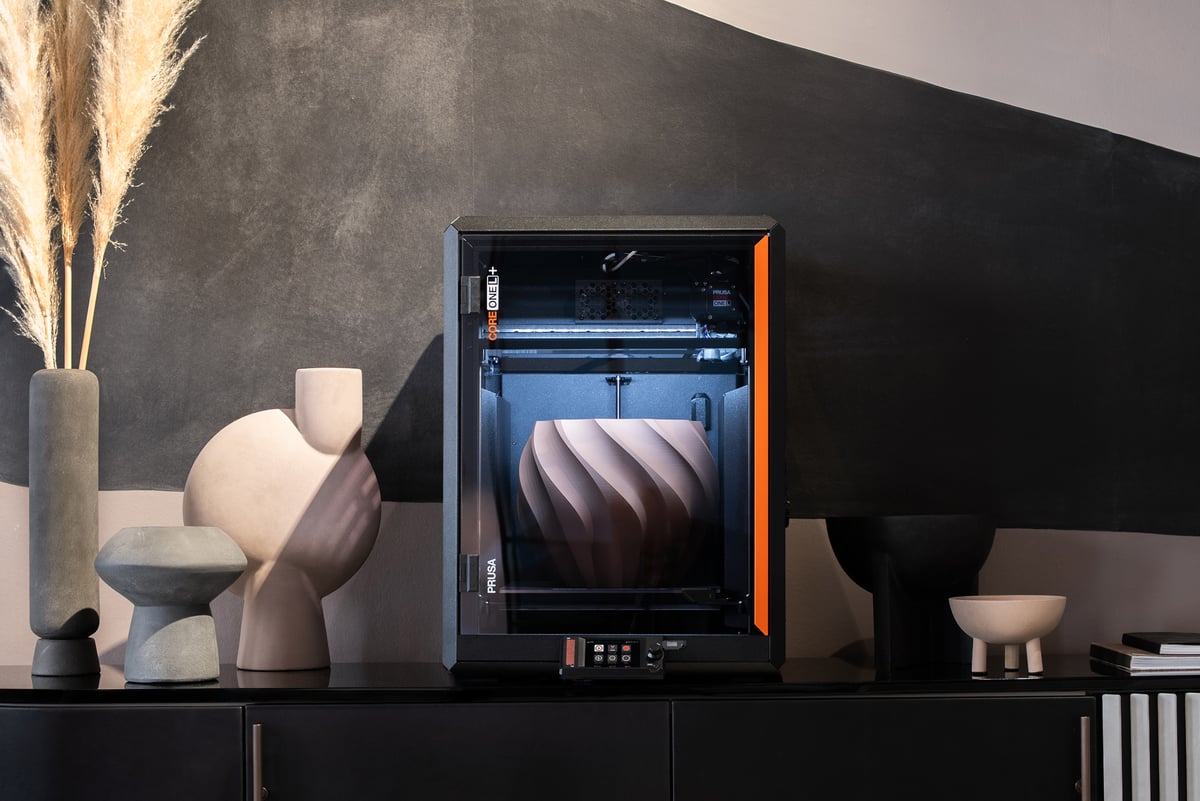
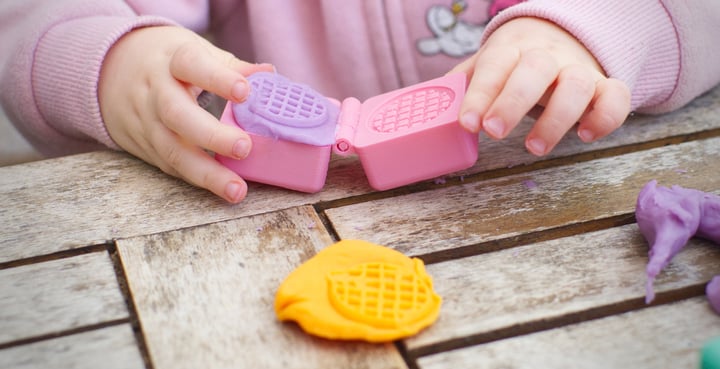
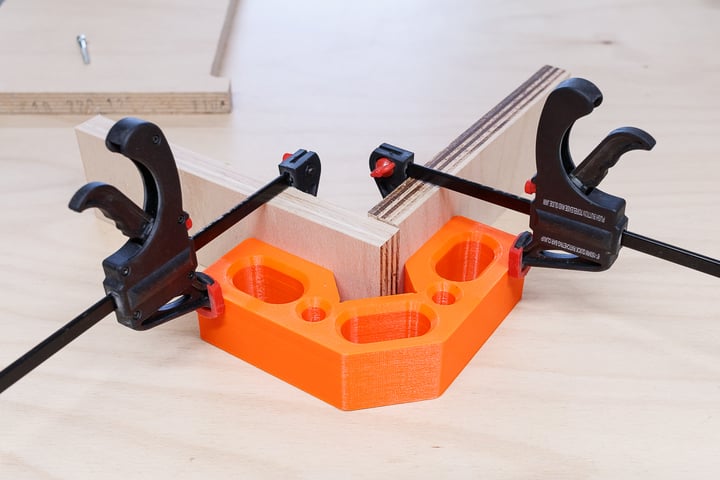
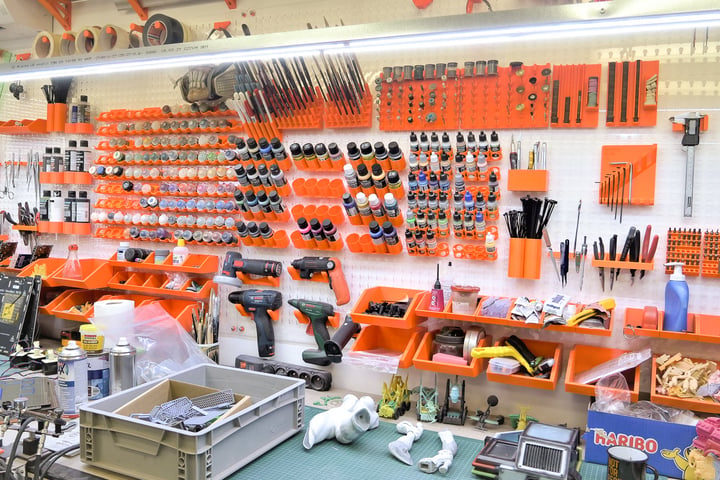
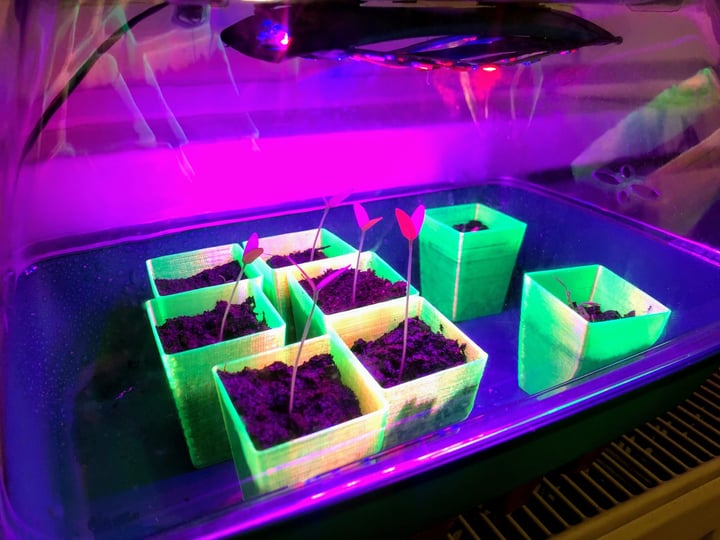
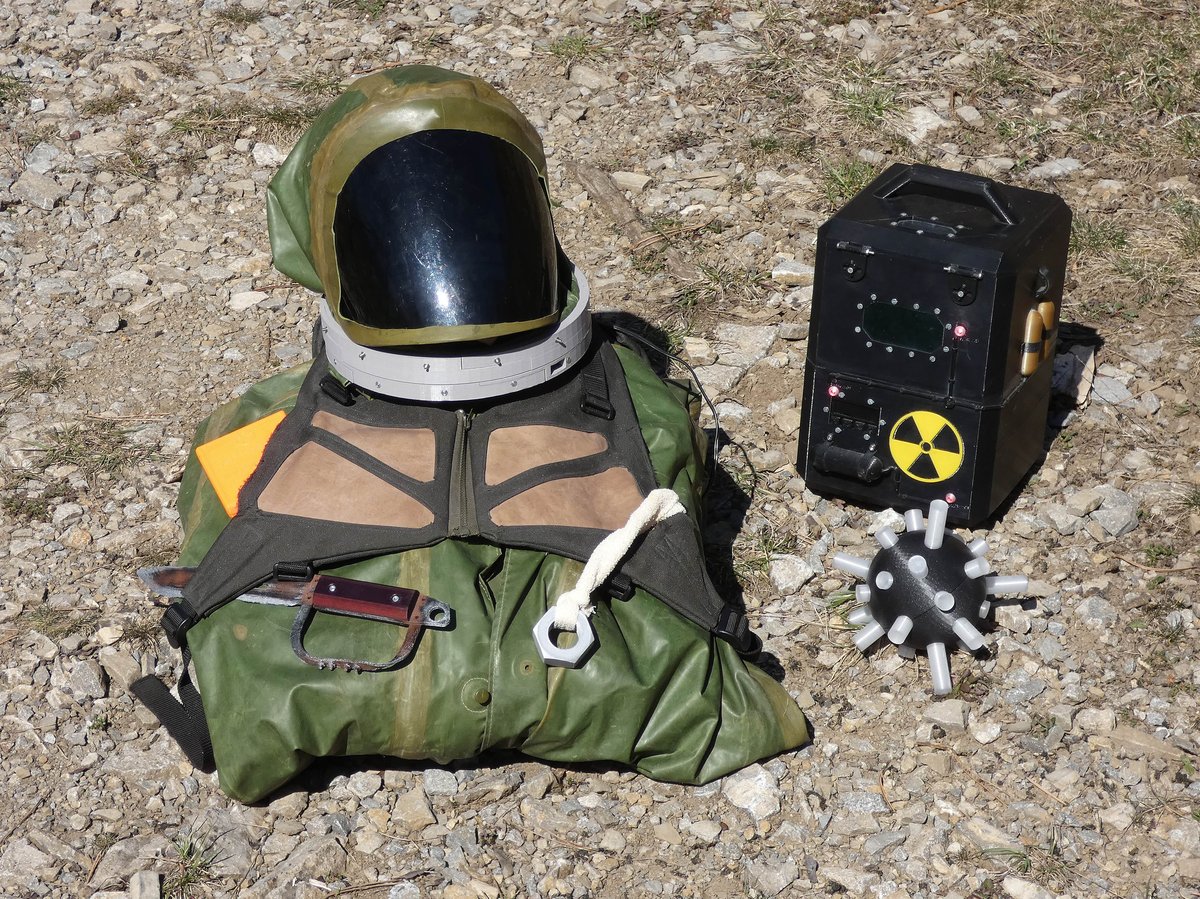
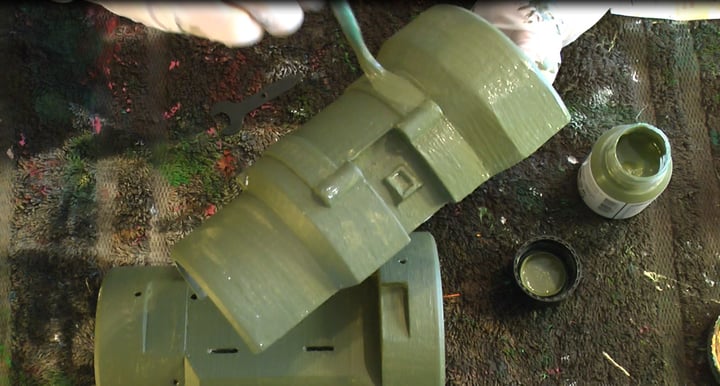
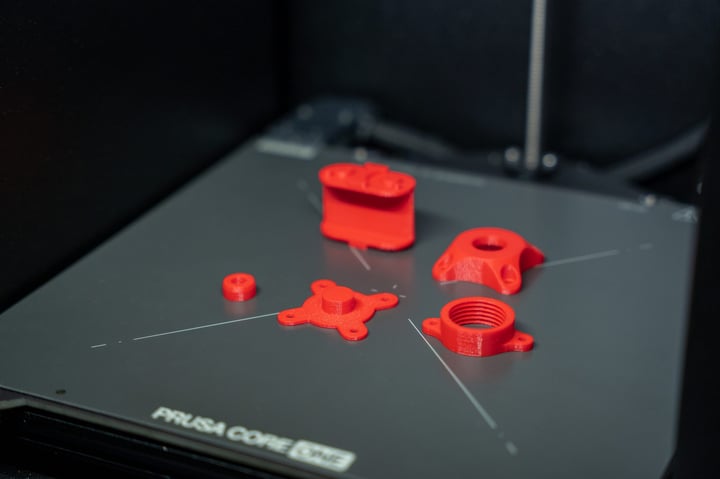
Discover what Prusa printers do for your home or workshop.
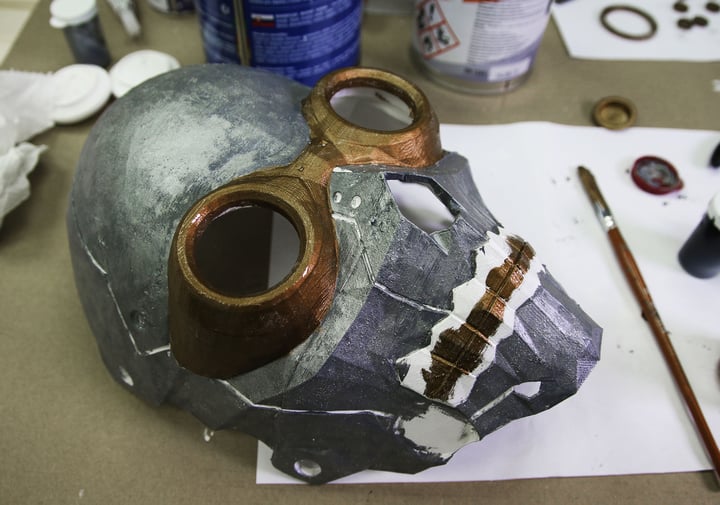
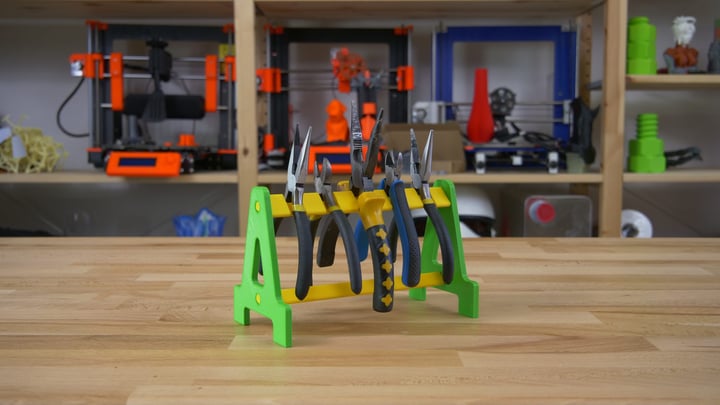
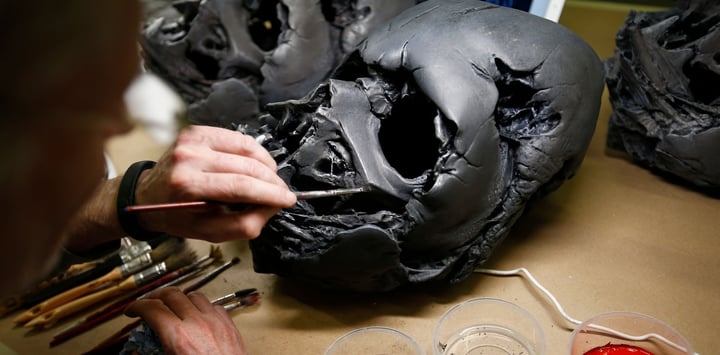
- Can't find the part? Print it.3D print organizers, spare parts, decorations, or props from your favorite movies and games.Read more
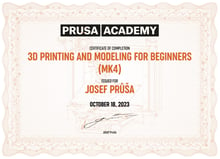
Learn it on Prusa Academy.
From your first successful print to designing your own models.
See the courses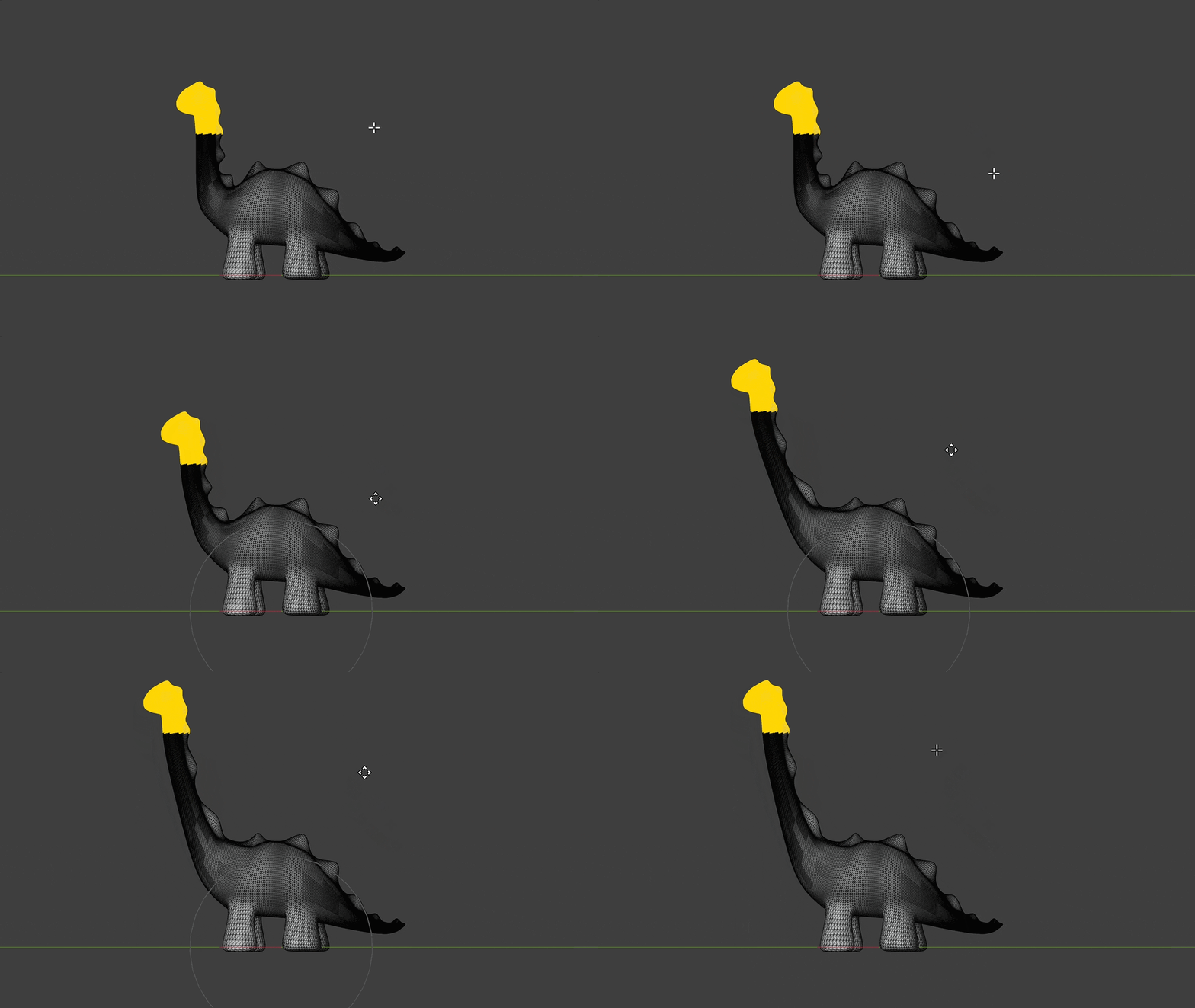
1,000,000+Models from
Something to print tonight.
You don't need to know CAD software to start printing. Millions of ready-made-models are free to download.


CORE One+ (Gen 2)
Enclosed CoreXY, ready to print or as a kit.
NewCORE One L+
The larger enclosed CoreXY, for bigger parts.
XL+
Largest toolchanger on the market.
MK4S
Open-frame, ready to print or as a kit.
MINI+
Our smallest open-frame printer, for a desk or a first printer.
All printers
3D printers for every kind of work, up to a print farm.




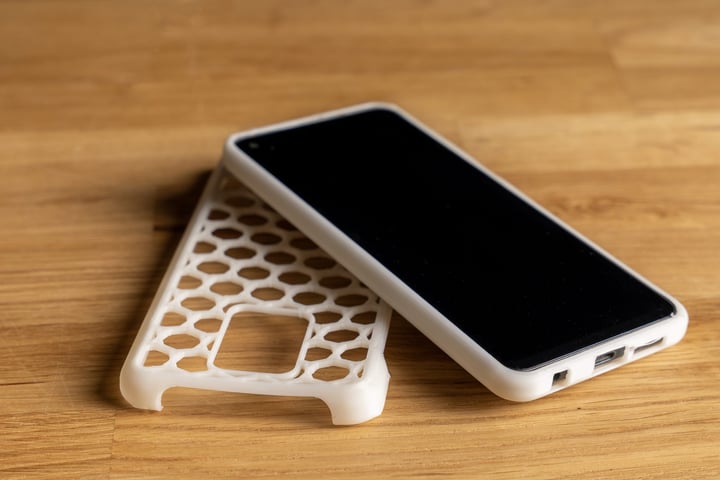

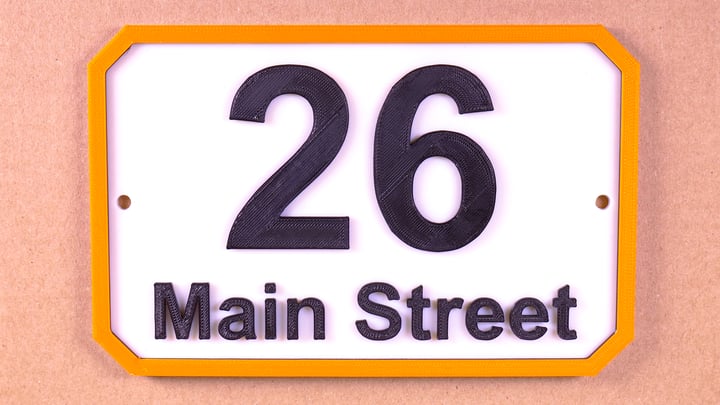




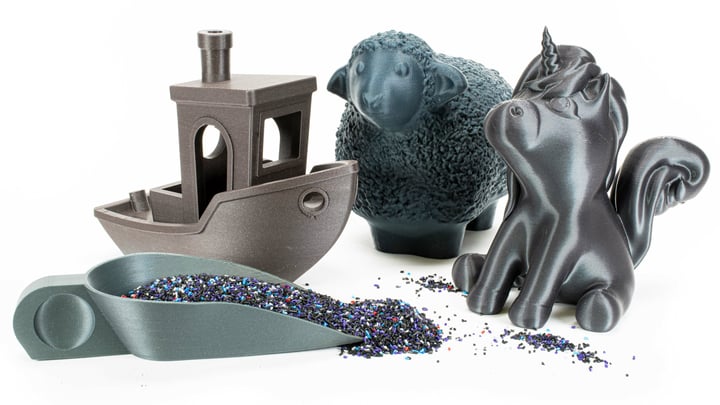
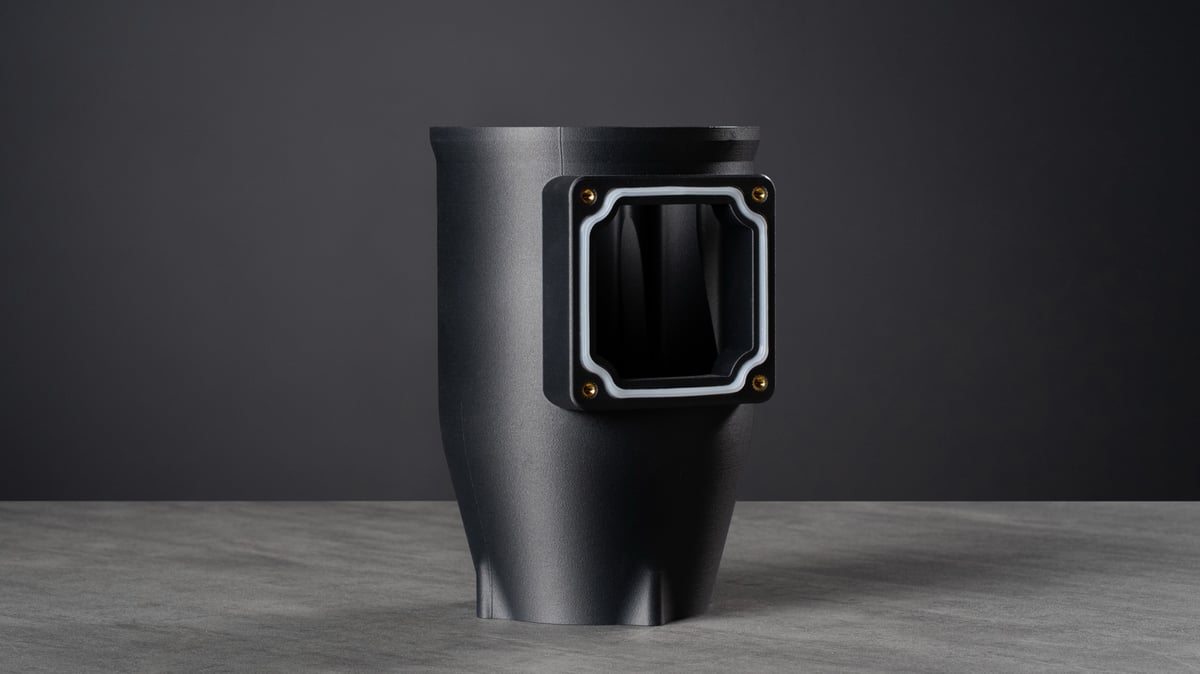

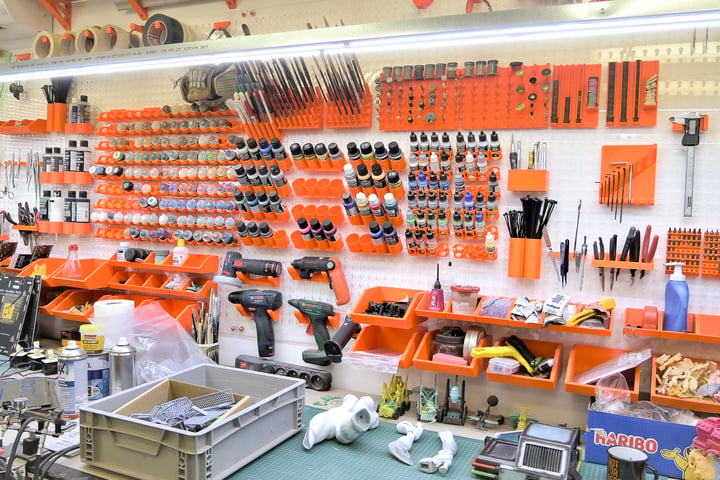

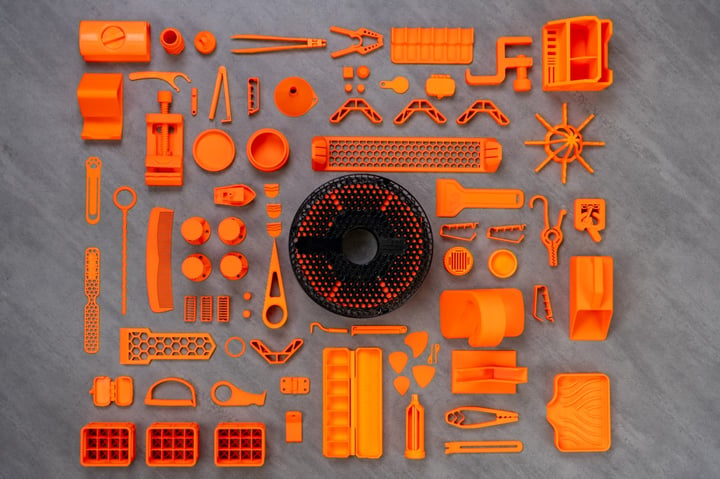

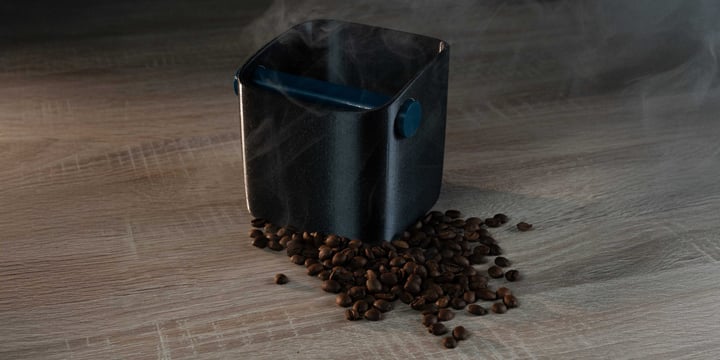


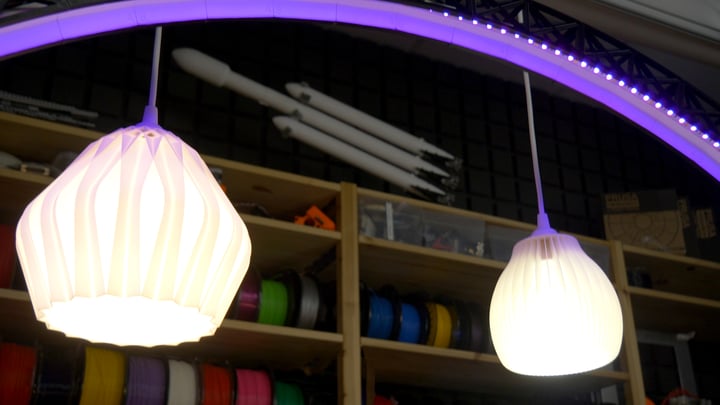




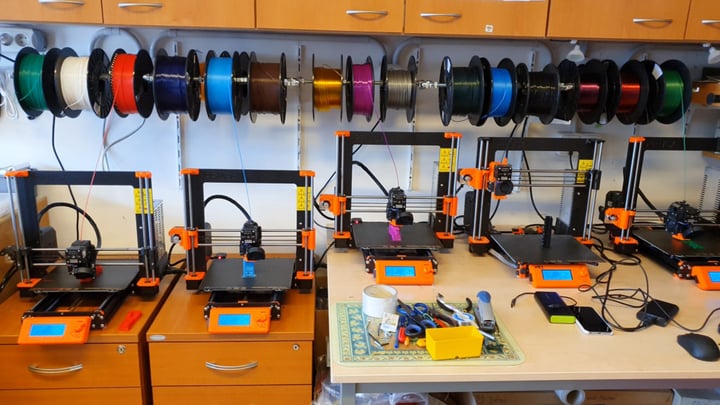

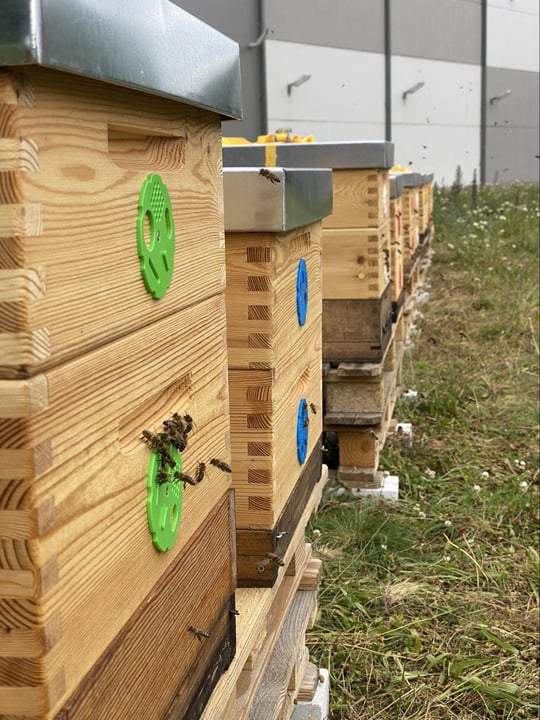






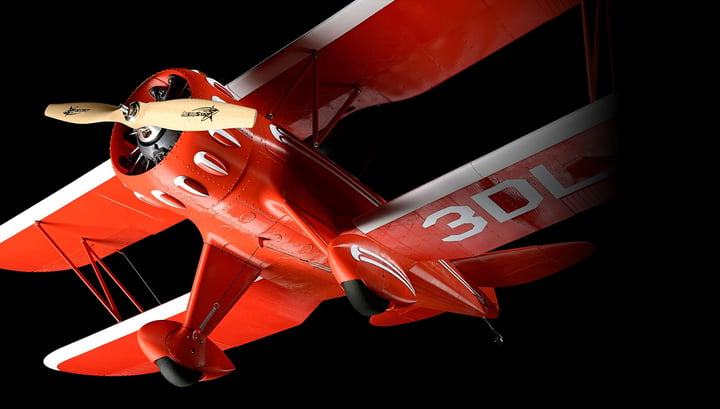

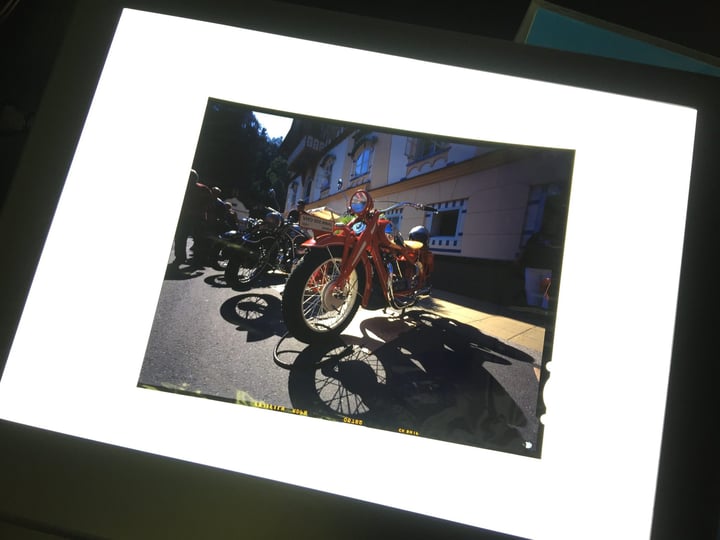

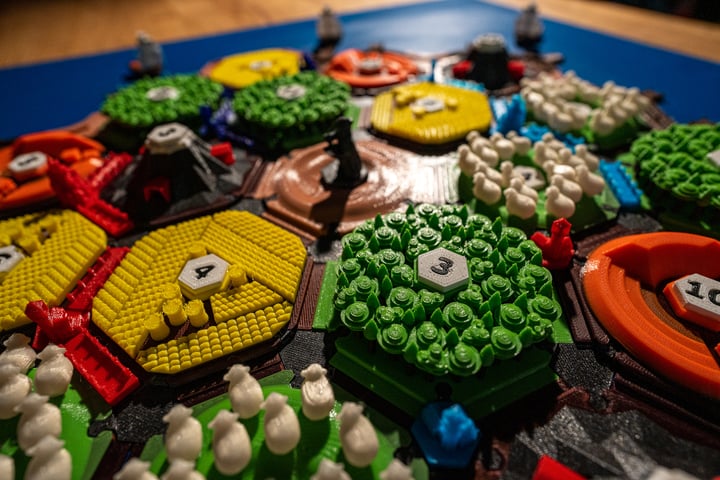
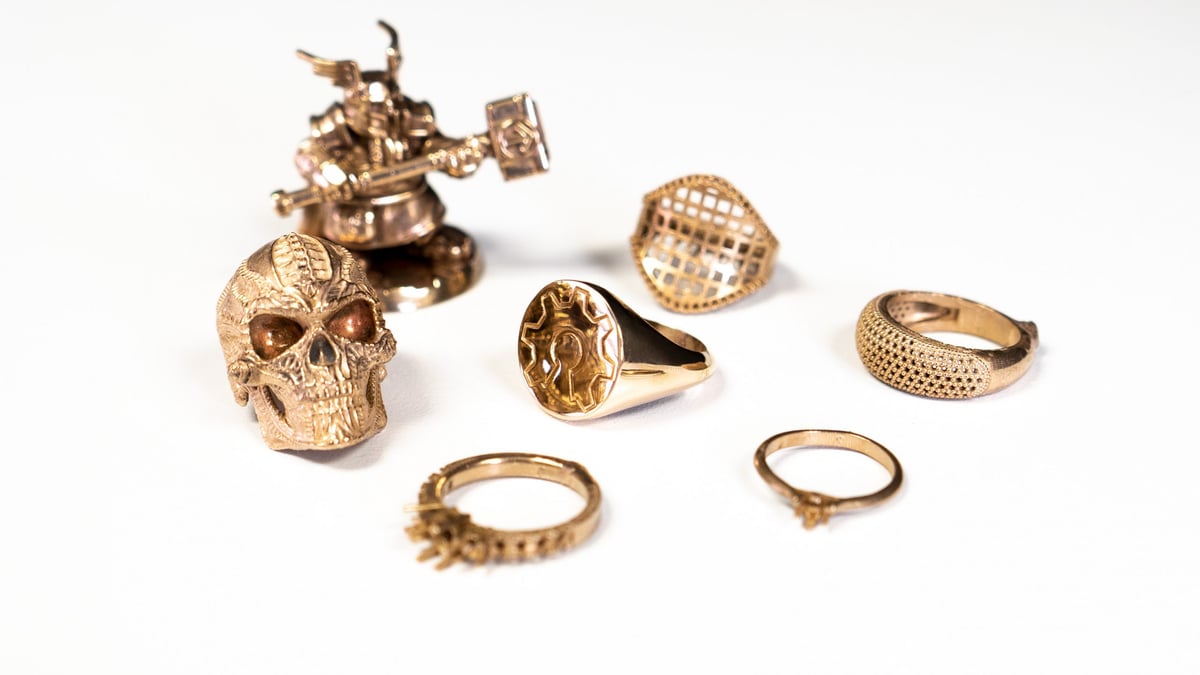

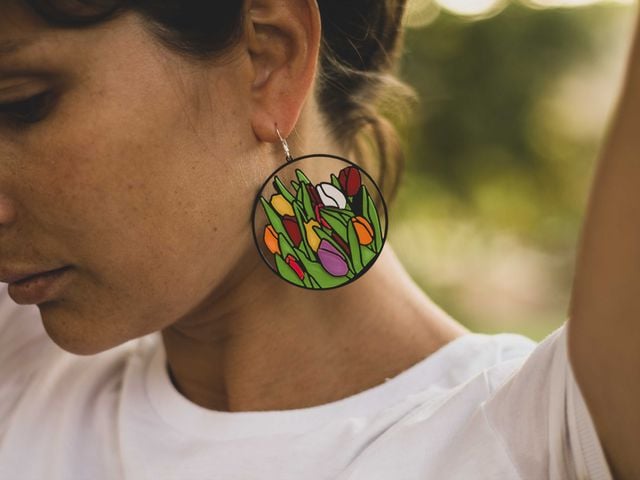

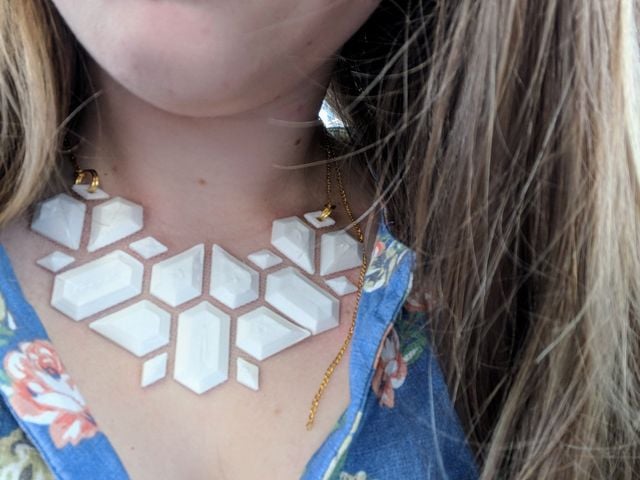

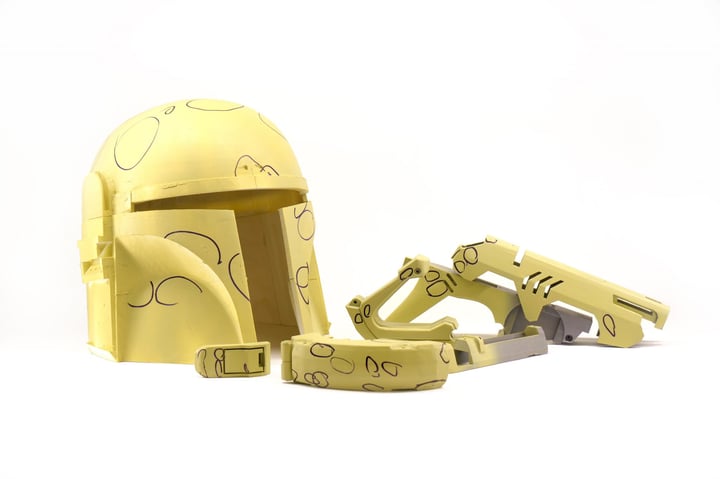

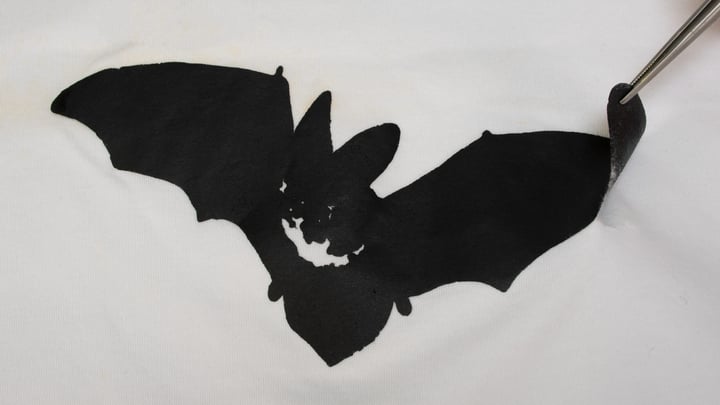










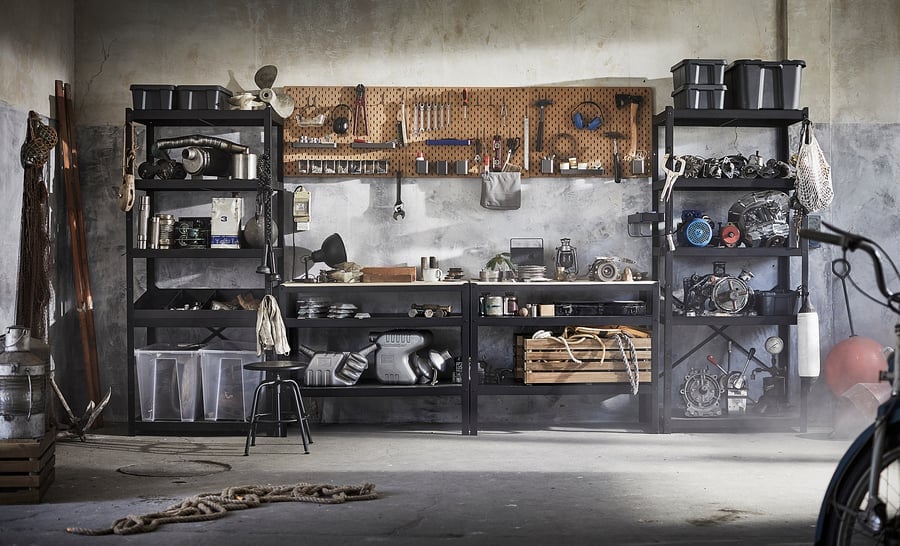
Discover what Prusa printers do for an independent business.
Your files stay yours.
No cloud account required. It works fully offline. Prepare the file in PrusaSlicer, copy it to a USB drive, and start printing.
“There is a real risk that data on prints, design models, or production processes could be transmitted to servers beyond the user’s control, including to the territory of the PRC.”
2025 — NÚKIB (National Cyber and Information Security Agency)


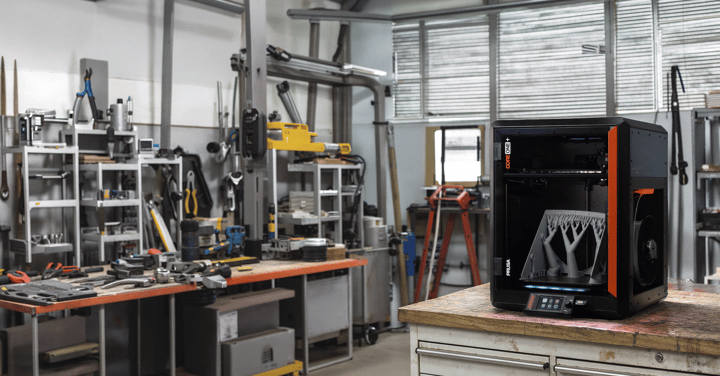
CORE One+ (Gen 2)
Enclosed CoreXY, ready to print or as a kit.
NewCORE One L+
The larger enclosed CoreXY, for bigger parts.
XL+
Largest toolchanger on the market.
CORE One+ (Gen 2) INDX 8‑Tool
The CORE One+ with the eight-tool INDX changer.
NewPro HT90
Large industrial printer, with a heated chamber that can reach up to 90 °C.
All printers
3D printers for every kind of work, up to a print farm.




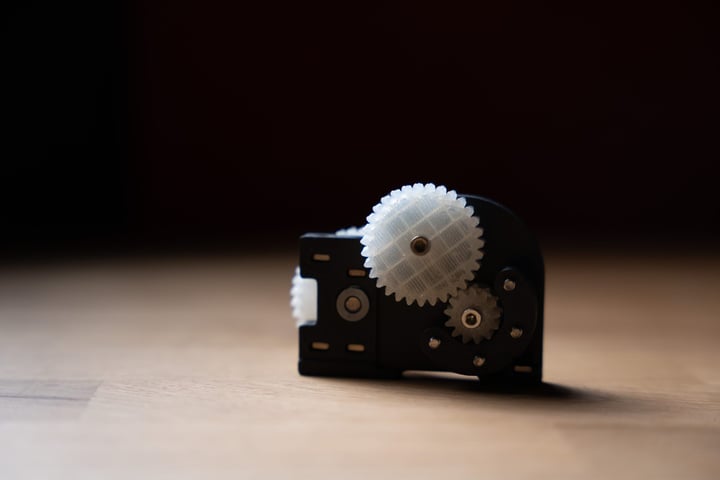

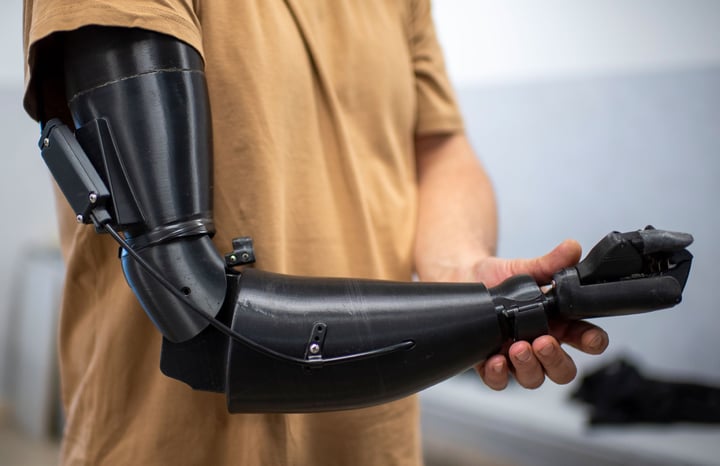

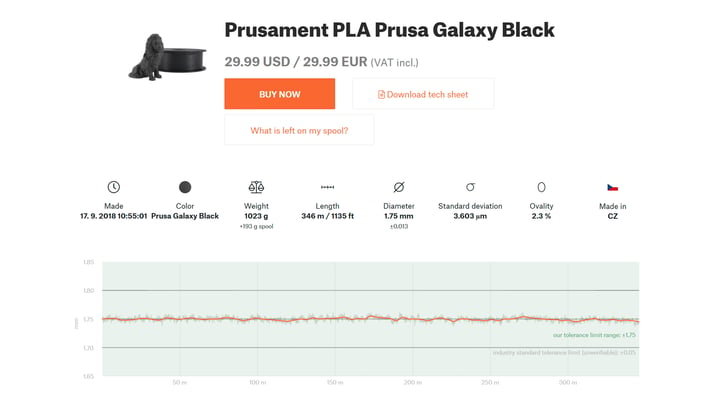
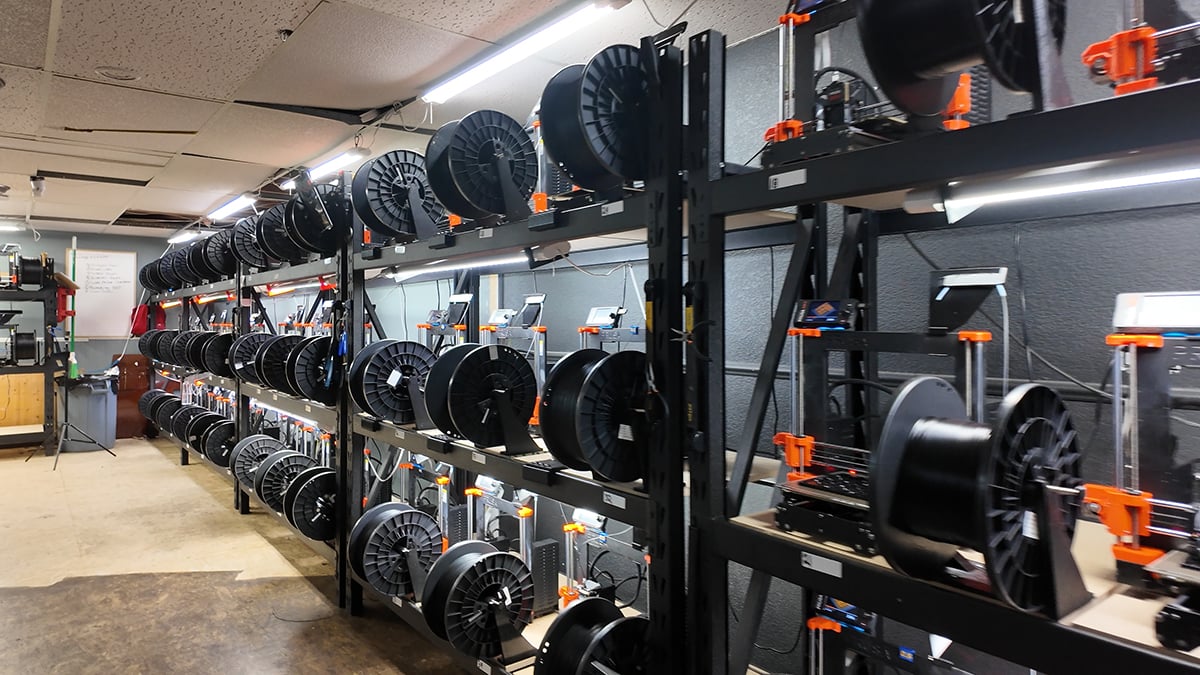


















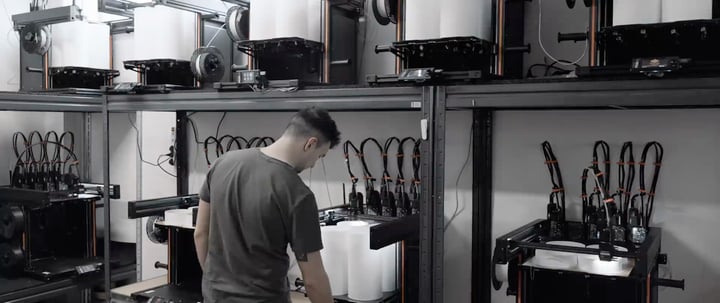

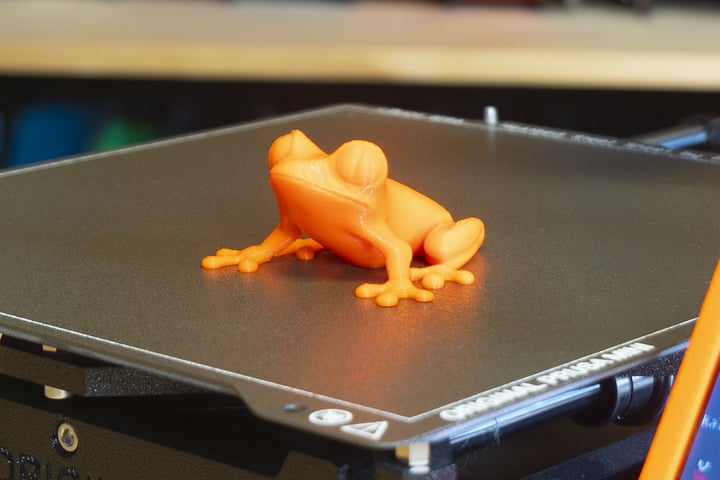

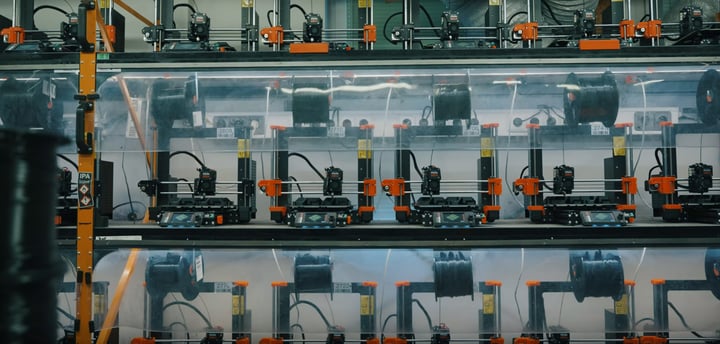

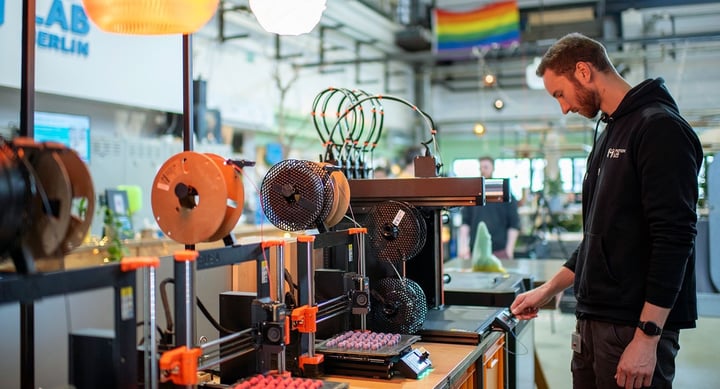







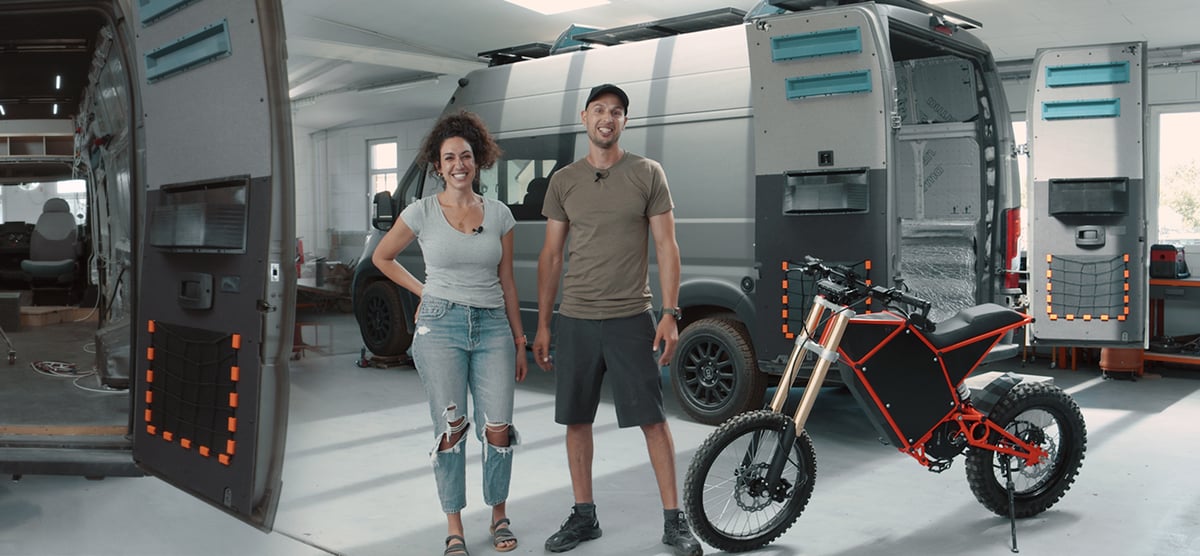
Discover what Prusa printers do for a fleet at scale.
Air-gapped
Your files stay on your network.
No cloud. No telemetry.
“There is a real risk that data on prints, design models, or production processes could be transmitted to servers beyond the user’s control, including to the territory of the PRC.”
2025 — NÚKIB (National Cyber and Information Security Agency)


CORE One L+
The larger enclosed CoreXY, for bigger parts.
XL+
Largest toolchanger on the market.
Pro HT90
Large industrial printer, with a heated chamber that can reach up to 90 °C.
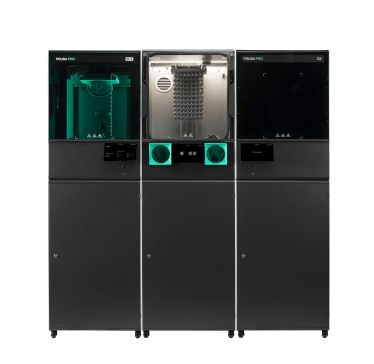
Pro SLX
Resin production cabinet, for parts by the batch.
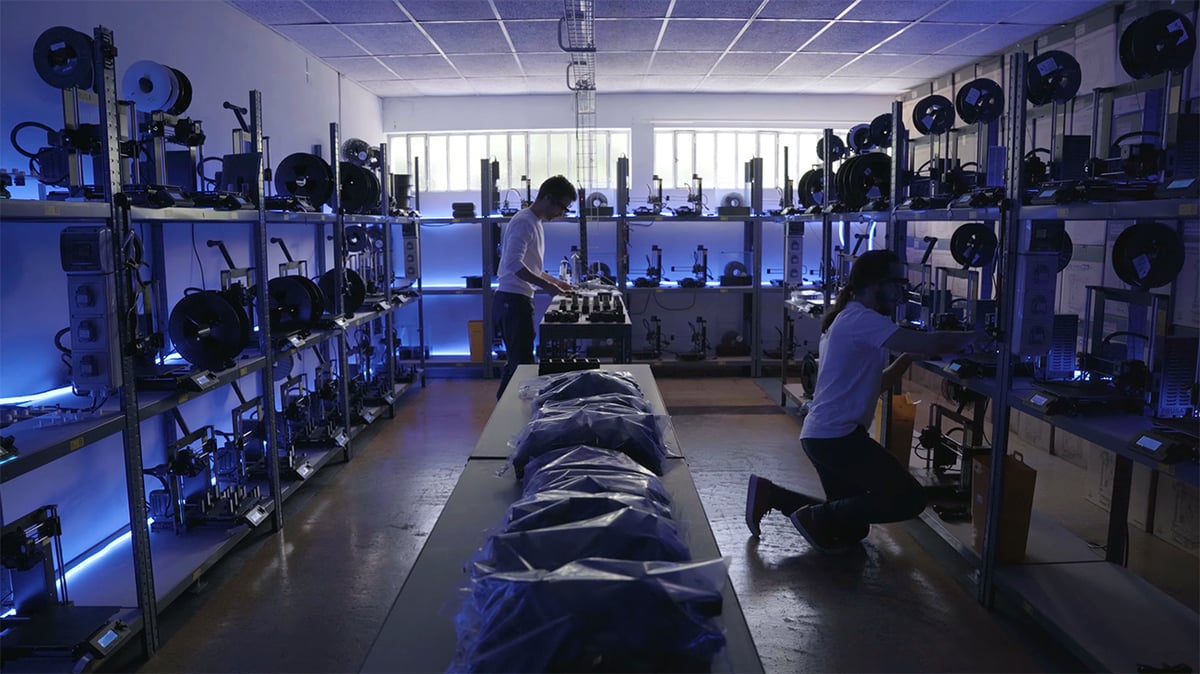
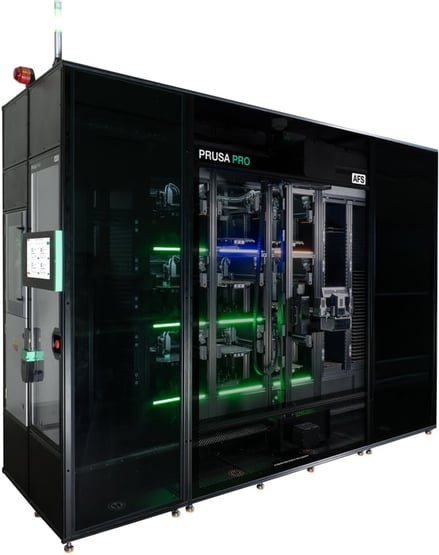
Pro AFS
Automated Farm System: 9 CoreXY printers on shelves, and a robot arm that collects the prints.
All printers
3D printers for every kind of work, up to a print farm.


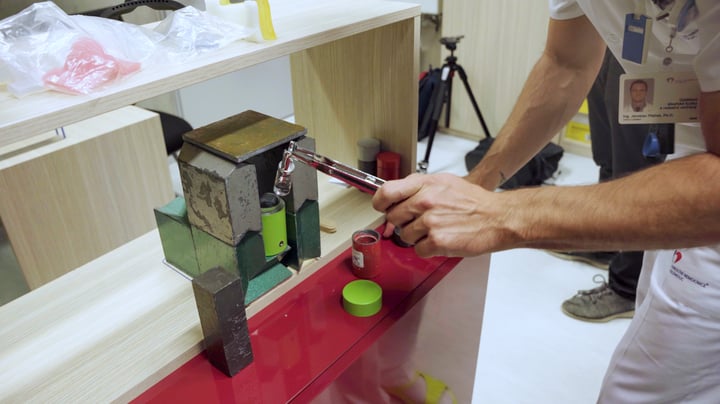

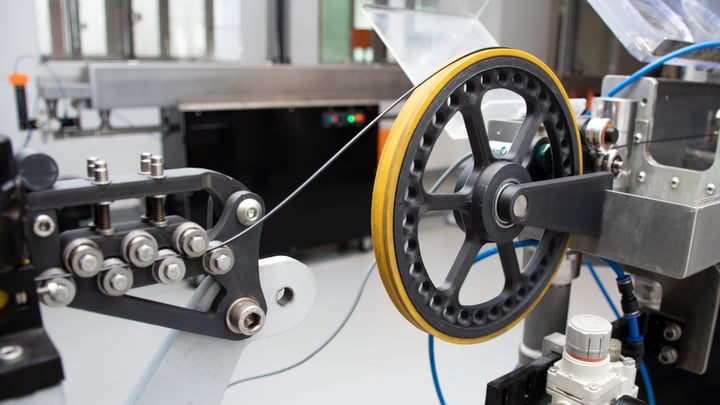

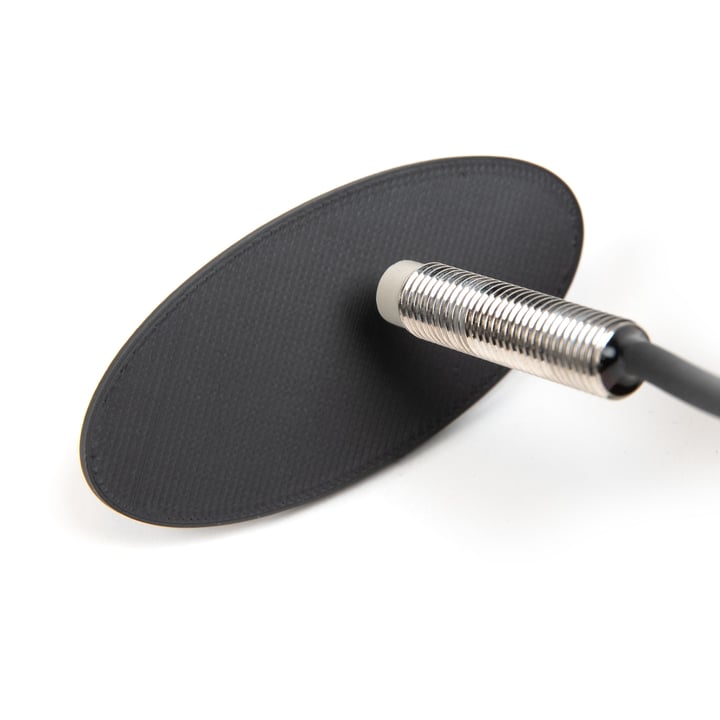

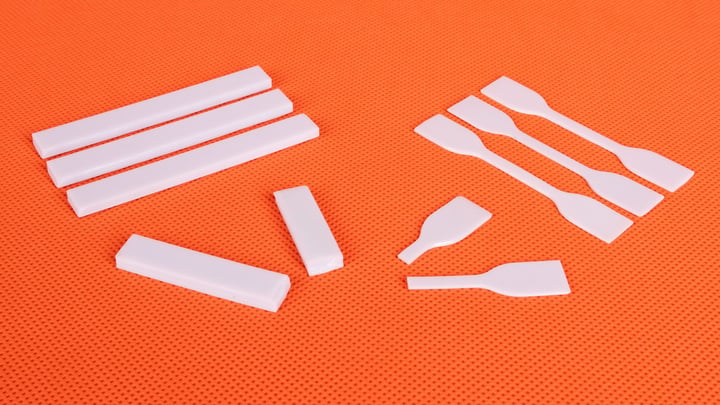
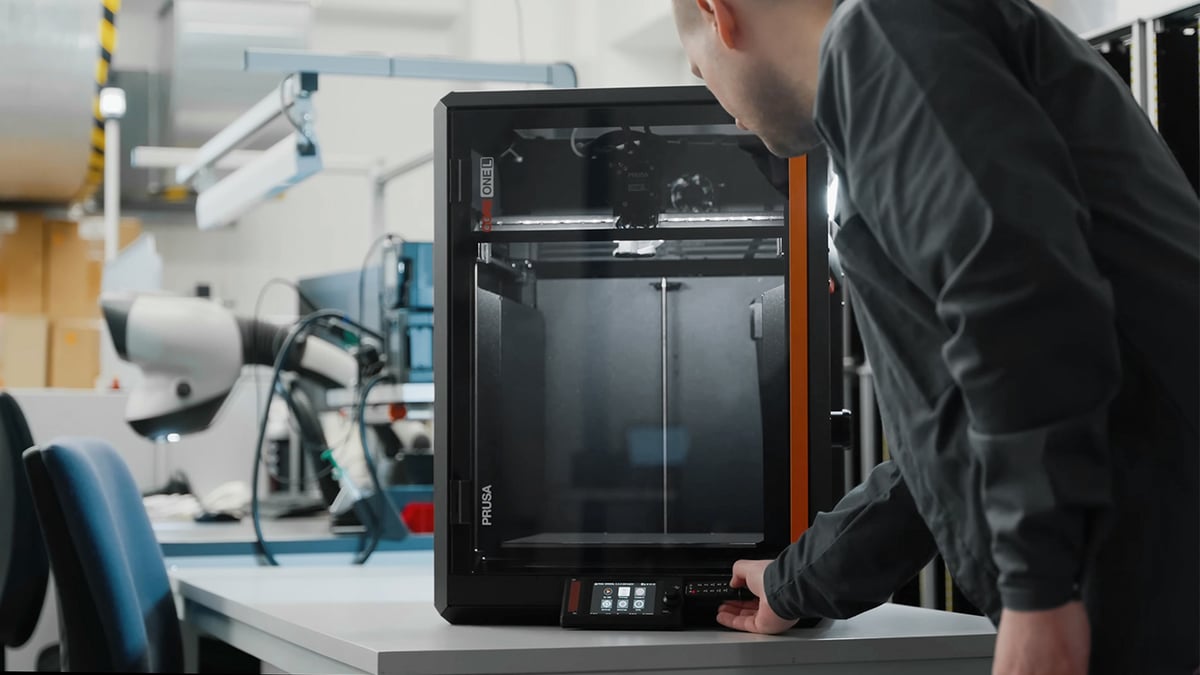



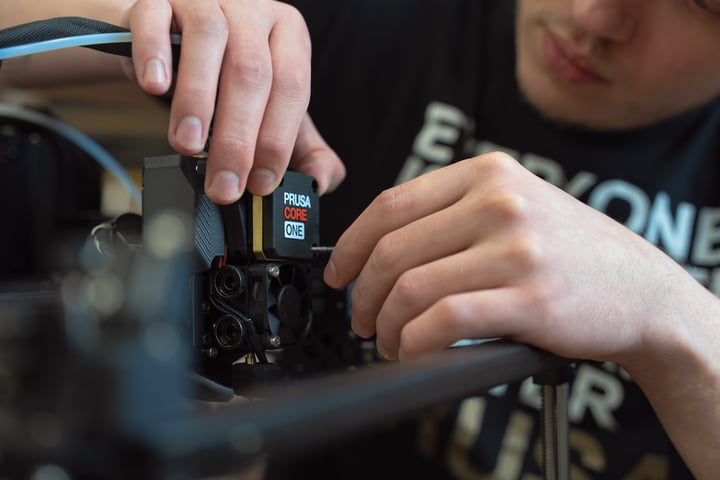

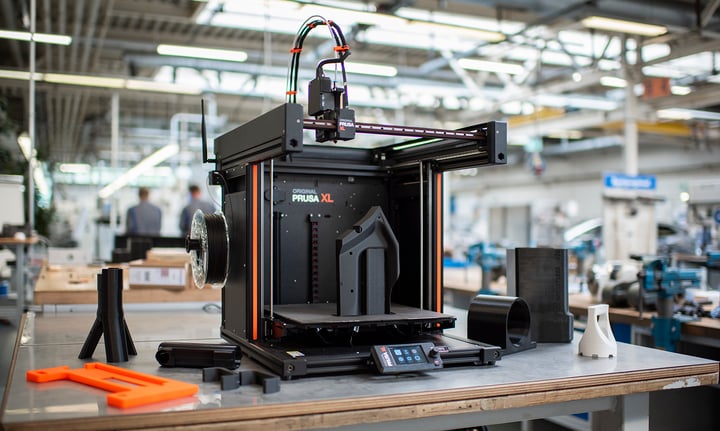

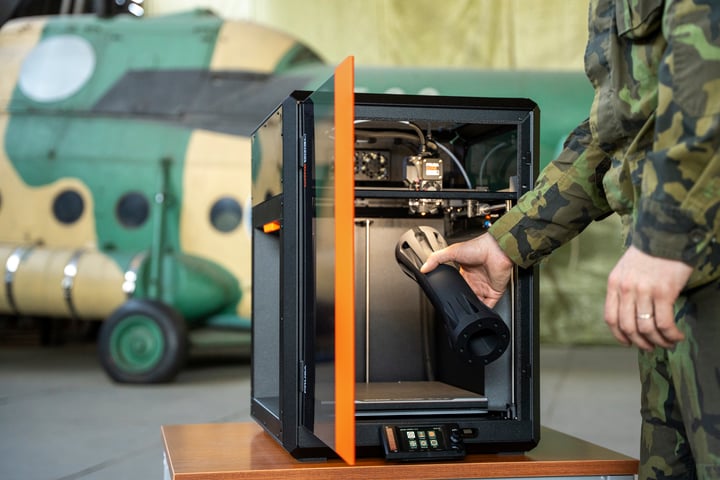




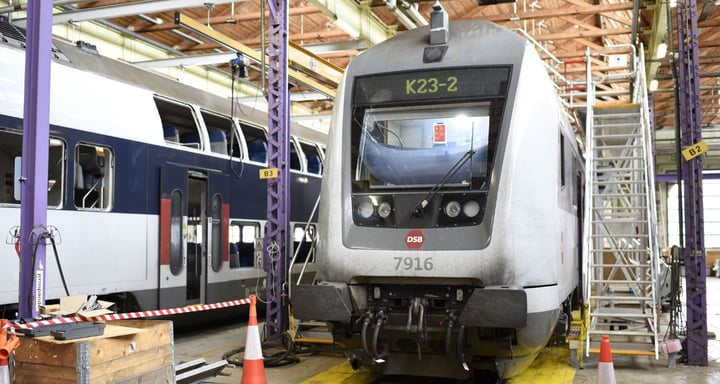

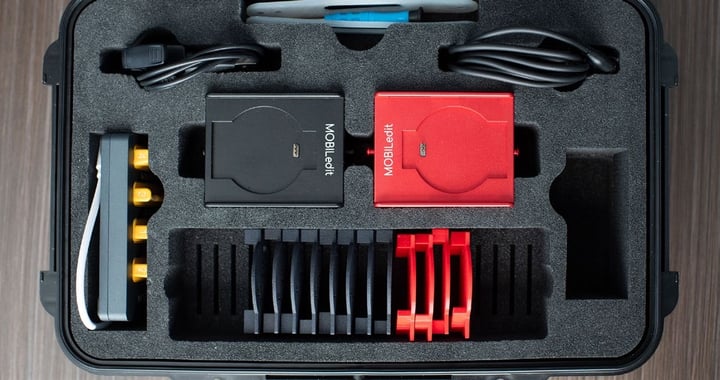

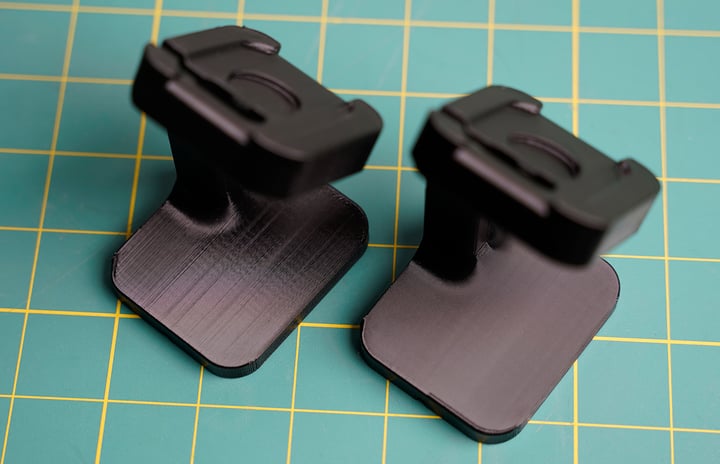

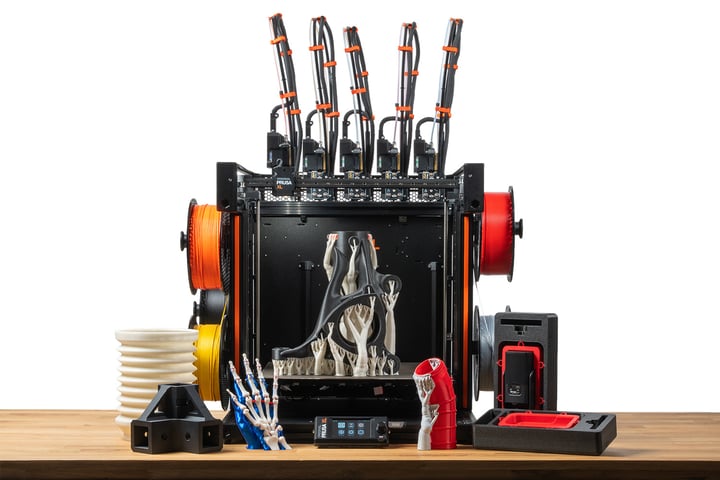








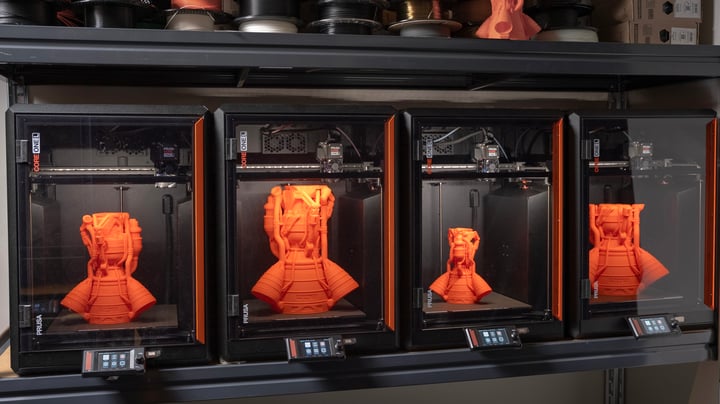


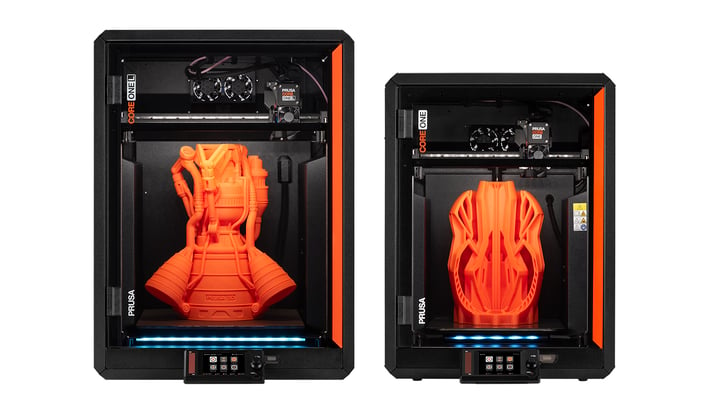

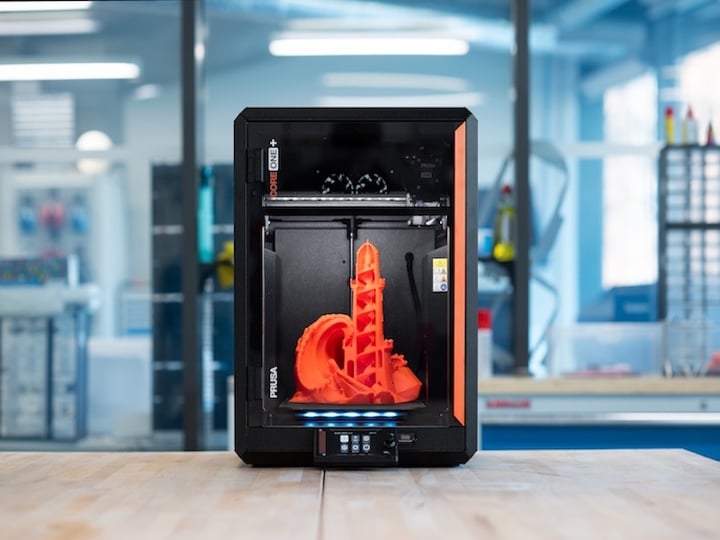


















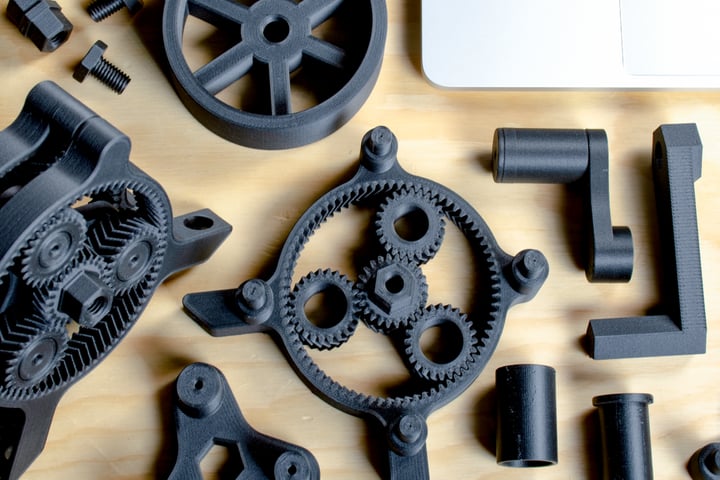

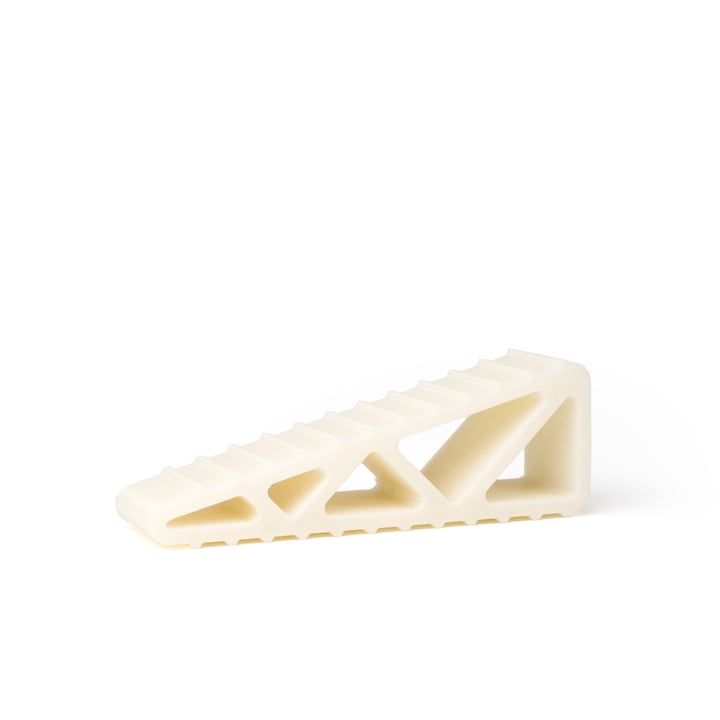
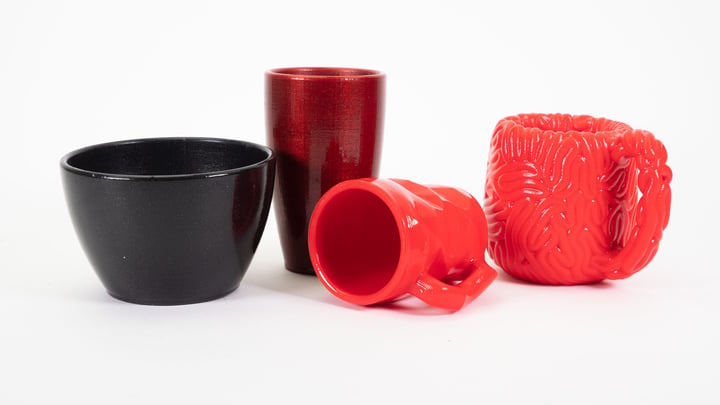
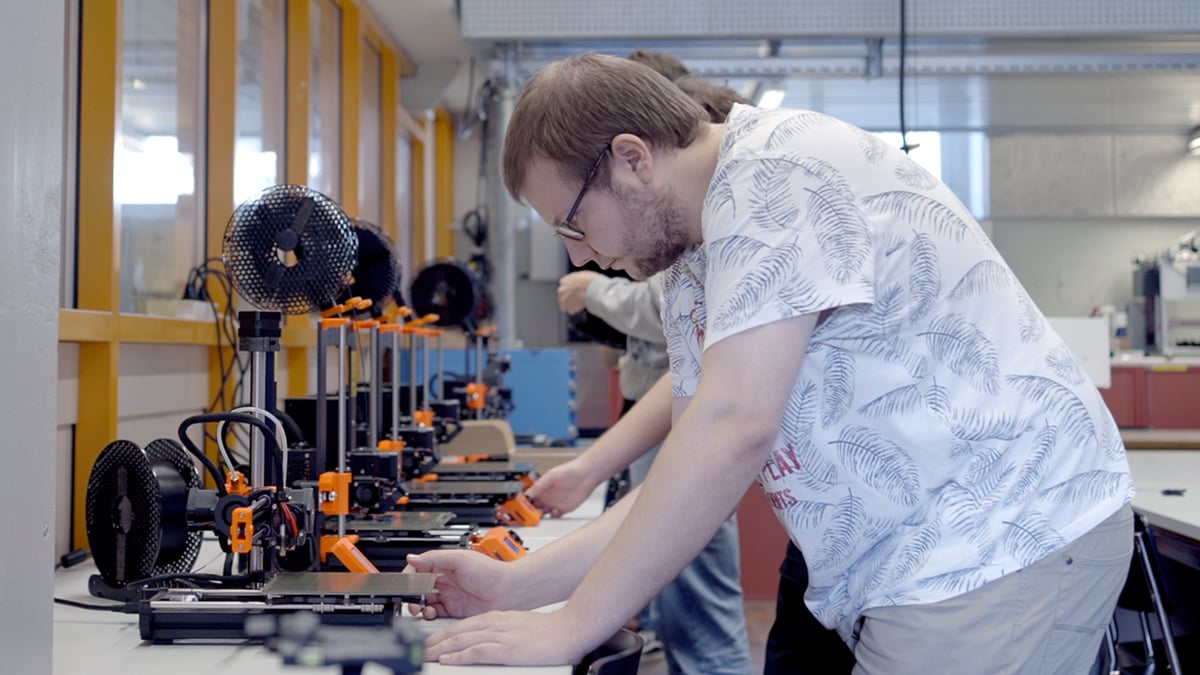
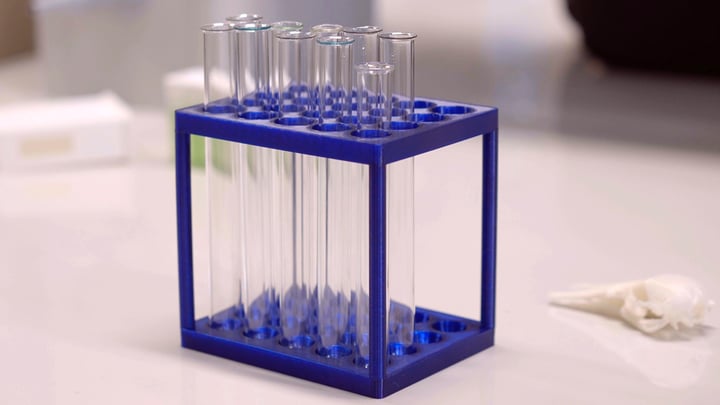
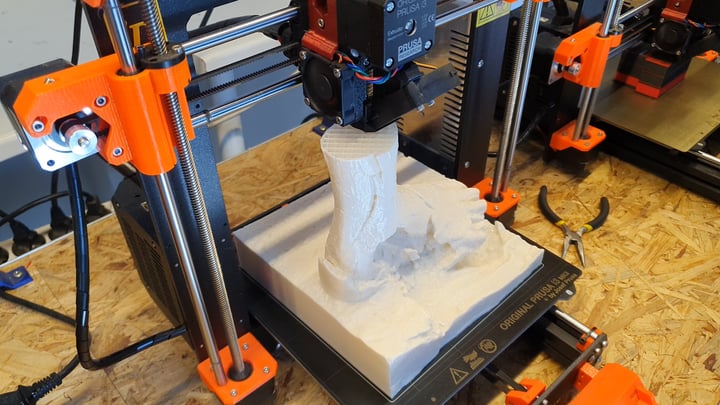
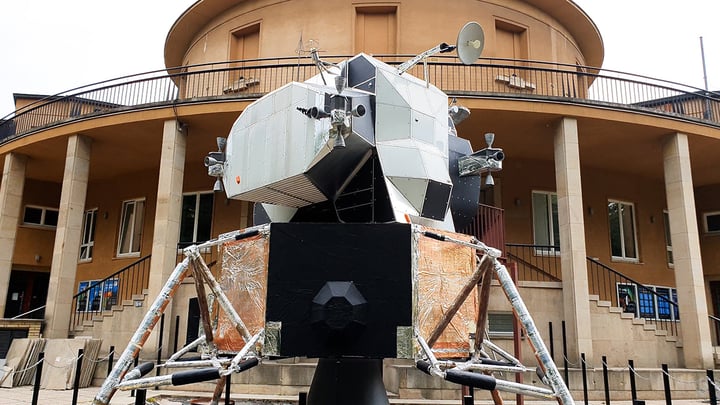
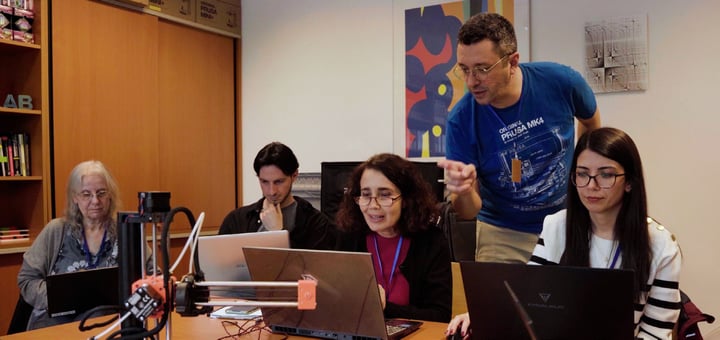
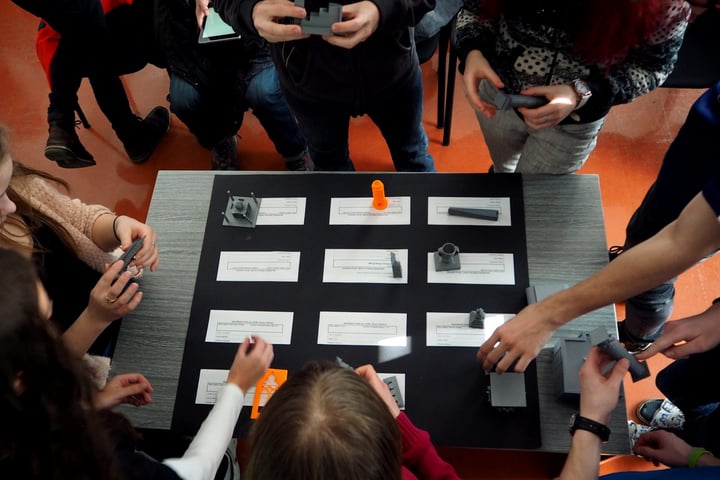
Discover what Prusa printers do for school, university and the lab.
Ready‑made projects to teach with.
For registered institutions.
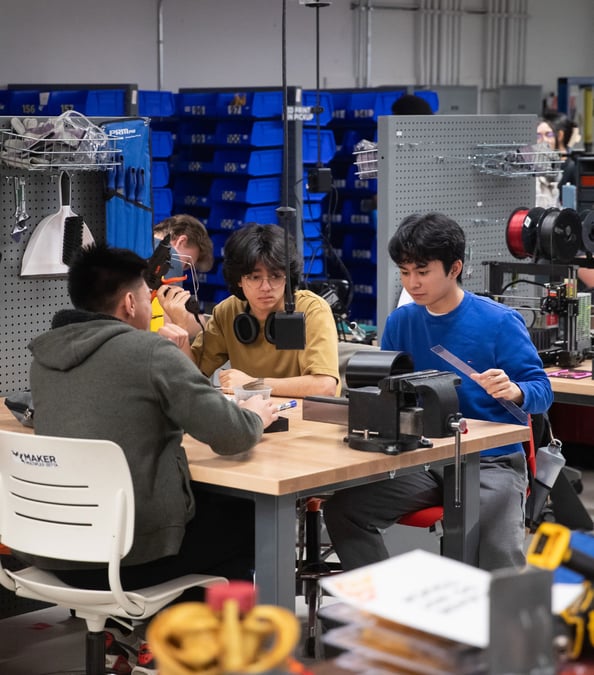
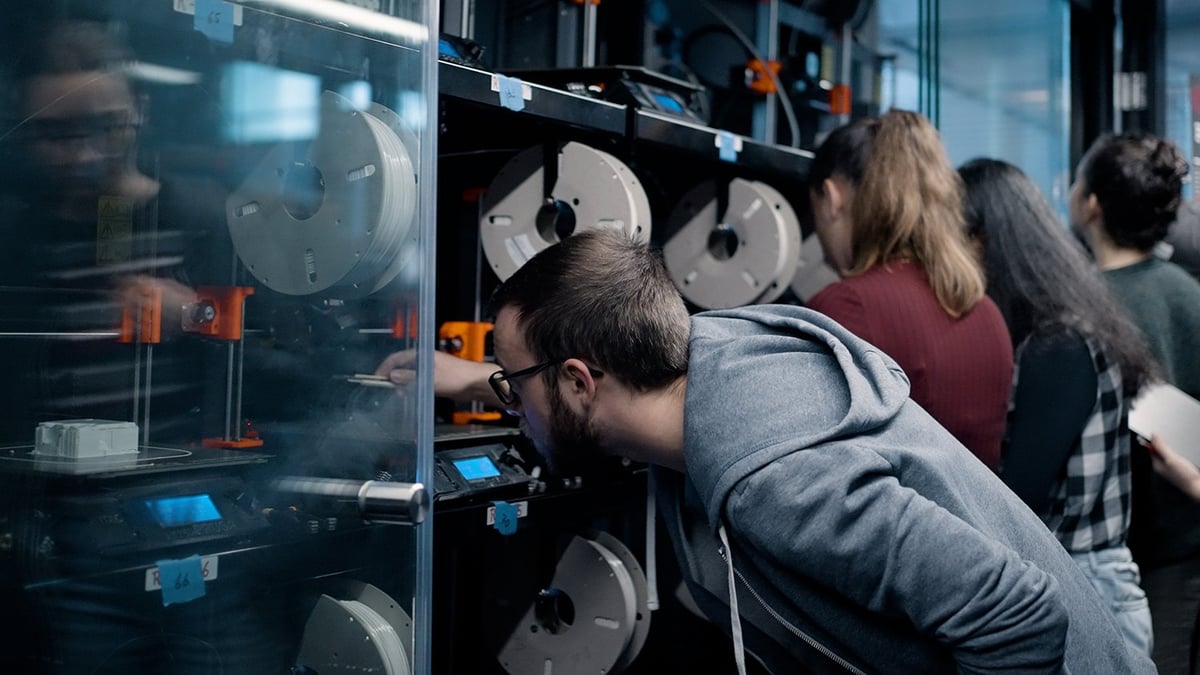



CORE One+ (Gen 2)
Enclosed CoreXY, ready to print or as a kit.
NewCORE One L+
The larger enclosed CoreXY, for bigger parts.
XL+
Largest toolchanger on the market.
CORE One+ (Gen 2) INDX 8‑Tool
The CORE One+ with the eight-tool INDX changer.
NewPro HT90
Large industrial printer, with a heated chamber that can reach up to 90 °C.
MK4S
Open-frame, ready to print or as a kit.
MINI+
Our smallest open-frame printer, for a desk or a first printer.
All printers
3D printers for every kind of work, up to a print farm.





















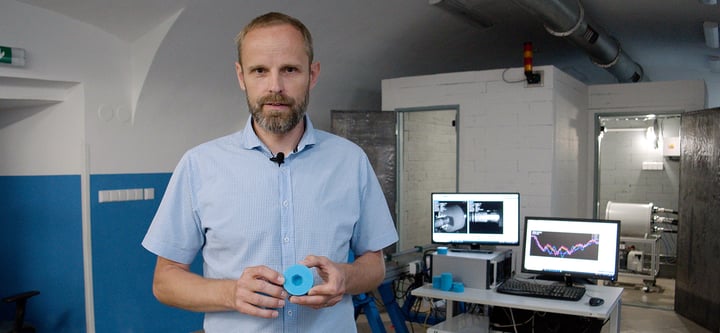

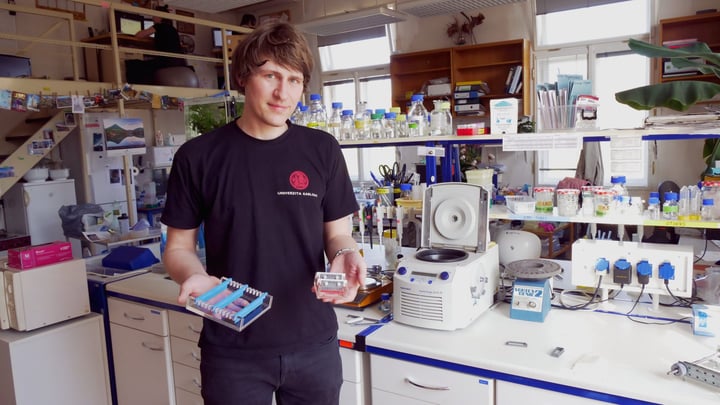

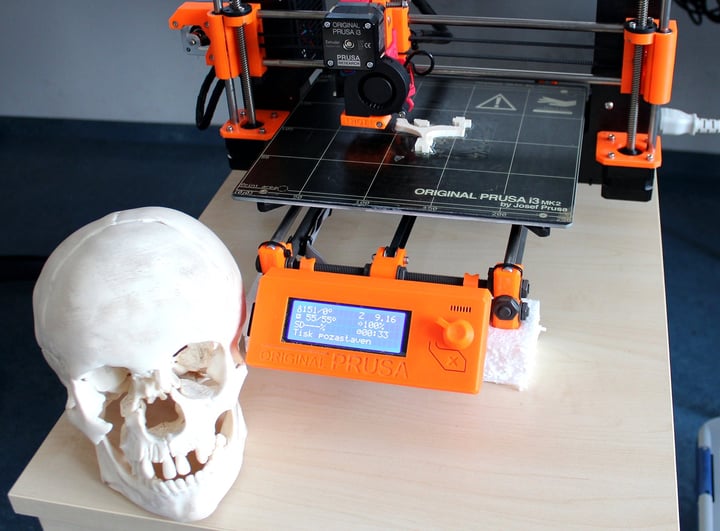

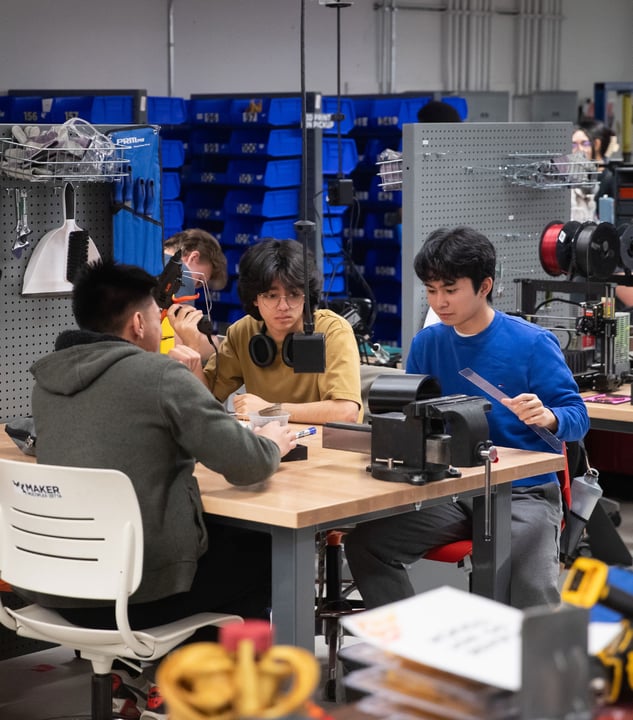

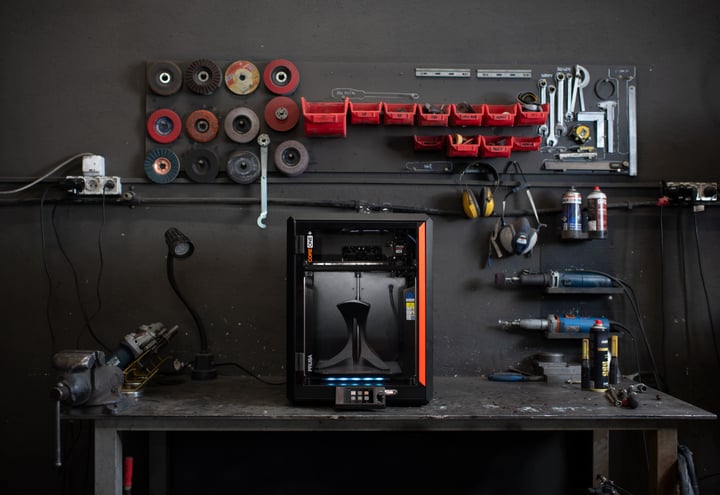

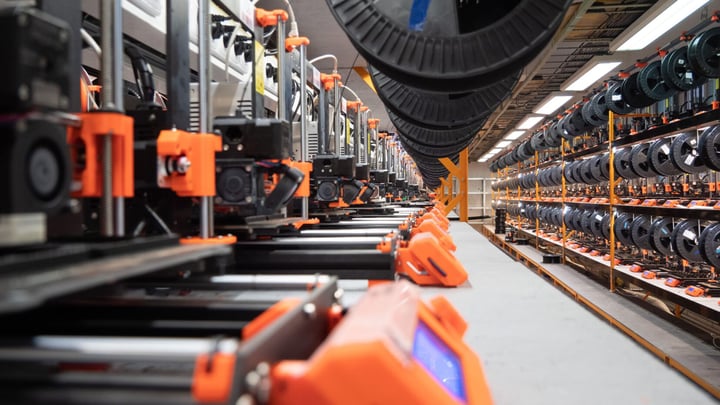

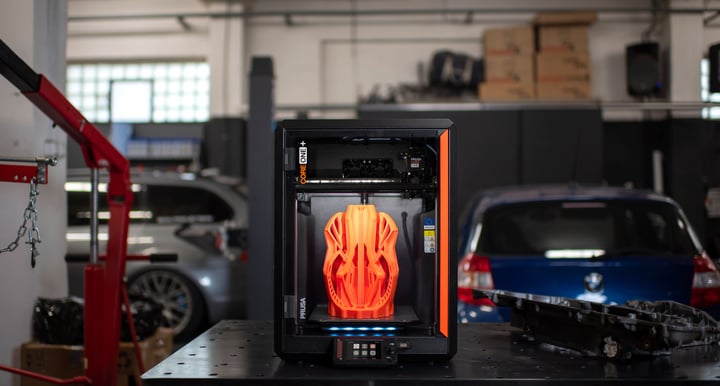
The latest. Take a look at what's new.
All the news in one place
Prusa at Formnext 2026
Check out everything we brought to this year’s Formnext - from local-first Prusa Connect to super-secure 3D printers.
Read more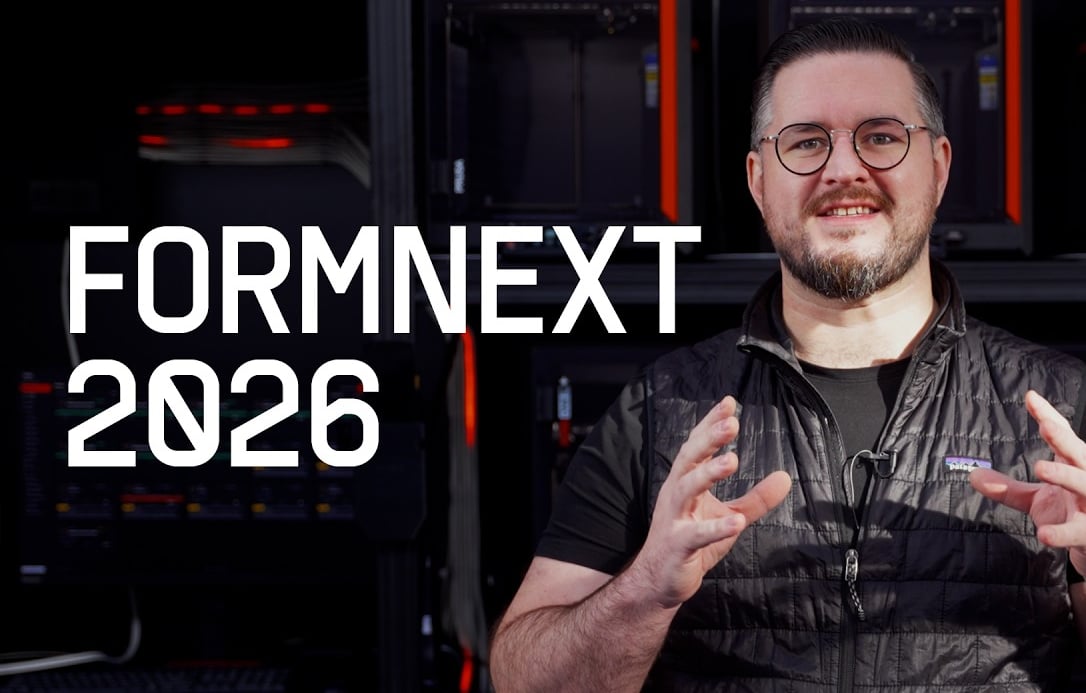
Now live!
Black Friday 2026
Prusa Black Friday has just started! In 2026, we’re giving you over five weeks to grab some of our biggest 3D printing deals yet.
Read more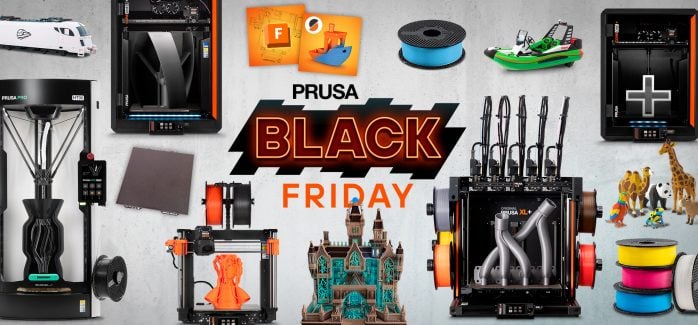
October 22, 2026
OpenPrintTag upgrade
A new upgrade for the CORE One+ and CORE One L+. Automatic material setup and preheat, and tracking of remaining material on the spool.
See the upgrade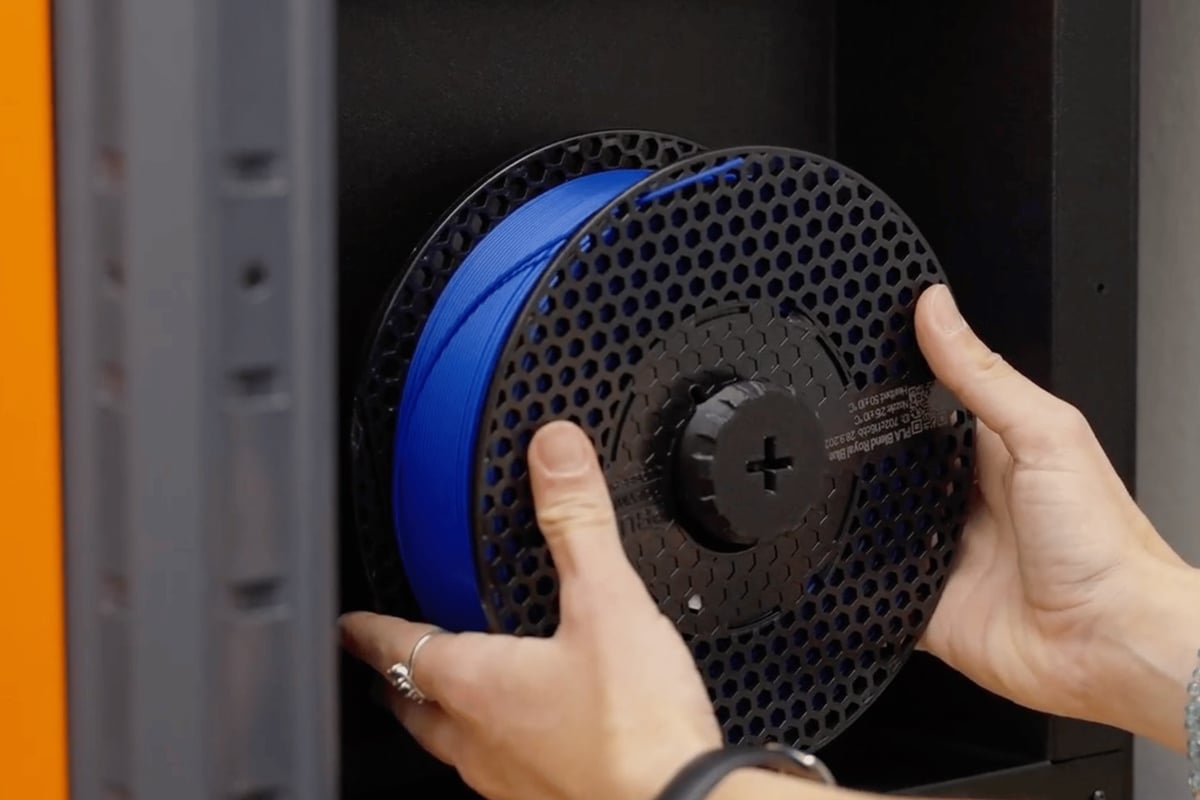
Jakub Kočí · October 21, 2026
400 °C HT Hotend
Print at 400 °C on CORE One+ or CORE One L+. Get better mechanical properties out of engineering materials. Swap the hotend in less than a minute.
Read the post
Kryštof Kohout · October 20, 2026
Blender for 3D printing
Start editing an STL in Blender in under five minutes. A first look at the new Prusa Academy course.
Read the post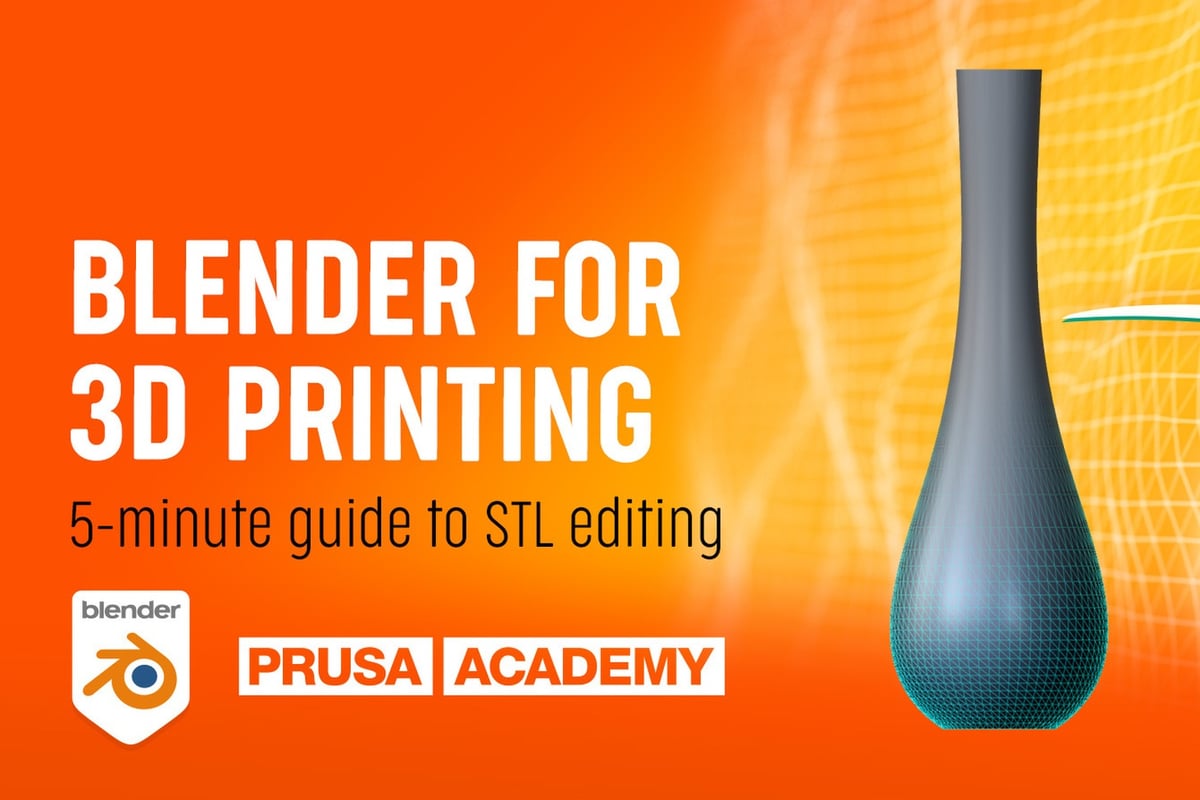
Just upgraded
Prusa CORE One L+ 3D Printer
Double the CORE One+ build volume, in a heated enclosure. It arrives assembled and pre-calibrated.
Read more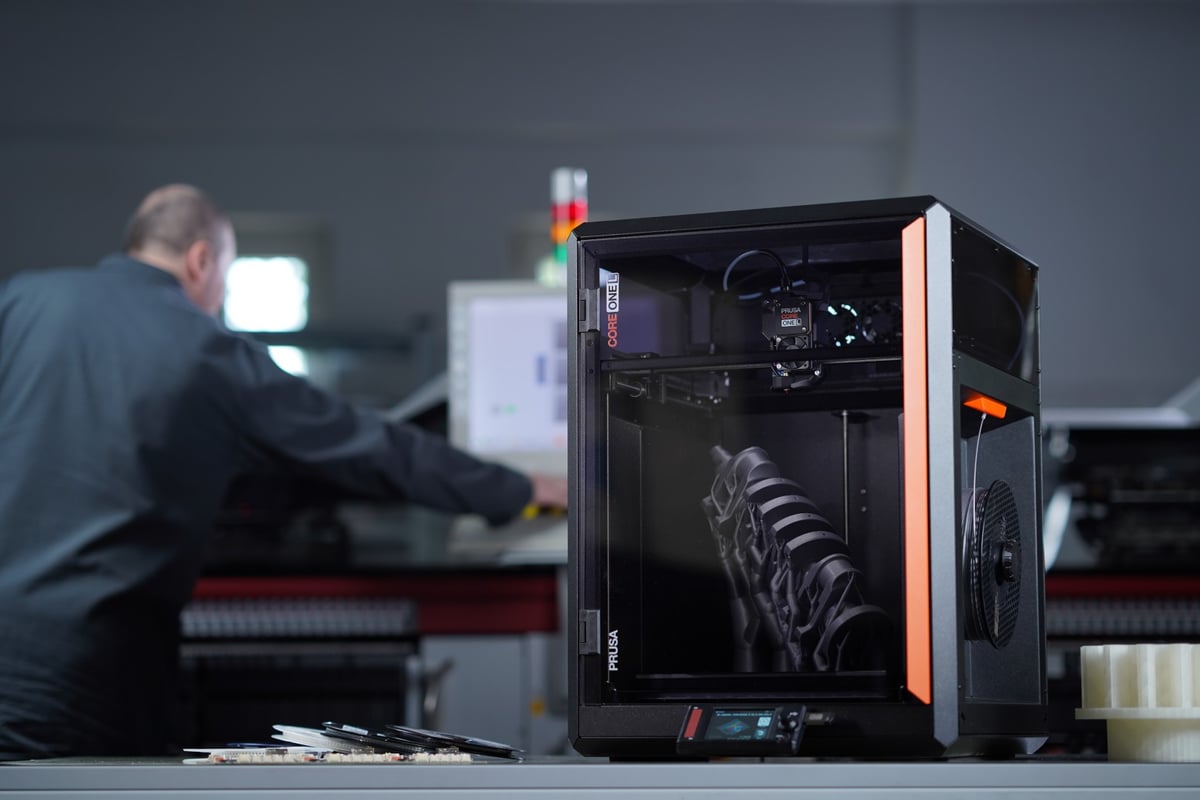
News · 10 min read
Prusa XL+, CORE One L+ and CORE One+ (Gen 2).
Cleaner print starts, better-looking surfaces, and easier operation.
Read more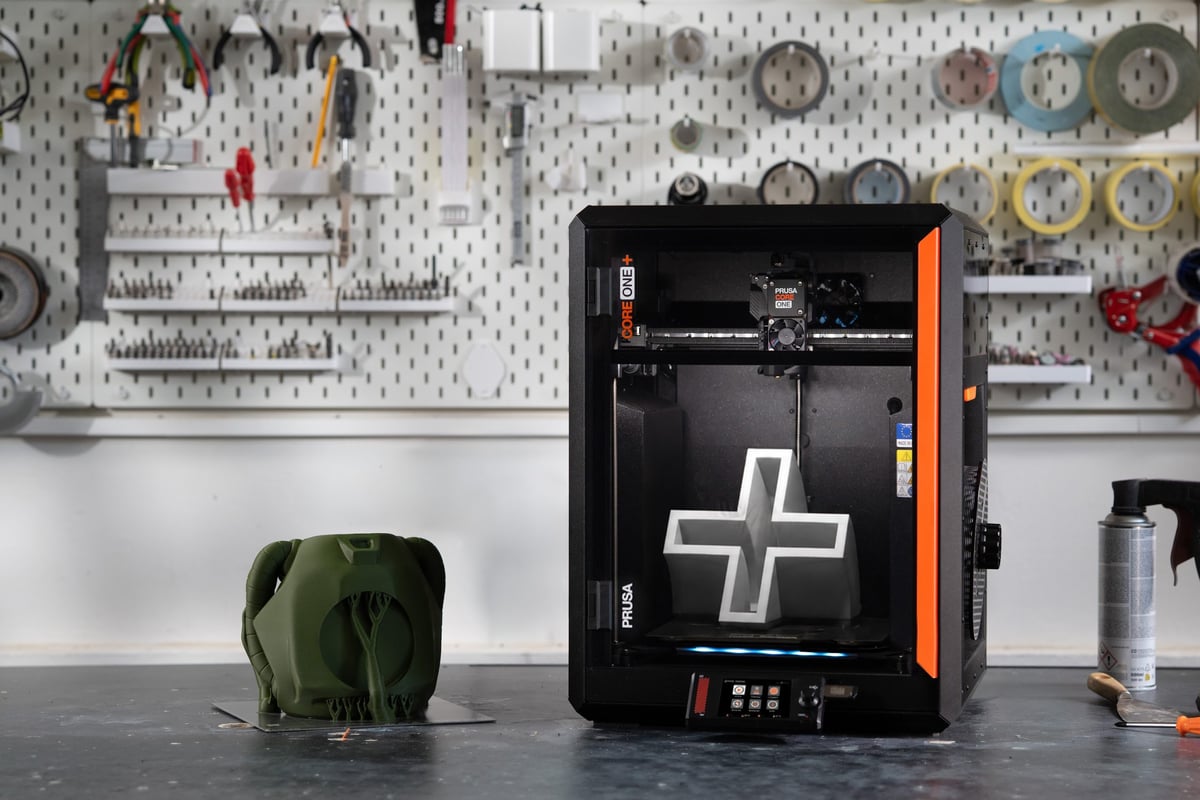
Jakub Kočí · 13 October 2026
Prusament Pellets
Pre-dried pellets in packs up to 14 kg. The same material we use to make Prusament, for large-format printing or a small lab batch.
Read the post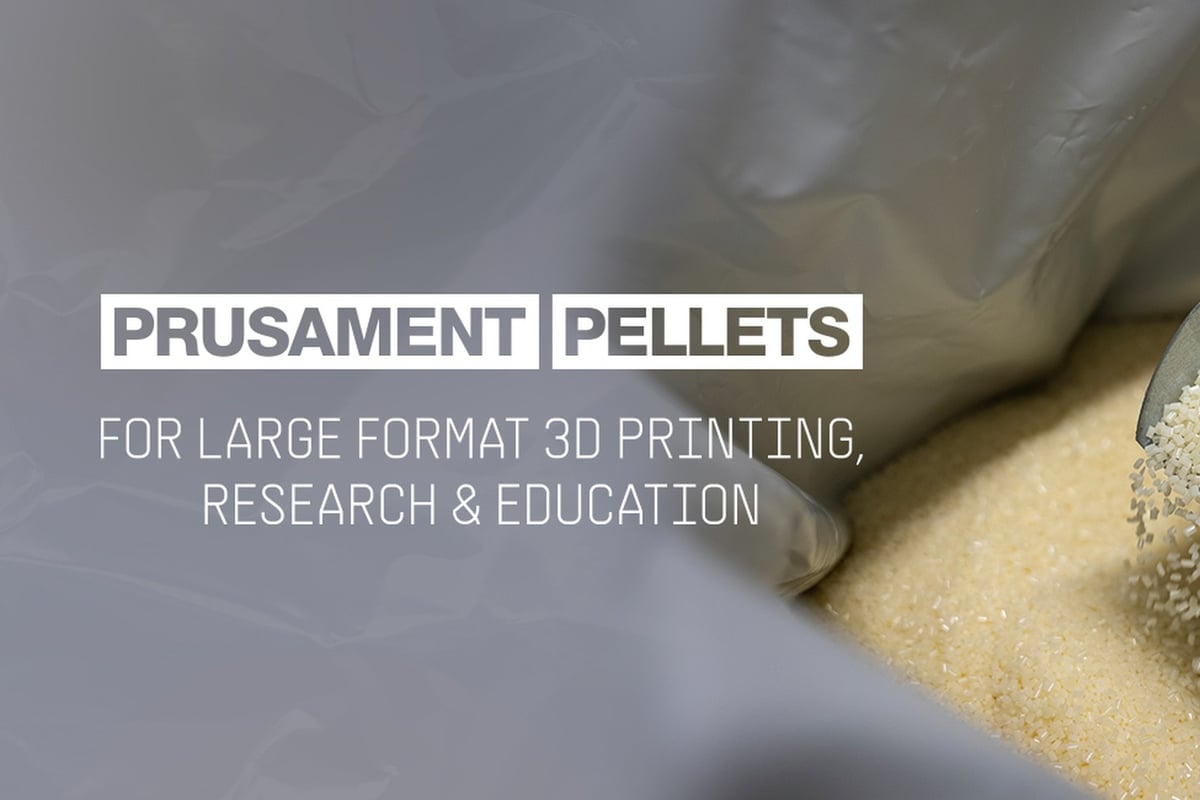
Barbora Maršíková · September 2026
Prusament PLA ColorMix
45 shades from five spools. Special semi-translucent Prusament made so the colors blend smoothly, and we added two glitters and a brighter CMYK set.
Read the post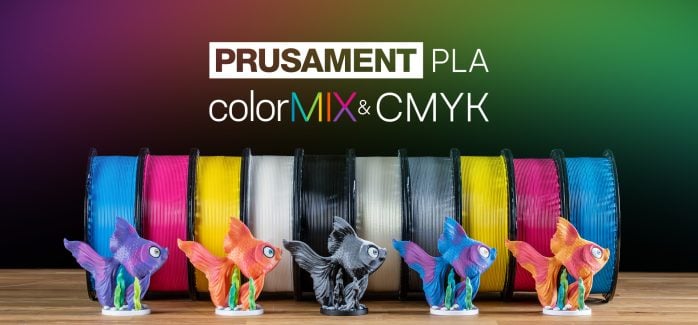
Josef Průša · 1 September 2026
PrusaSlicer 3.0 Preview
We've rebuilt PrusaSlicer from the ground up. The 3.0 preview brings multi-printer projects, a new profile system, safe community plugins, true offline mode, and it's still open-source.
Read the post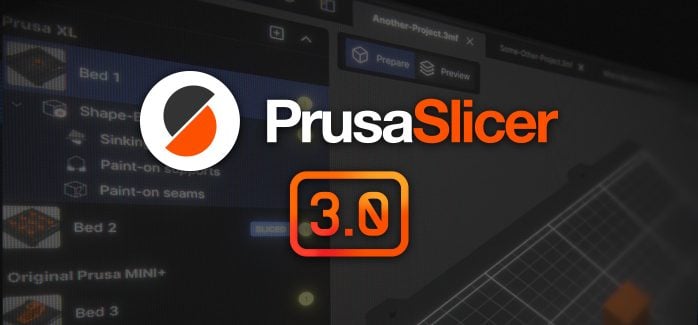
Prusa Research · 20 August 2026
CORE One+ INDX: shipping has started
The first INDX conversion kits are on their way out, and complete printers are open for orders.
Read the post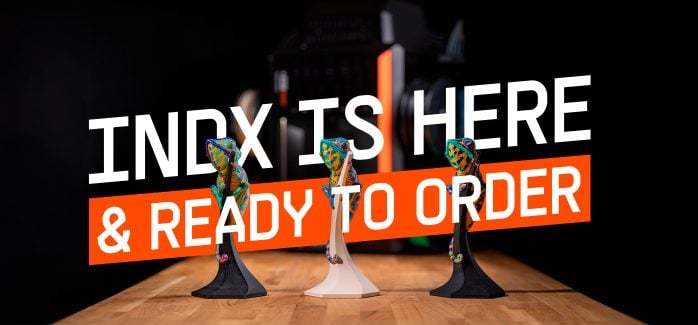












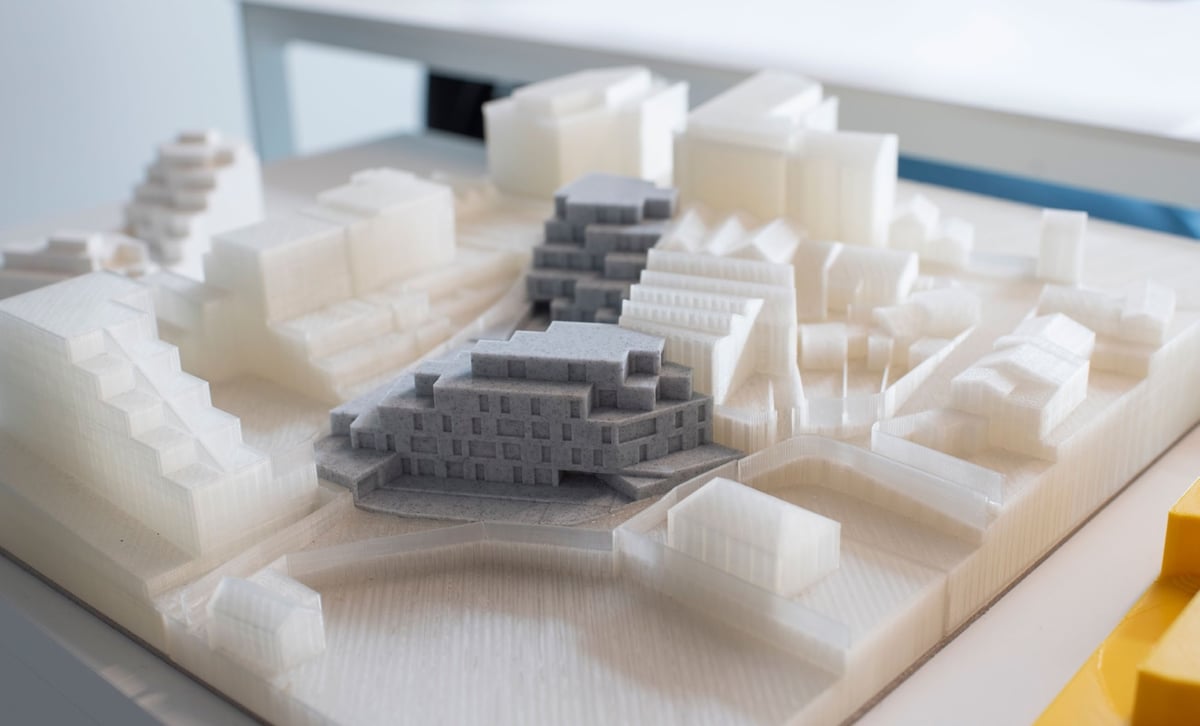
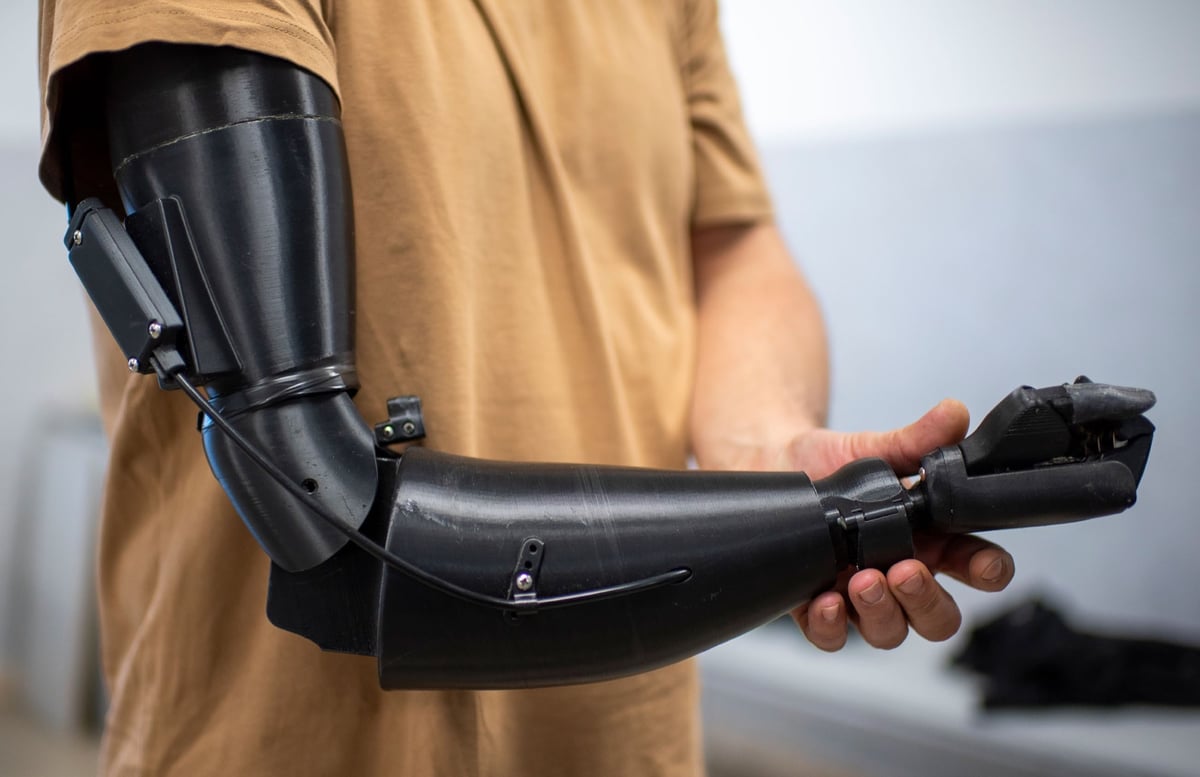
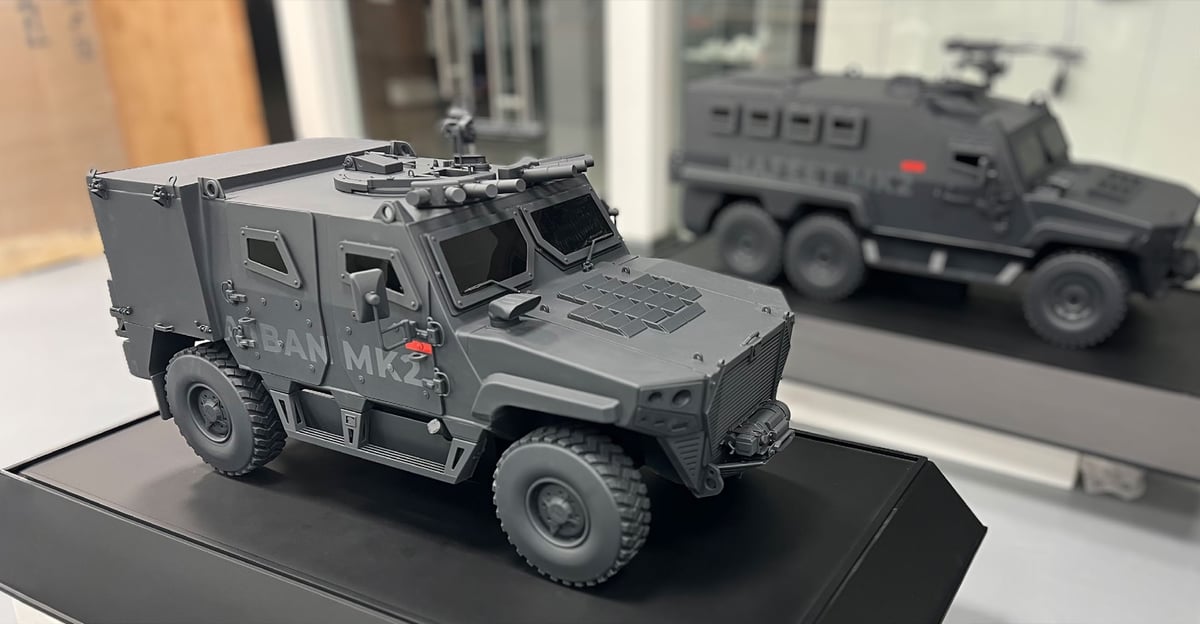
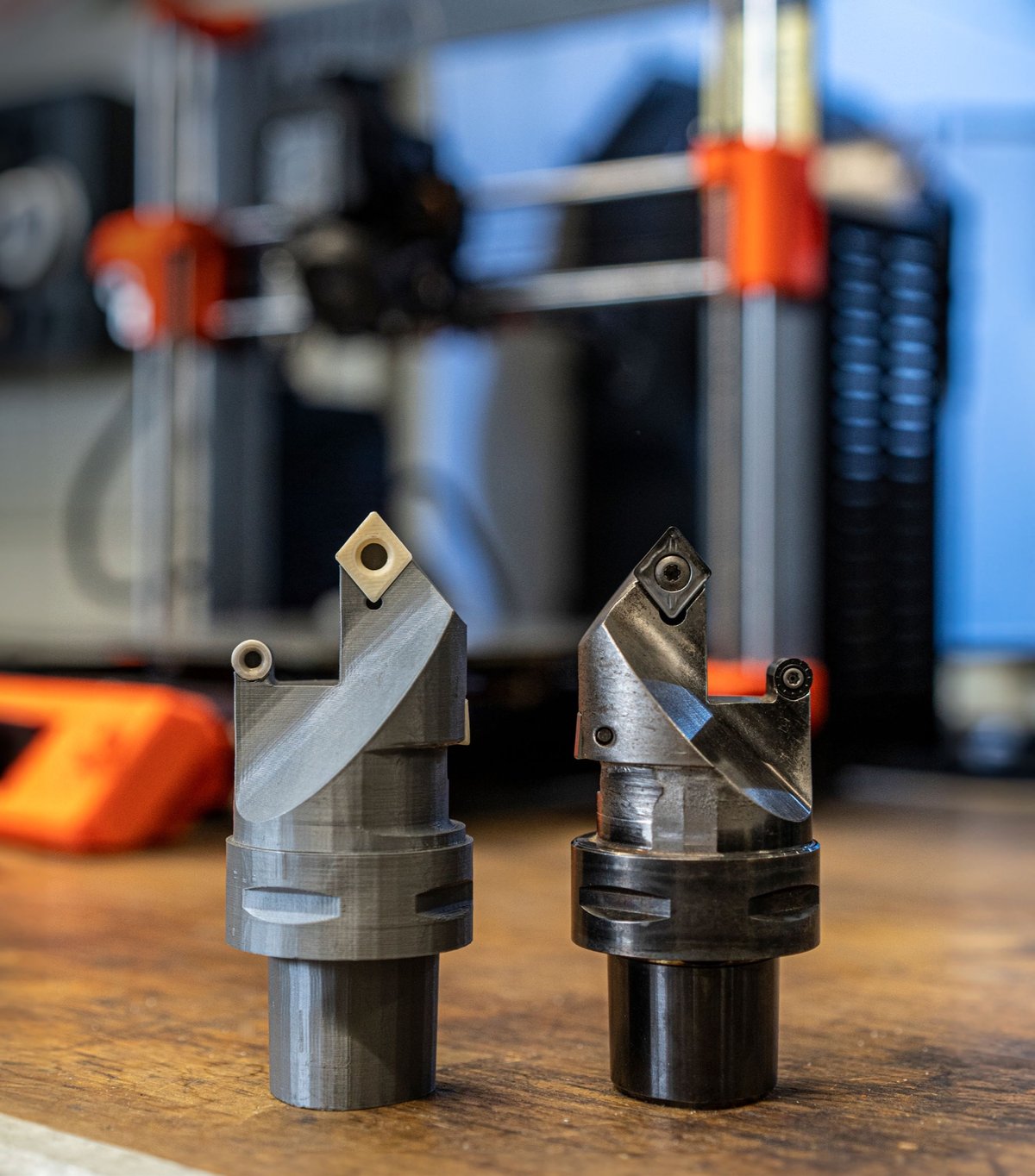
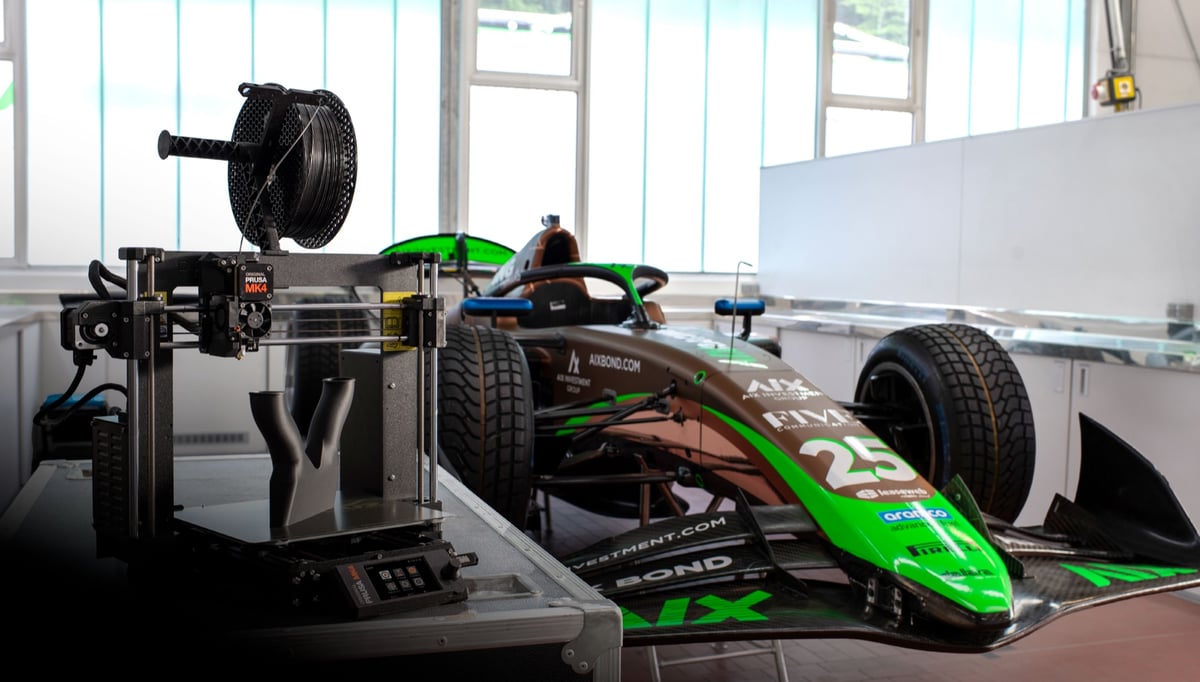
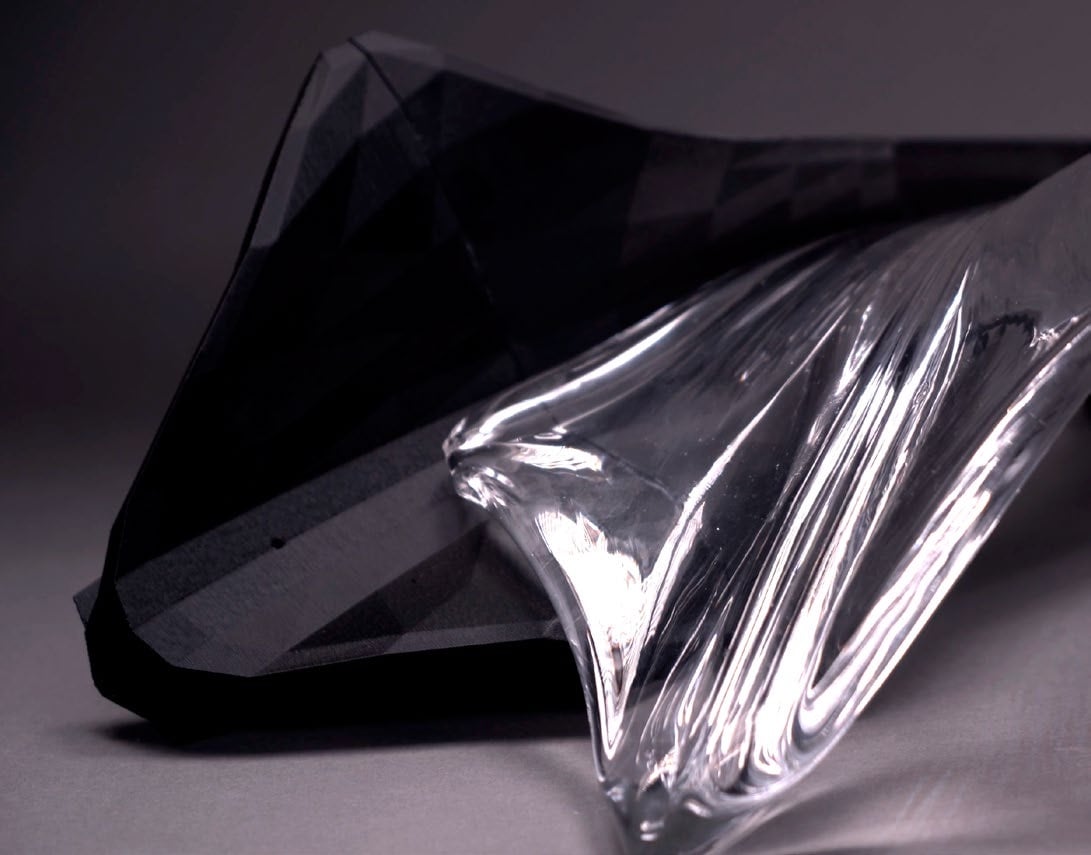
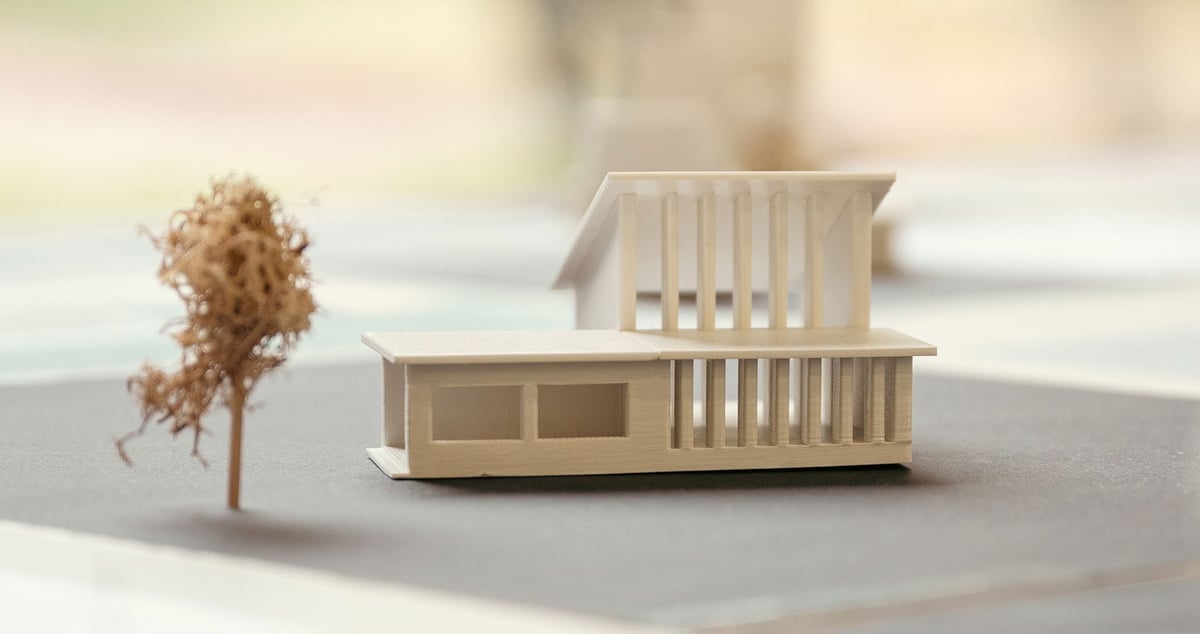
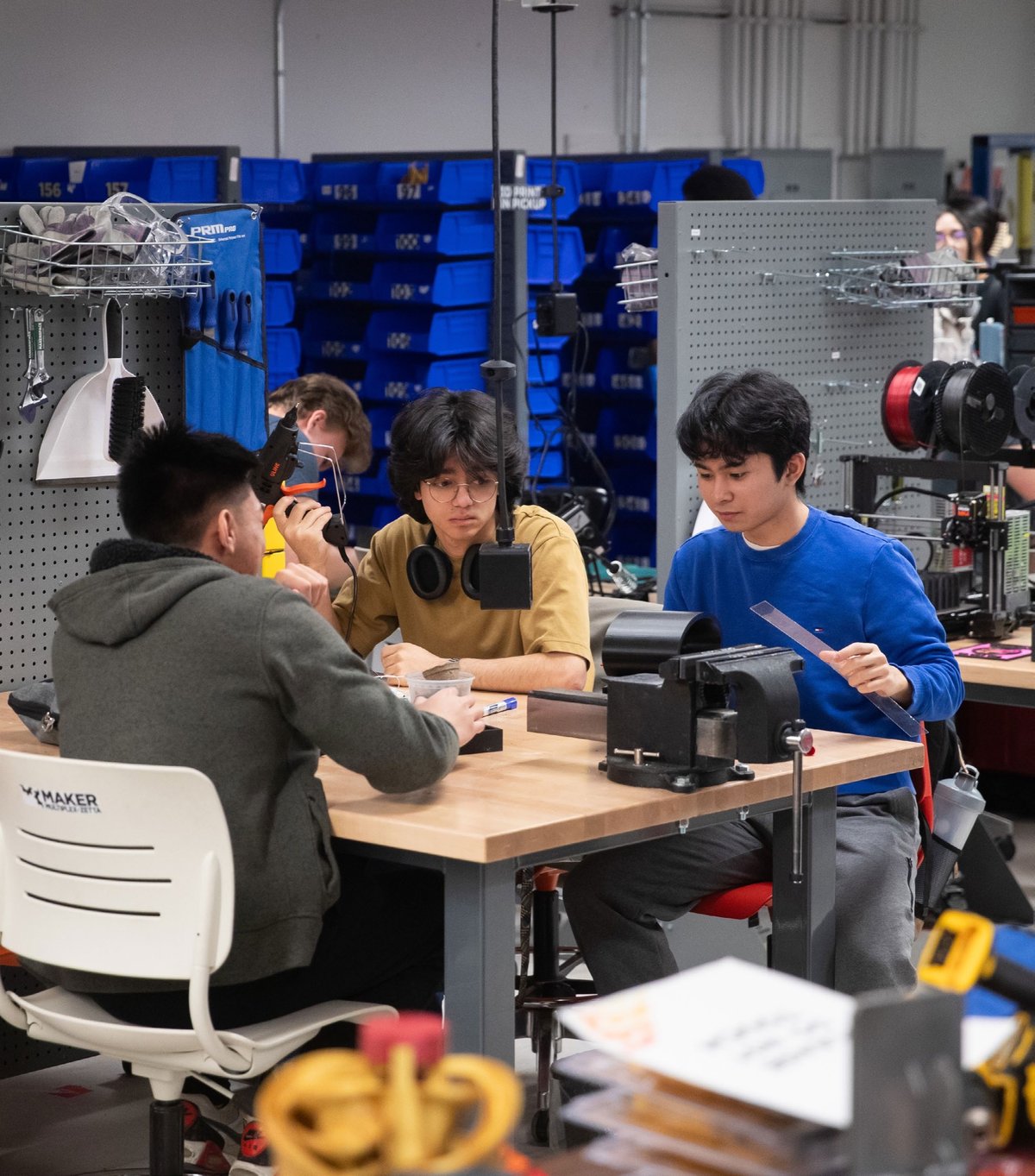
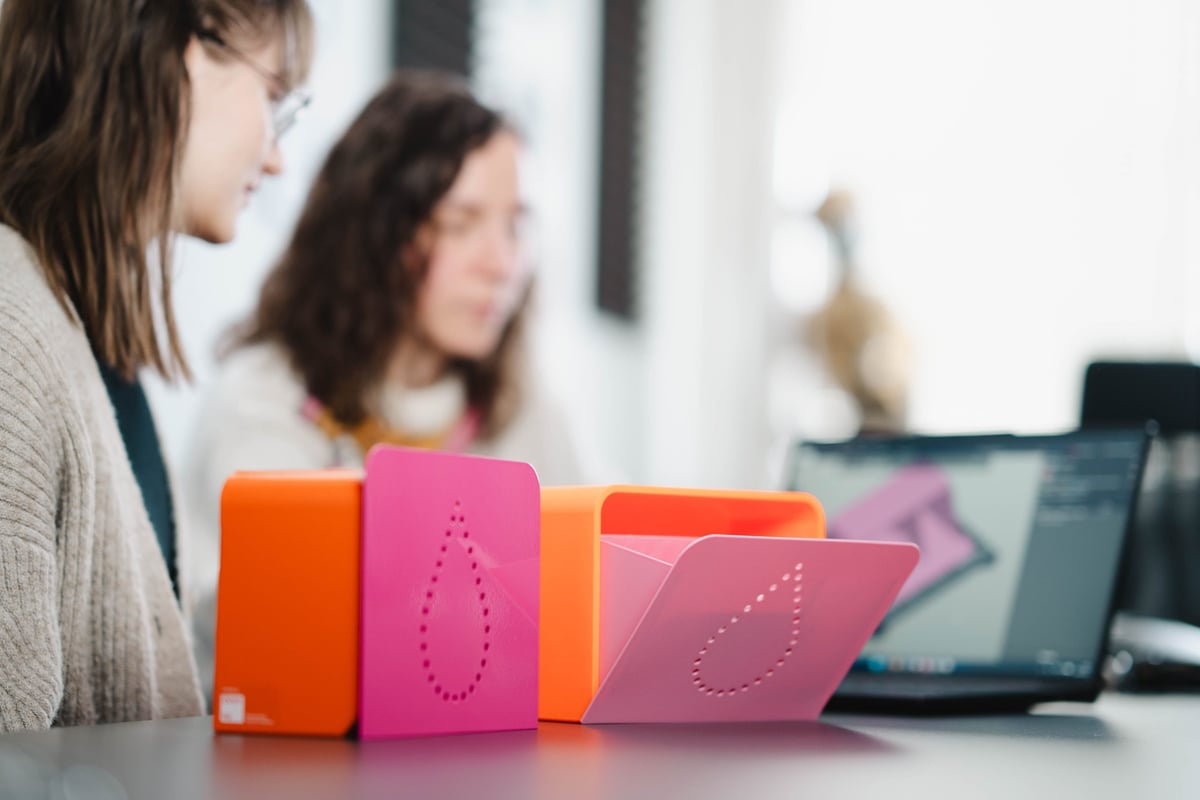
Trusted by 110,000+ businesses worldwide
Designed for companies that need high reliability and data security.














Dubai, UAE
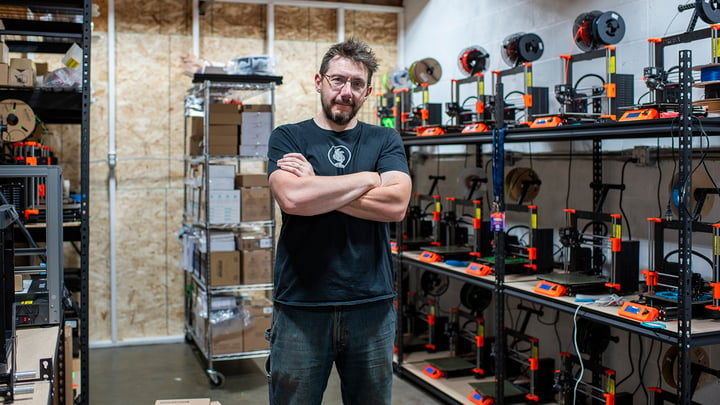
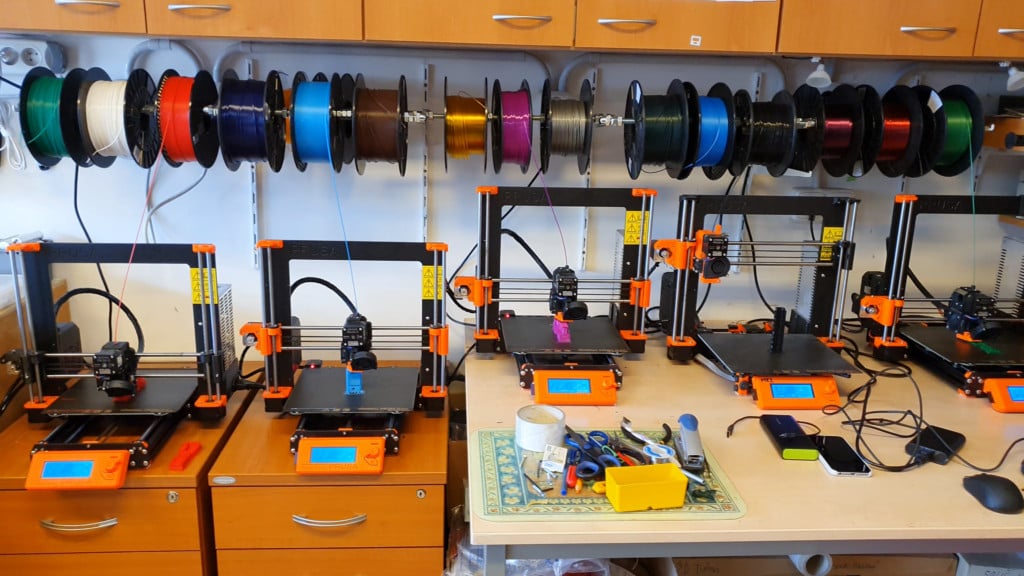
From one printer and a laptop to sixty machines.
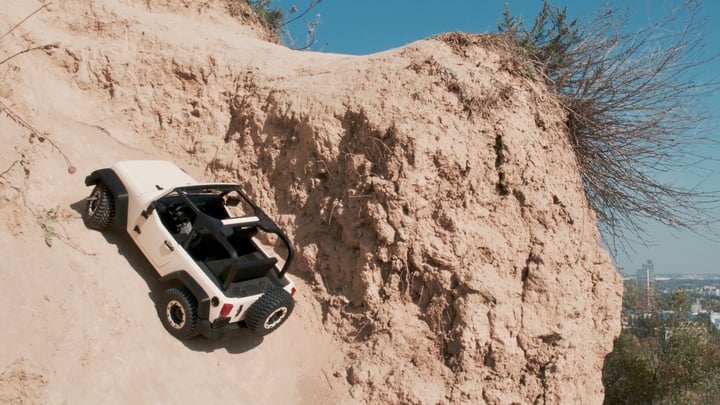
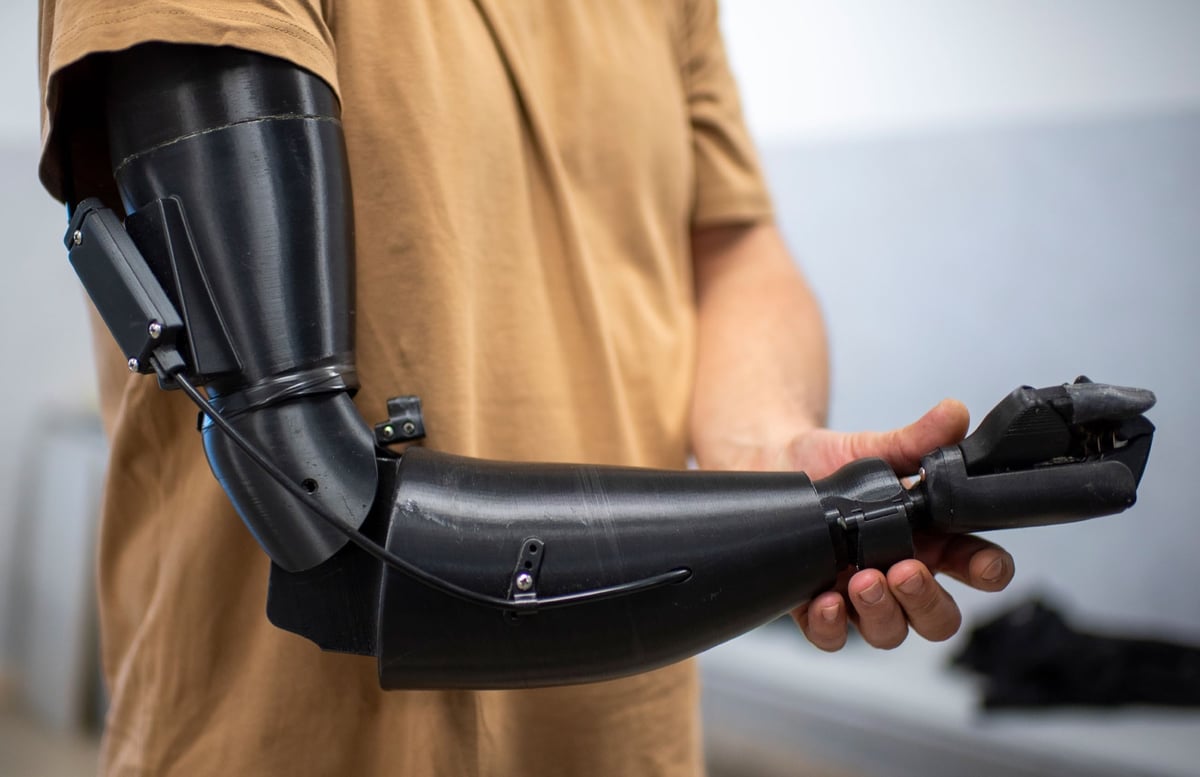
Film: Proto21 - Prototyping of 21st Century. Proto21’s workshop in Dubai: rows of Original Prusa printers at work, and the prototypes and architectural pieces they print for the workshop’s customers.


Senica, Slovakia
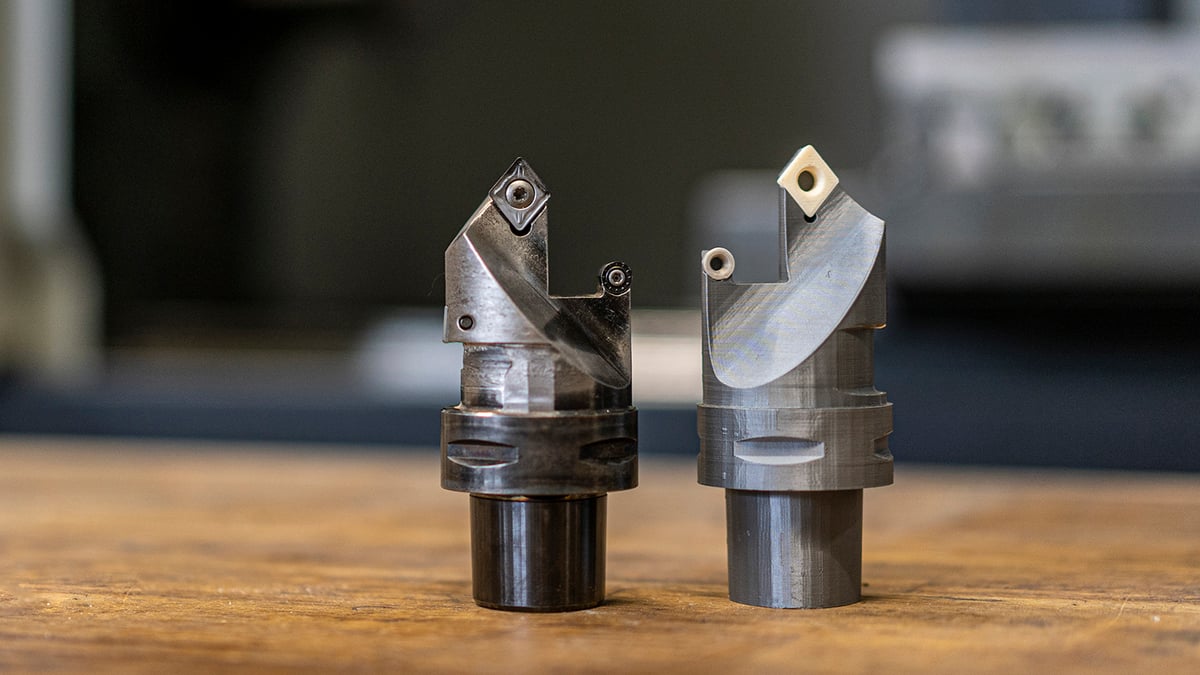
Eight weeks from a supplier. A day on a Prusa printer.
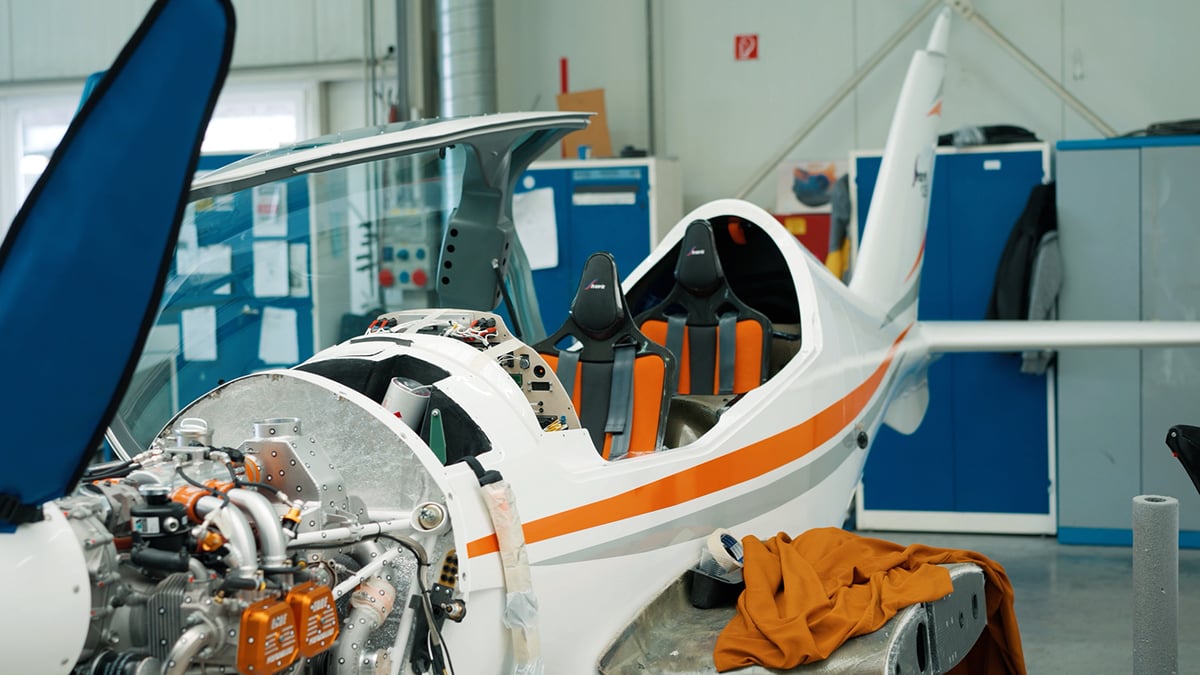
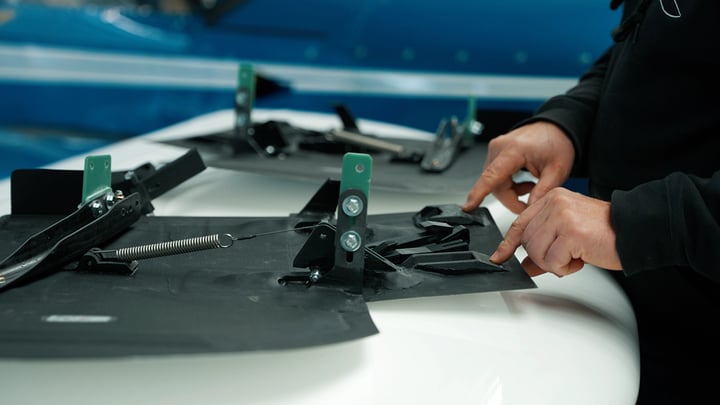
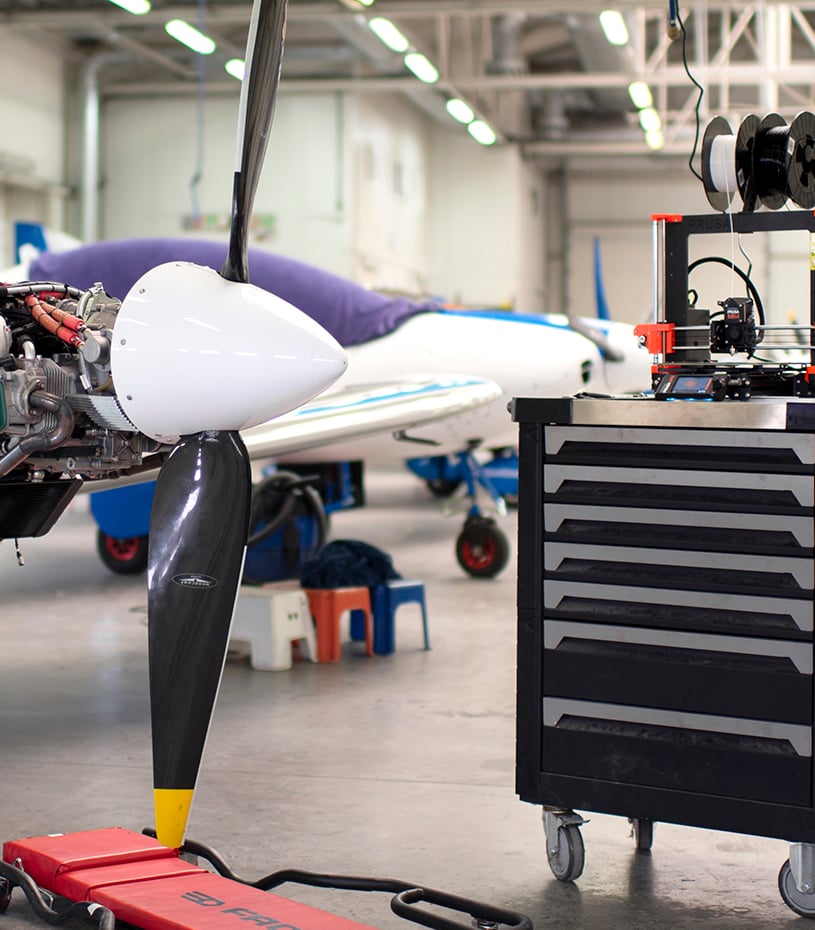
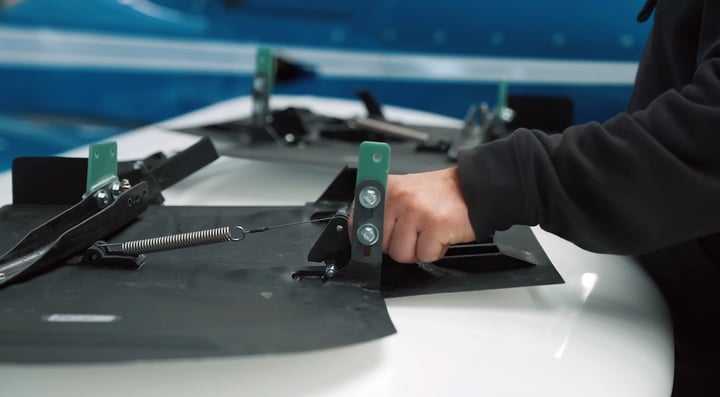
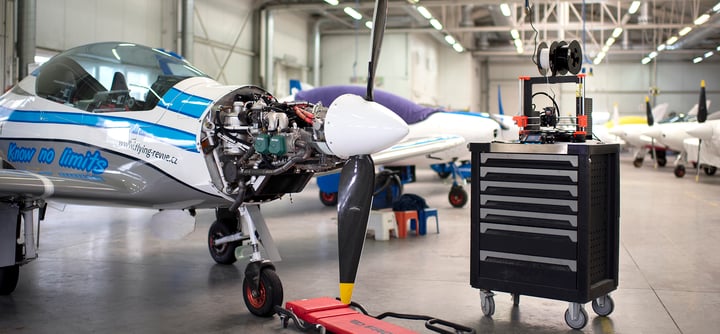
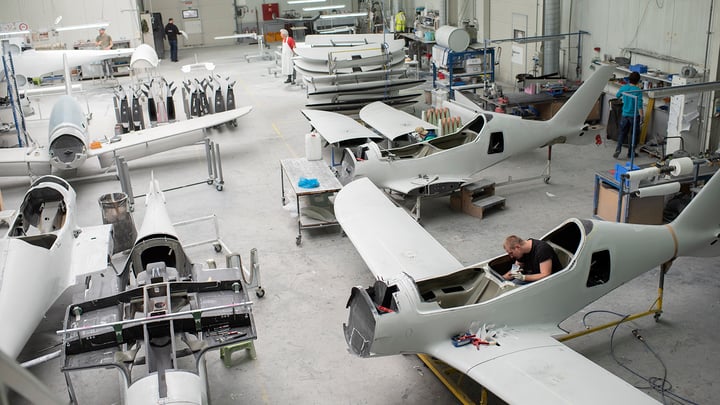
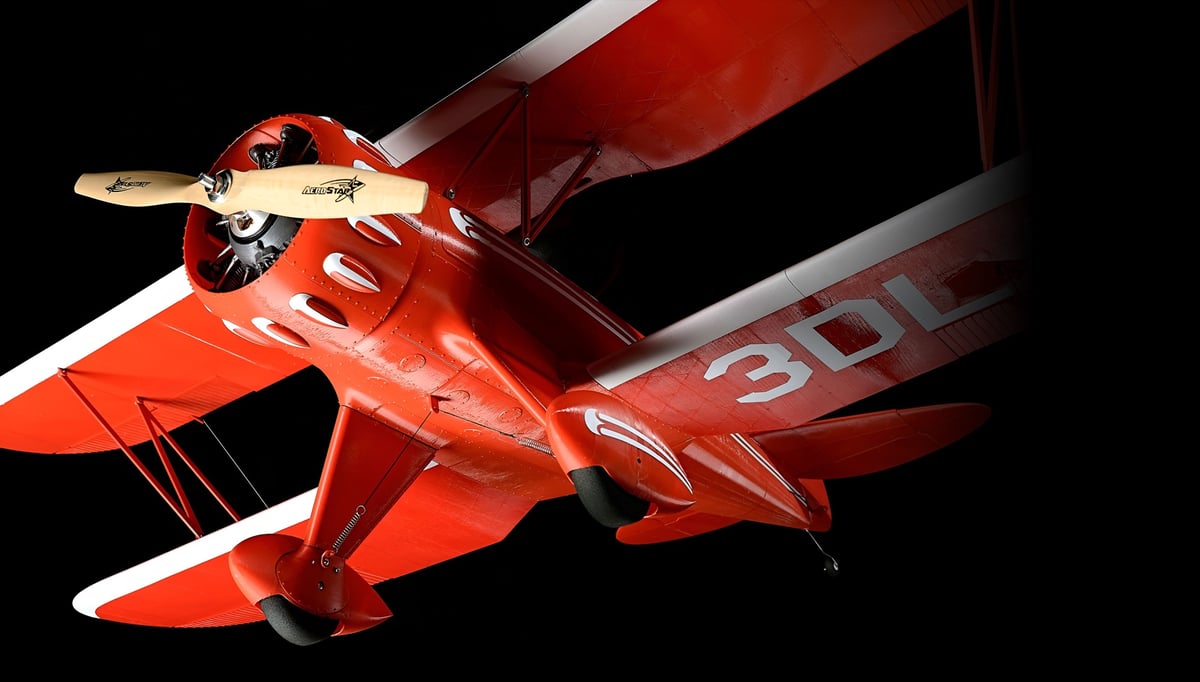
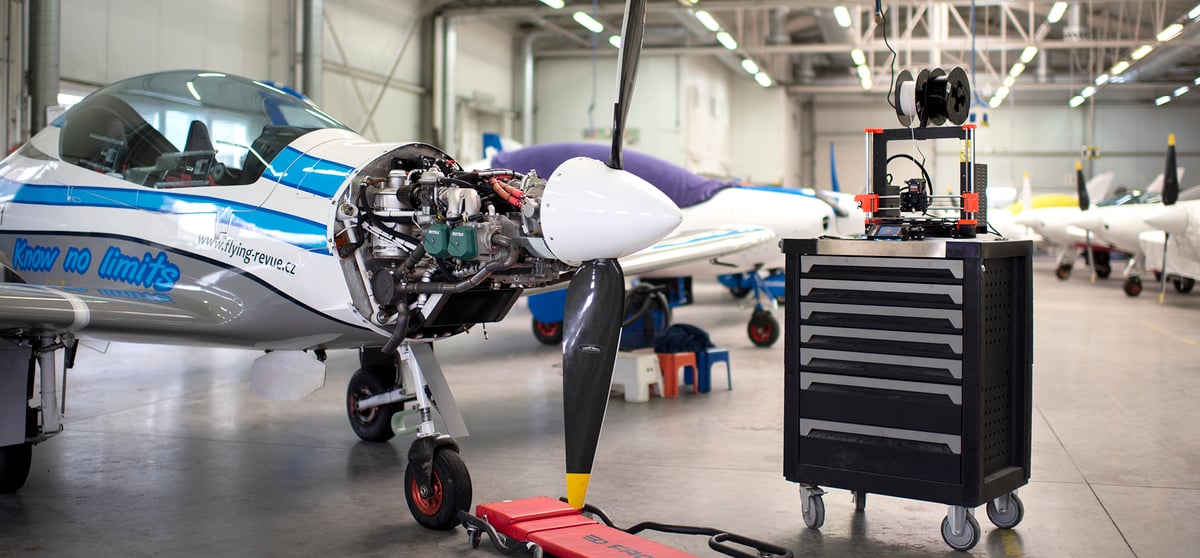
Film: SHARK.AERO: Where 3D Printing Meets Aviation. Inside Shark.Aero’s hangar: a printed cockpit fitting comes off an Original Prusa printer and is fitted to a carbon-fibre ultralight aircraft.

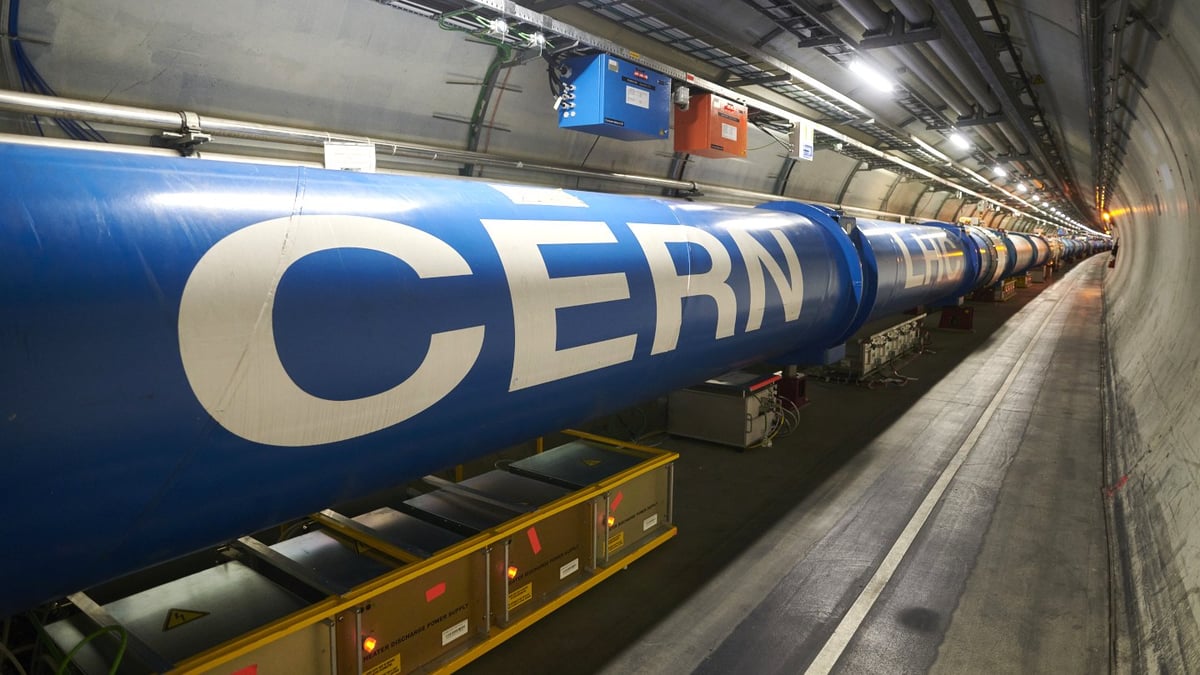
Geneva, Switzerland
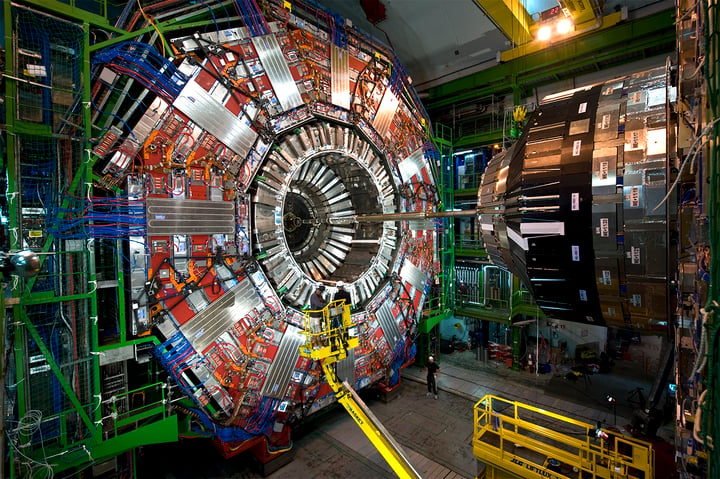
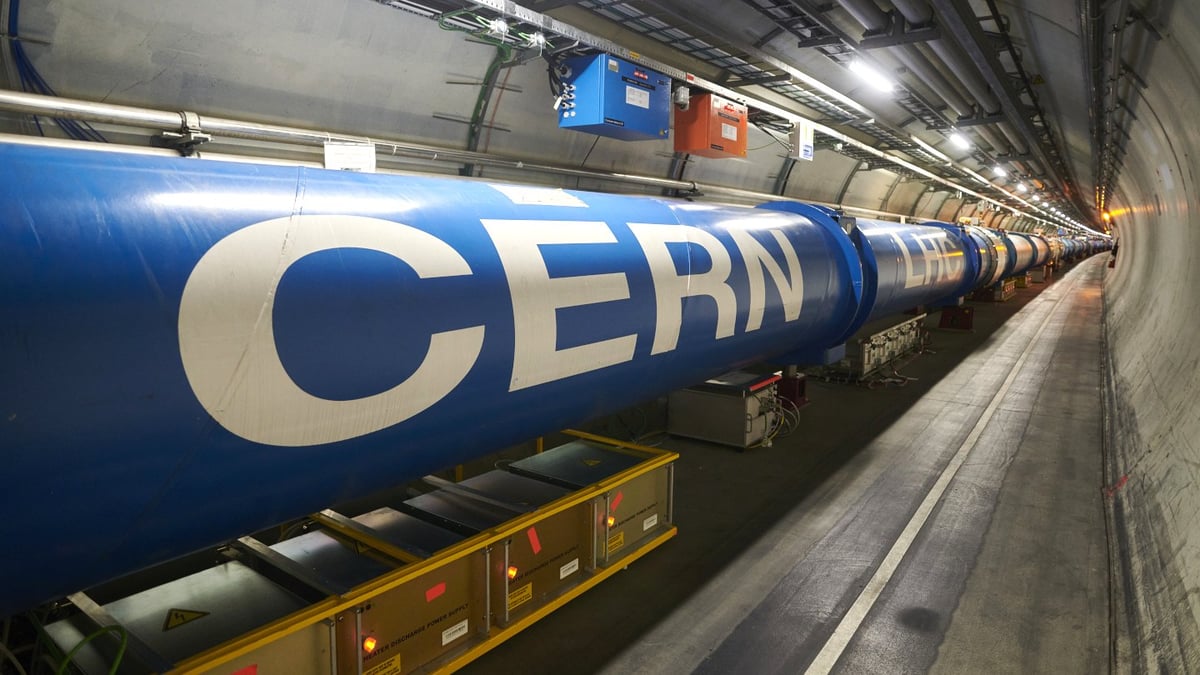
Printed on a Prusa. Fitted in the LHC tunnel.
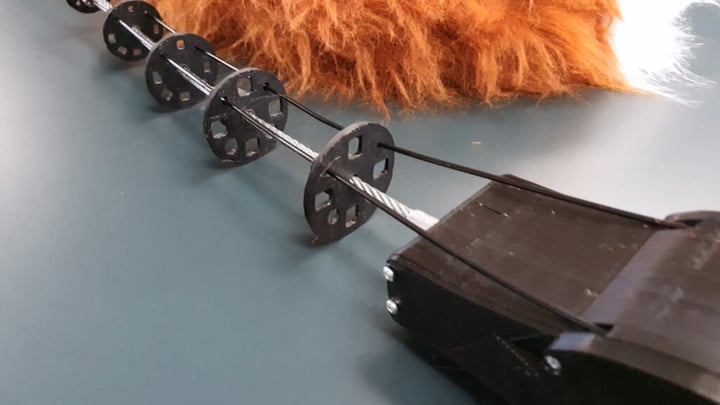
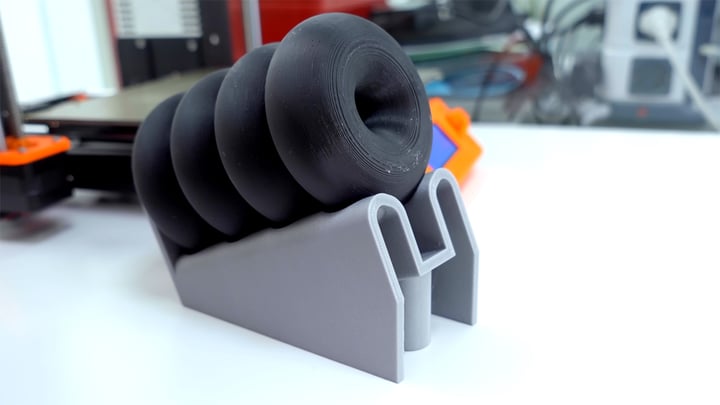
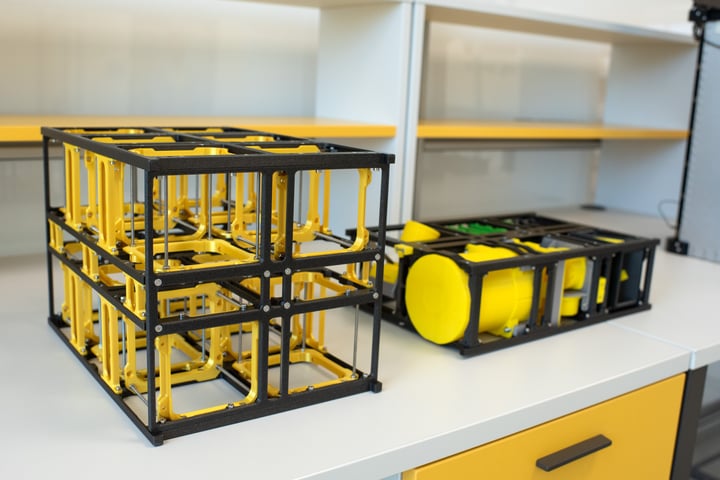
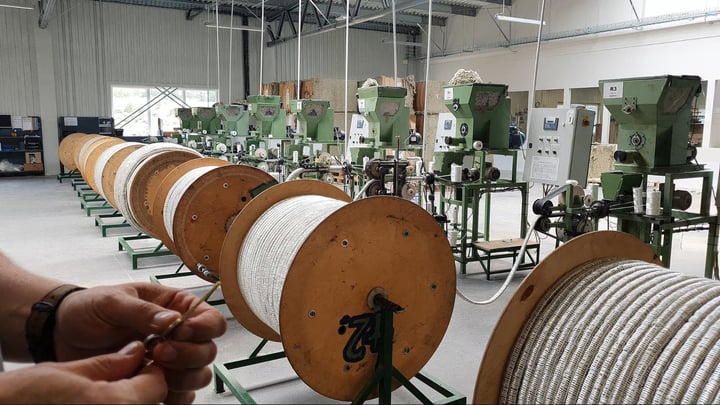
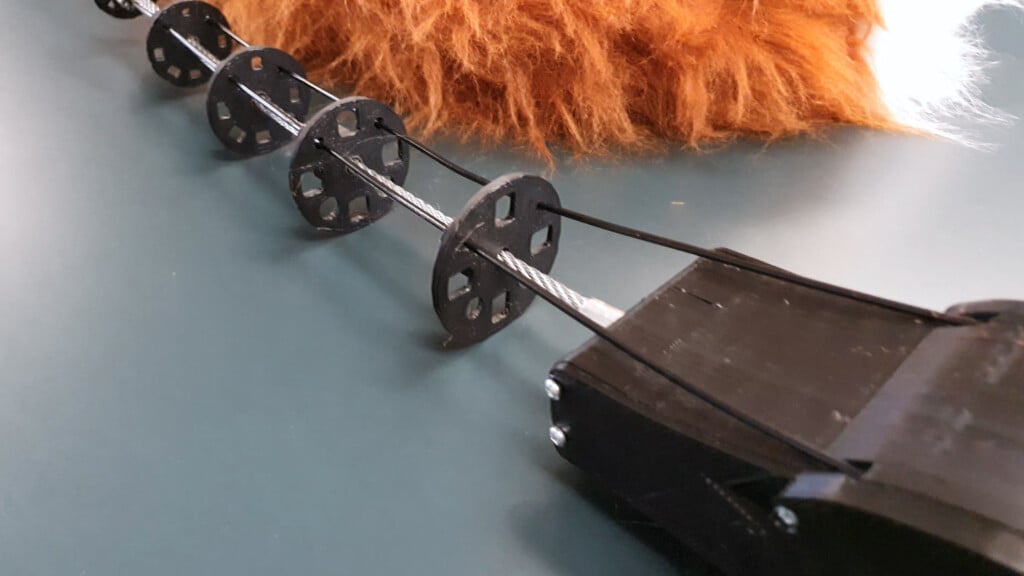
Film: CERN: Accelerating science with 3D printing. A printed bead carries a fragile measuring wire for 200 metres inside the Large Hadron Collider.
How we make our printers
From the first drawing to the test print on our floor. Hardware, software, and key parts come from our own shops in Prague and Delaware.

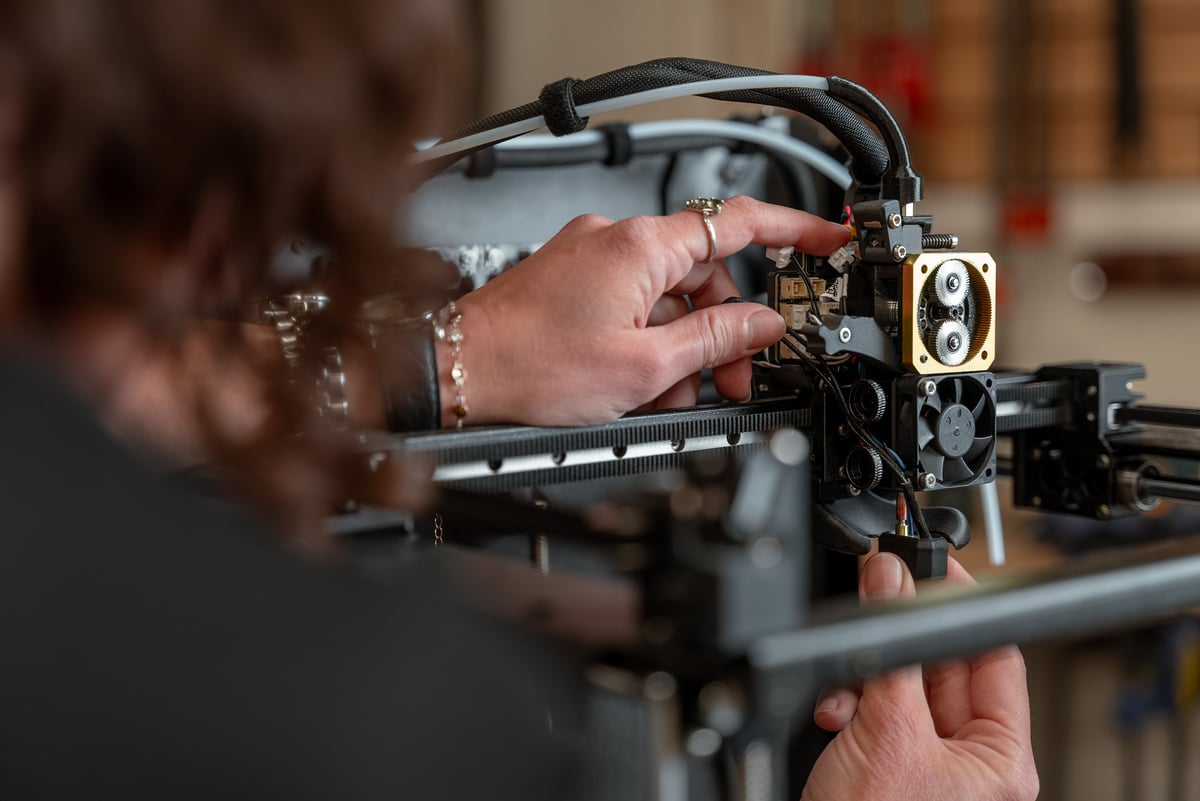
Made in Europe and the USA
Over 10,000 printers leave every month. We maintain full control over our manufacturing and supply chain. The same process on both sides of the ocean.

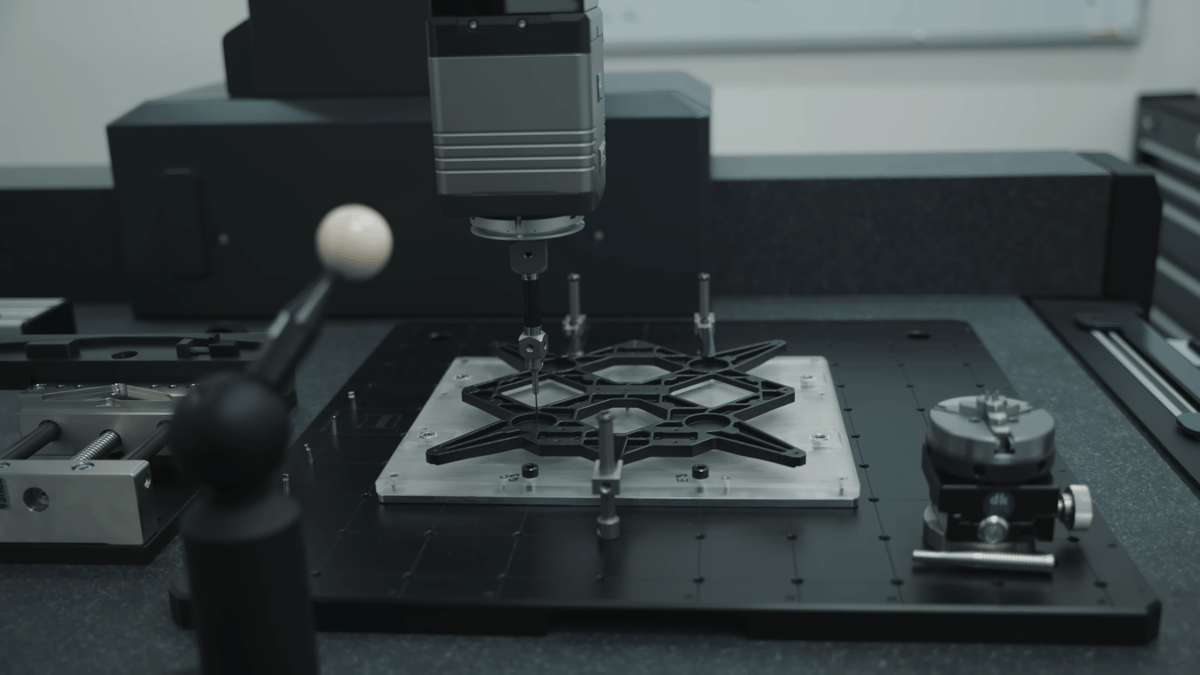
The benchmark for print quality and precision
Accurate dimensions, clean surfaces, and repeatable results, print after print. We test components, finished printers, and real prints throughout development and production.

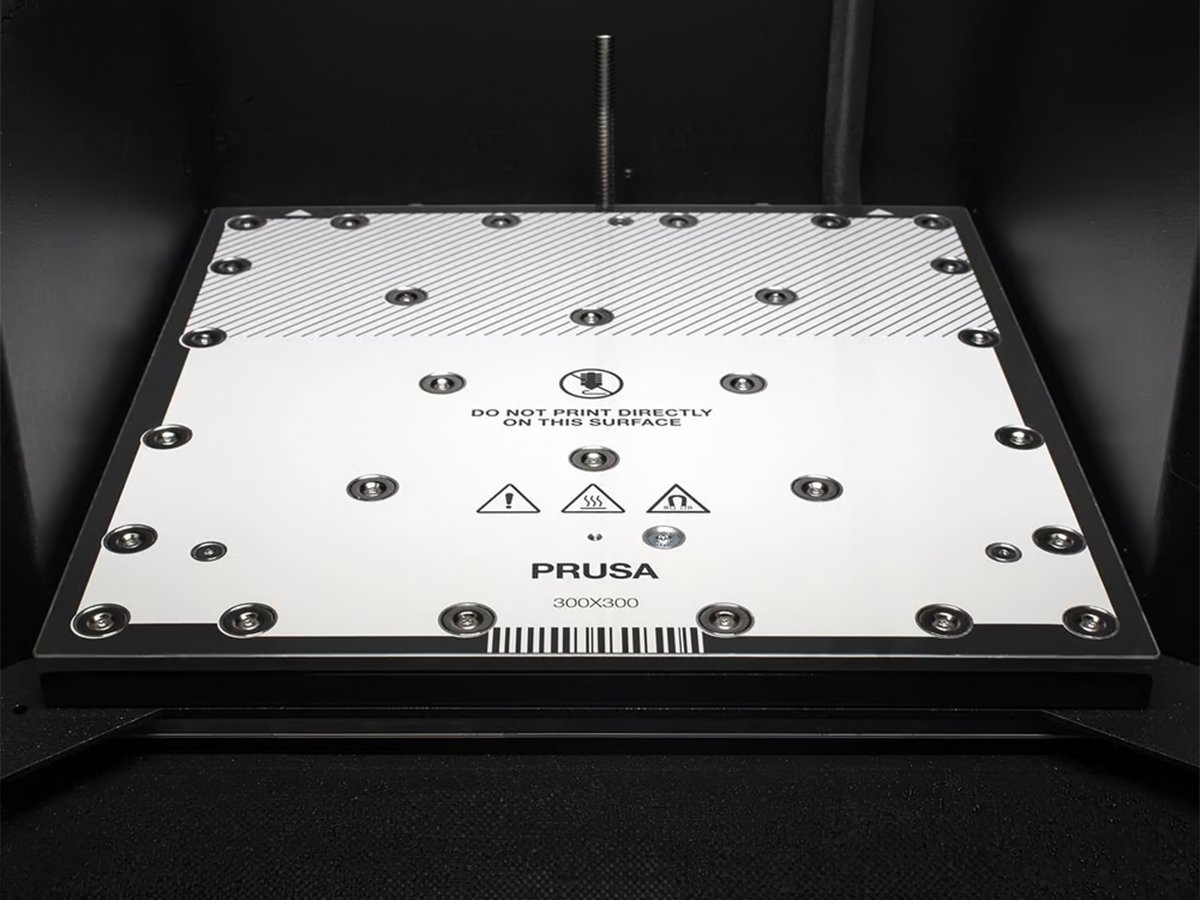
Built to last
Industrial-grade reliability. Nothing is glued. Everything comes apart with a screwdriver. With spare parts and long-term software support.

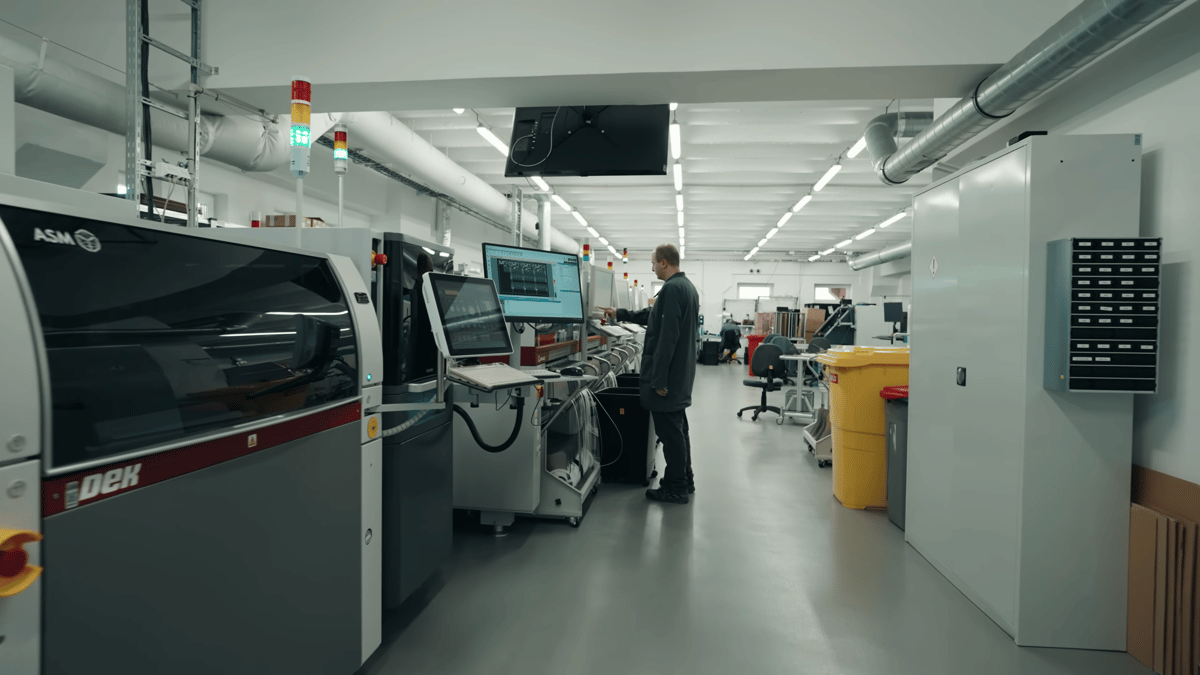
Electronics from our own line
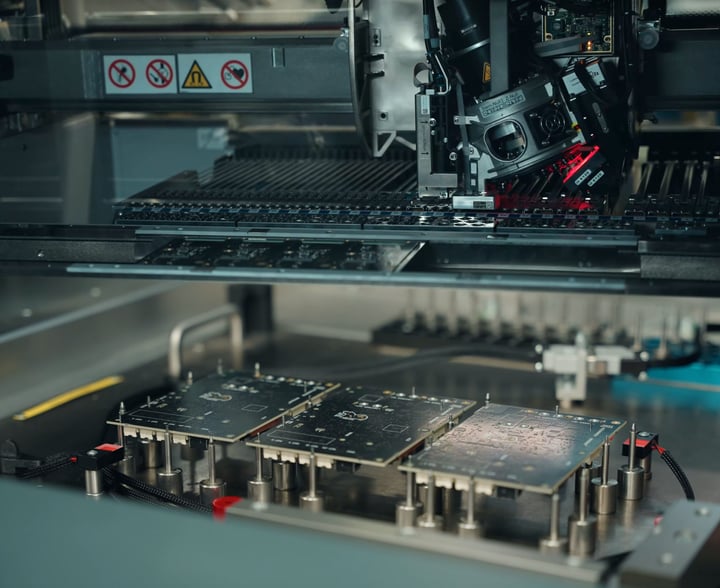
Our in-house SMT lines handle both prototype boards and full-scale production of our electronics.

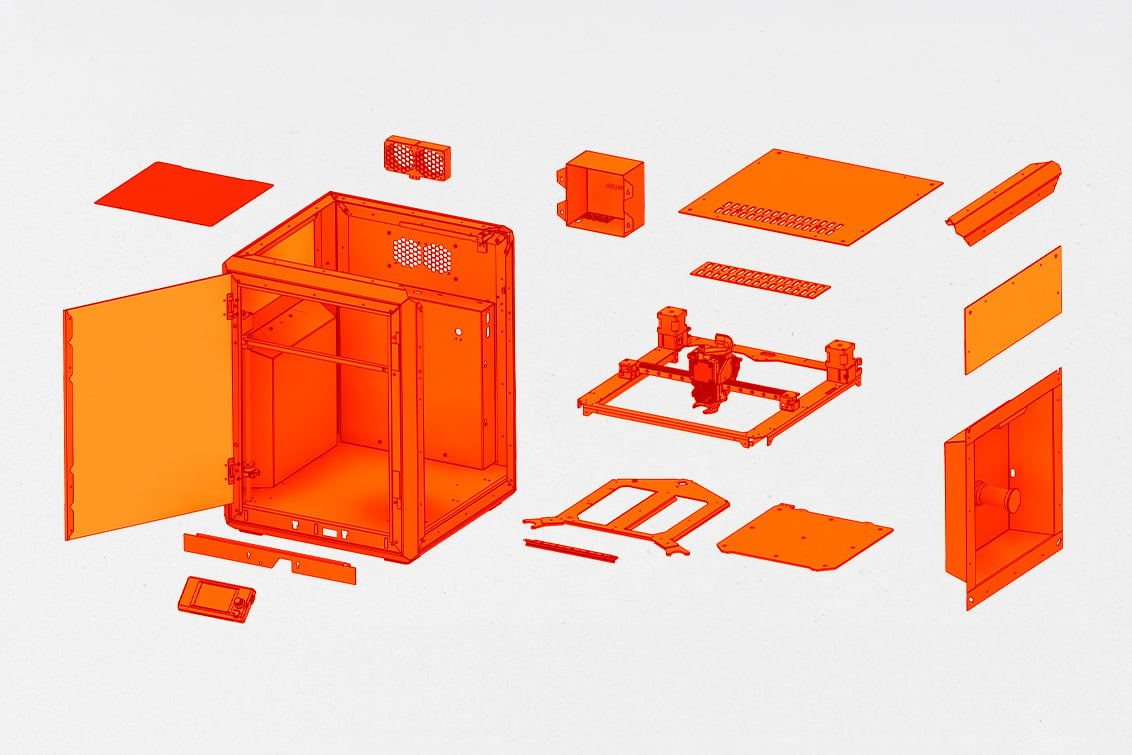
Open-source
Our firmware and PrusaSlicer (slicing software) are open-source which means the entire source code is available on Github for anyone to inspect it.

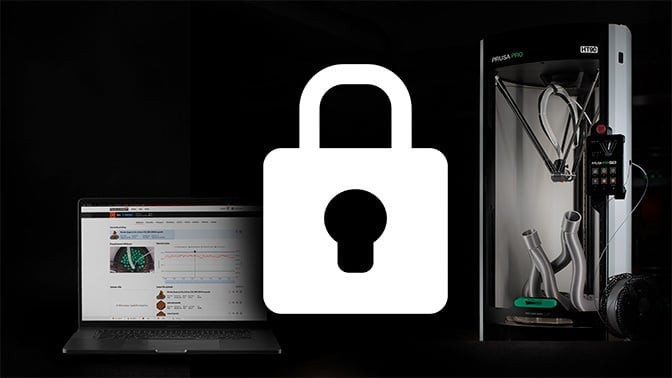
Secure and 100% private
We don't want to see your data. You don’t have to connect the printer to the network - not even once, and you can still enjoy the full experience without any drawbacks.
- Open source firmware and software
- Made in the USA and EU
- 60-day money-back guarantee
Reviews and awards. Independently tested.
 Red Dot AwardProduct Design 2025 · Prusa CORE One

The Prusa CORE One is the best 3D printer on the market for professional, enthusiast, and educational use.


Prusa literally transformed their classic i3 printer into a Core XY machine with more speed and all the outstanding quality we expect from an industry leader.

Overall, the Core One is a top-tier choice for those valuing quality, repairability, and user-friendly design, despite minor drawbacks like the dated UI.

The CORE One L is aimed squarely at makers, business professionals, and small-scale production users who want reliability and precision.

XL is a printer for those who want to print constantly without worry. Good job, Prusa! You make good things.

If you are seeking the absolute best print quality on a machine that stands alone in its capabilities for multi-material or multi-extruder size, the XL delivers.
Take the next step. We’ll help you choose.
Enterprise & engineering
Not sure which one?
Ask a real person.
Tell us what you’ll print; we’ll help you to find the best option. 24/7, in seven languages.
E-Book: Basics of 3D Printing
Get our free 60+ page e-book. Discover how the technology works.
What you’ll find inside:
- 60+ pages of practical 3D printing knowledge.
- Step-by-step overview of the complete printing process.
- Material guides and slicing tutorials.
By clicking the button, you agree to receive the Prusa newsletter (opens in a new window) and have your personal data processed. Prefer a printed copy? You can also purchase the book (opens in a new window) in our online store.
This site is protected by reCAPTCHA Enterprise and the Google Privacy Policy (opens in a new window) and Terms of Service apply.
Frequently asked questions
For your first print, the home, the workshop, the fleet and the classroom.
MSLA resin printers, like the Original Prusa SL1S, can produce extremely fine detail, which makes them great for miniatures, jewelry, dental models, and other small precise parts. The trade-off is a messier workflow: uncured resin is sticky, prints need to be washed and UV-cured, and handling requires more care.
Unless you specifically need the extra detail of resin printing, FDM is usually the more practical choice.
The beginners' courses are free for customers who purchase the assembled variant of that particular printer.